Question
Photo hidden behind toolbars
Hi,
My photos gets partly hidden behind my toolbars on the right side of the screen by default.
Anyway to fix this so the full image shows in the workspace?
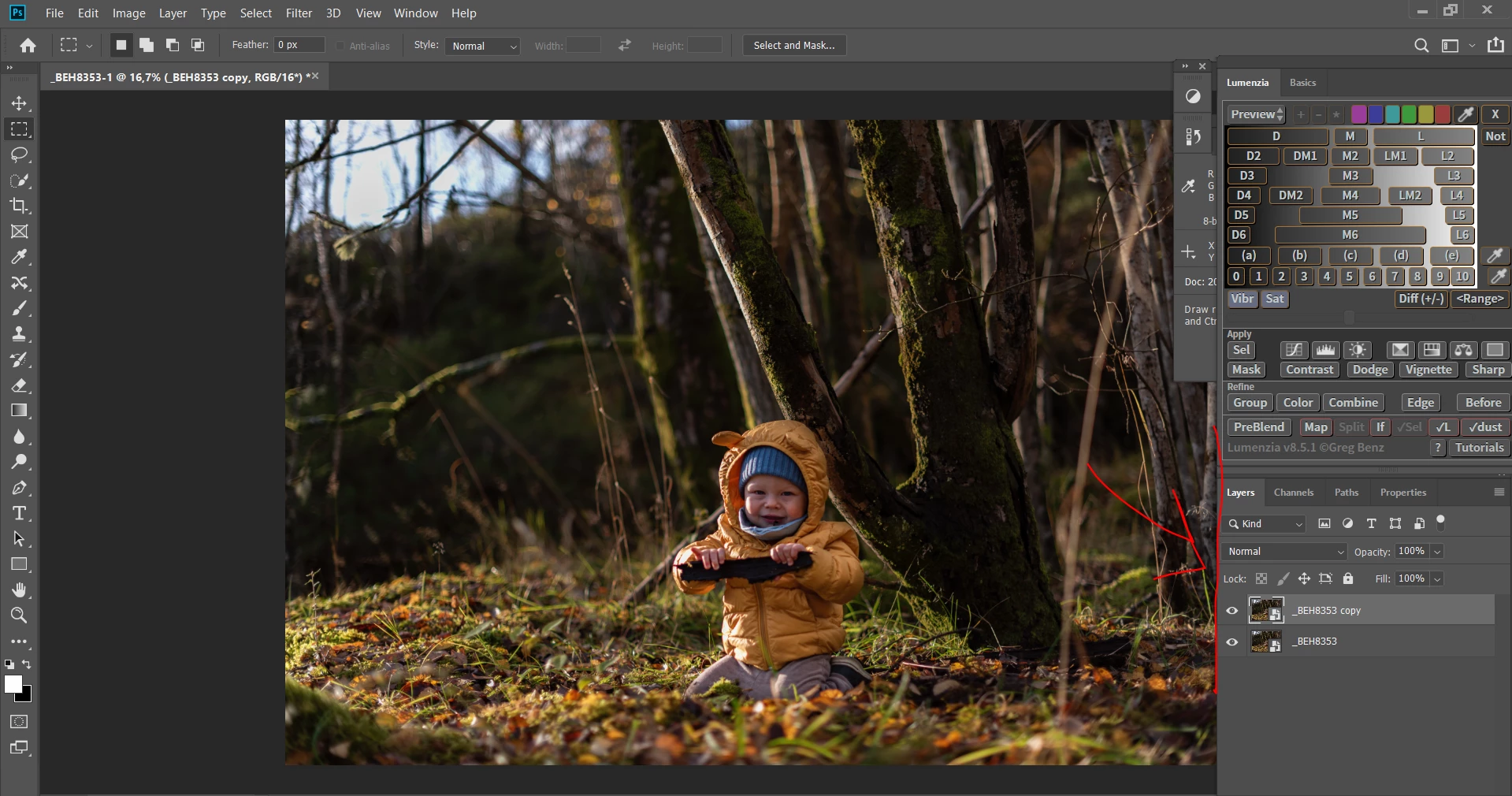

Hi,
My photos gets partly hidden behind my toolbars on the right side of the screen by default.
Anyway to fix this so the full image shows in the workspace?
Already have an account? Login
Enter your E-mail address. We'll send you an e-mail with instructions to reset your password.
 AdChoices