Participating Frequently
November 25, 2016
Question

Photo Re-coloring

  • November 25, 2016
  • 5 replies
  • 355 views

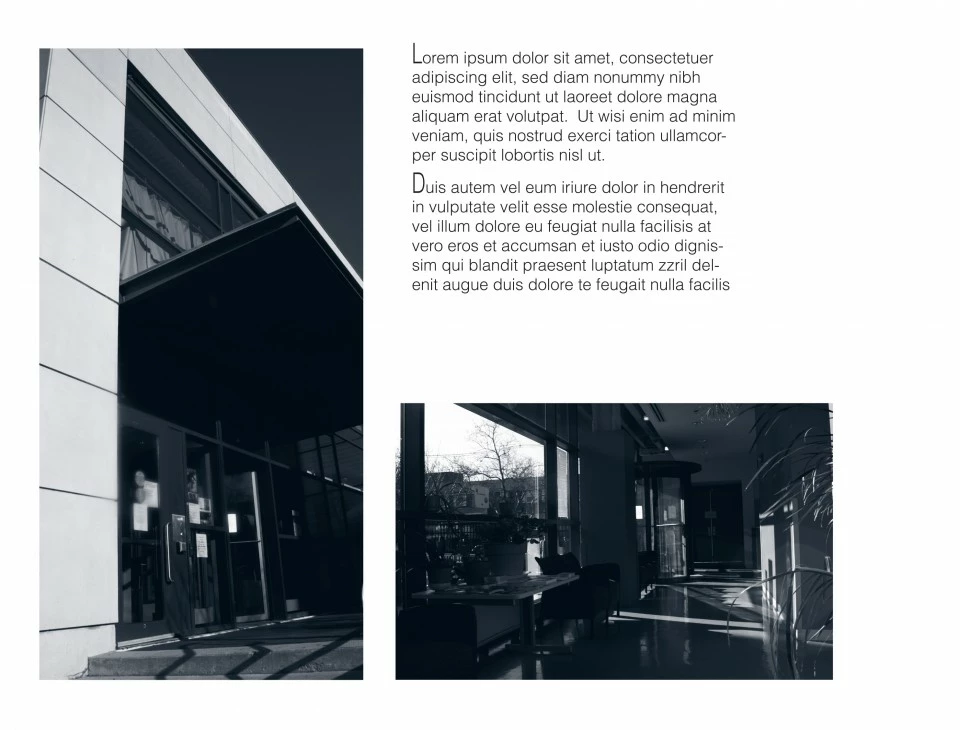
HI I have a image i converted to graycale and I like to add colors to it. The colors that Id like to use are PMS Cool Gray 9, and PMS 433 Dark Grey. I have these colors added to my swatches but idk how to use them in an image.  The image on the right is before and on the left is an example with the colors I mentioned. How do I do this                                                                                                                                                                                                                                                            .  
    This topic has been closed for replies.

    5 replies

    davescm
    Community Expert
    Community Expert
    November 26, 2016

    Hi - try this

    1.Switch to image mode grayscale.

    2. Switch to image mode duotone

    3. In duotone options set your colours. I have used pantone 433C and 9c as I had them loaded

    4. Click on the curves icons in the above dialogue and adjust as required

    Dave

    postrophe
    Inspiring
    November 25, 2016

    Hi

    You might as well search Google for : photoshop CC, create a duotone photo

    Pierre

    Derek Cross
    Community Expert
    Community Expert
    November 25, 2016

    Ensure you're in the RGB color mode.

    Participating Frequently
    November 25, 2016

    Under adjustment layers, try Gradient Map. See if that will work for you.

    Derek Cross
    Community Expert
    Community Expert
    November 25, 2016

    Experiment with blending modes.