
Answered
Photo Shop CC18 Move Tool Not Working
Hi, I'm very frustrated with this latest version of photoshop in that it's killing my productivity because I can't get the move tool to work.
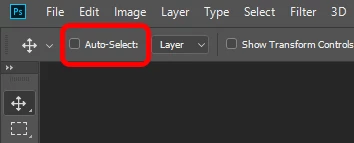
I select a layer, and try to move it, and it doesn't move. It does select 1 or more additional layers, including the original layer I was attempting to move. It will also grab and move one of the layers it decides to grab, but not the layer I'm trying to move. If I hide all of the other layers, I can then move the selected layer, but that's the only way I can get it to move a selected layer.
I know this is NOT operator error, as I've seen others post about the same issue.
I have tried resetting my preferences to no avail.
Please fix this Adobe.
Thanks
Mike
 AdChoices