Participant
November 23, 2020
Answered

Photohop 2021 Masking issues

  • November 23, 2020
  • 2 replies
  • 702 views

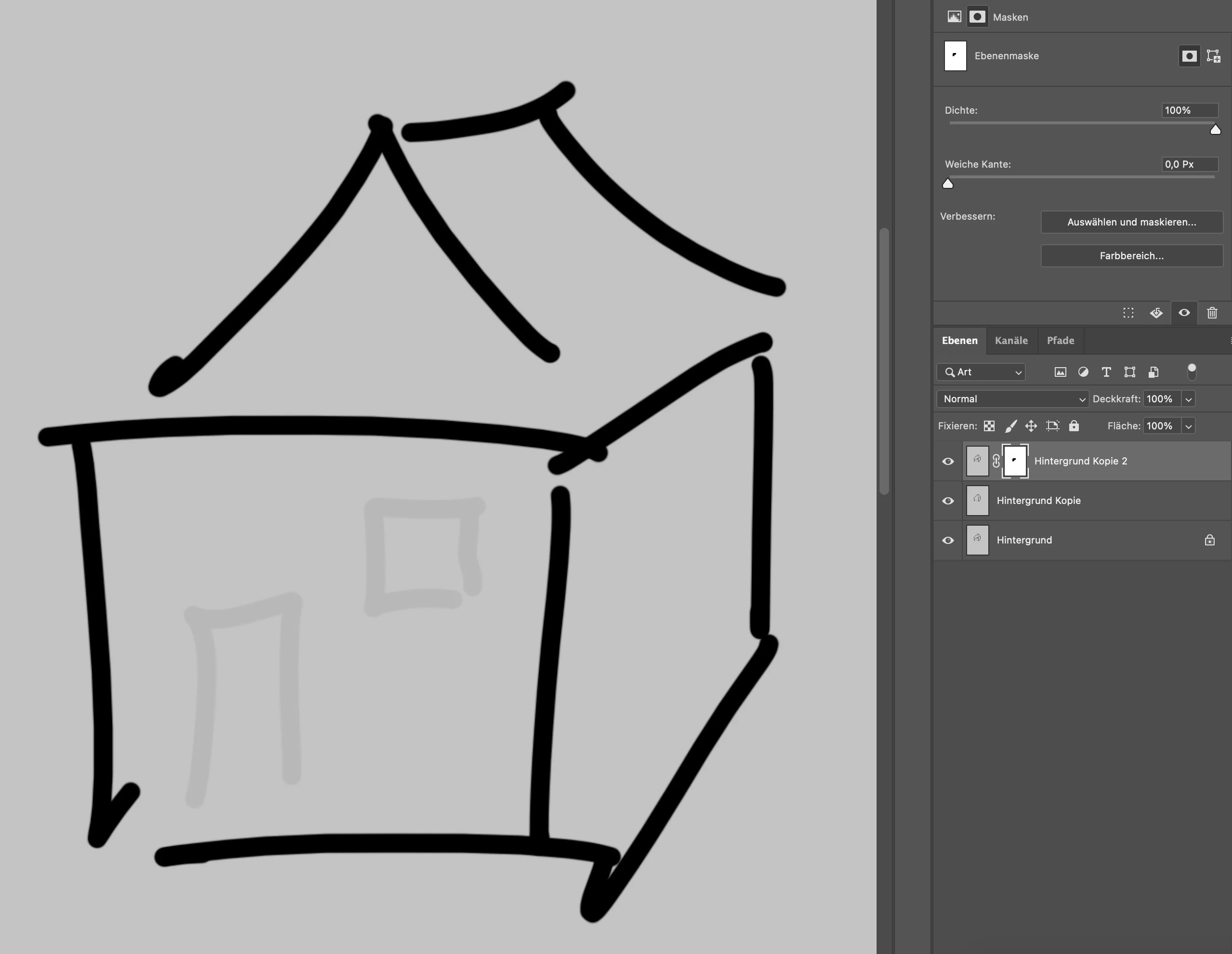
Since the newest photoshop version, masking isn't working properly anymore.

When I use the brush or filling tool with 100% black, the part of the layer i wanted to mask out is still slightly visible.
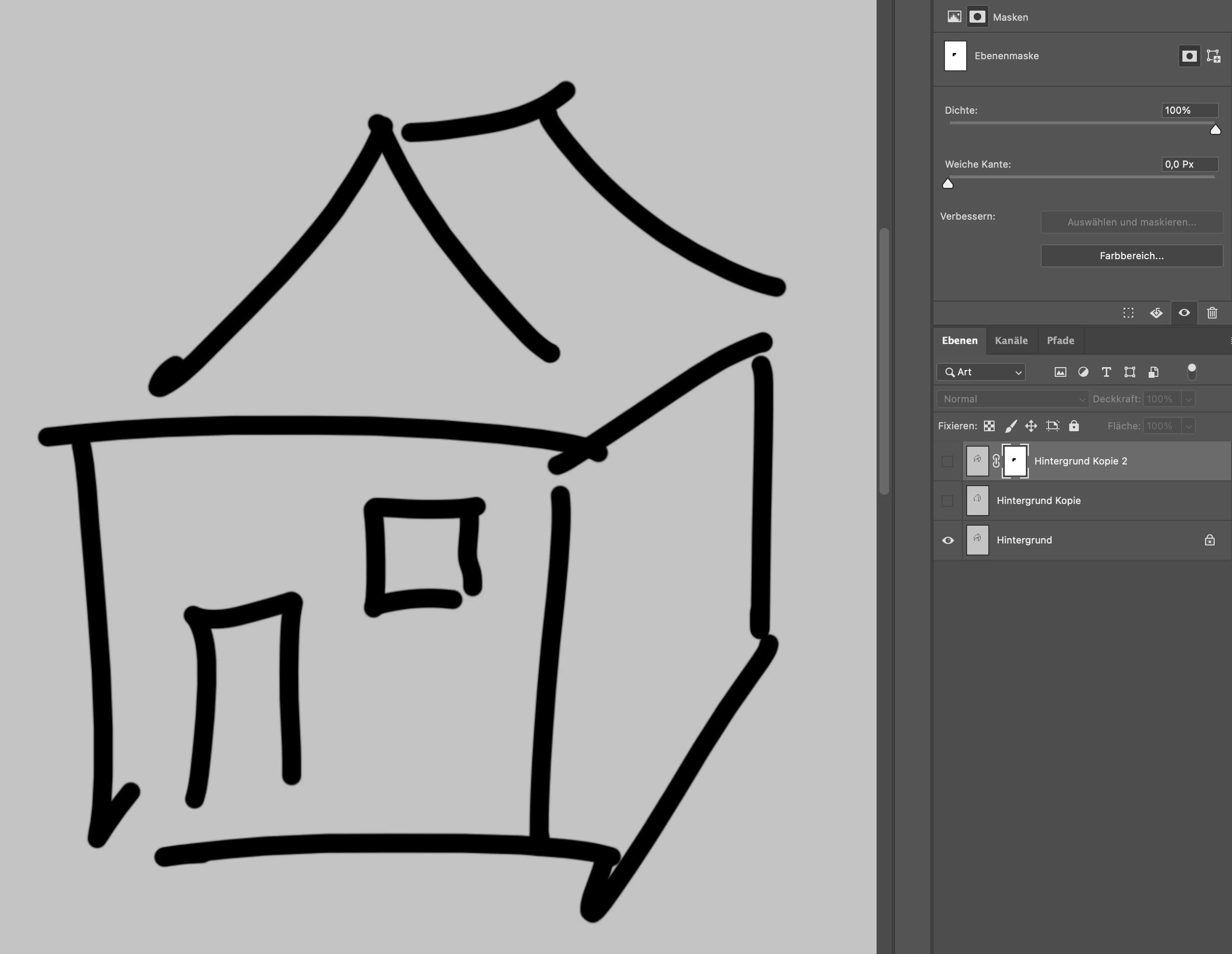
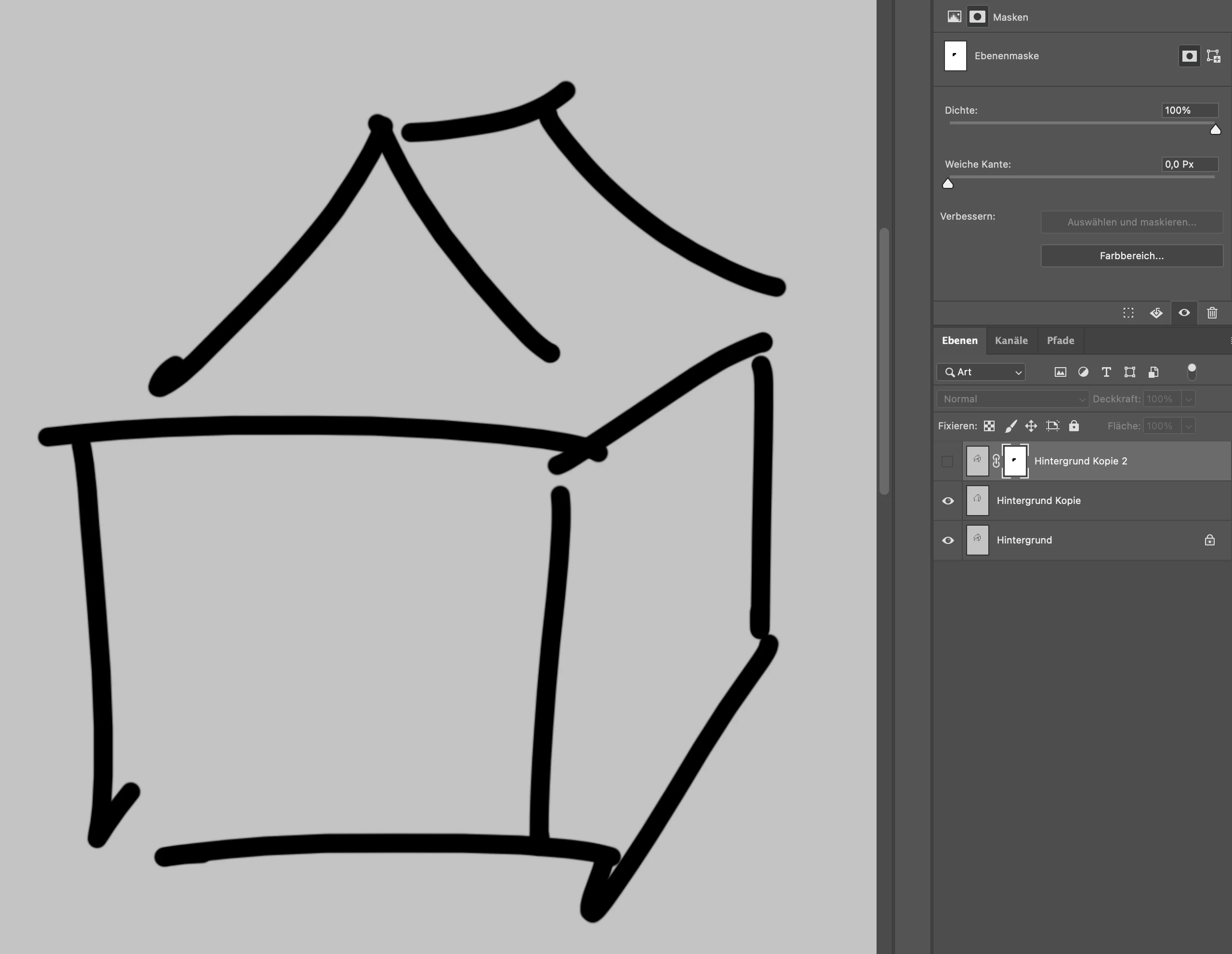
When I switch to the channels and use the brush again, it's finally at 100% and therefore invisible.
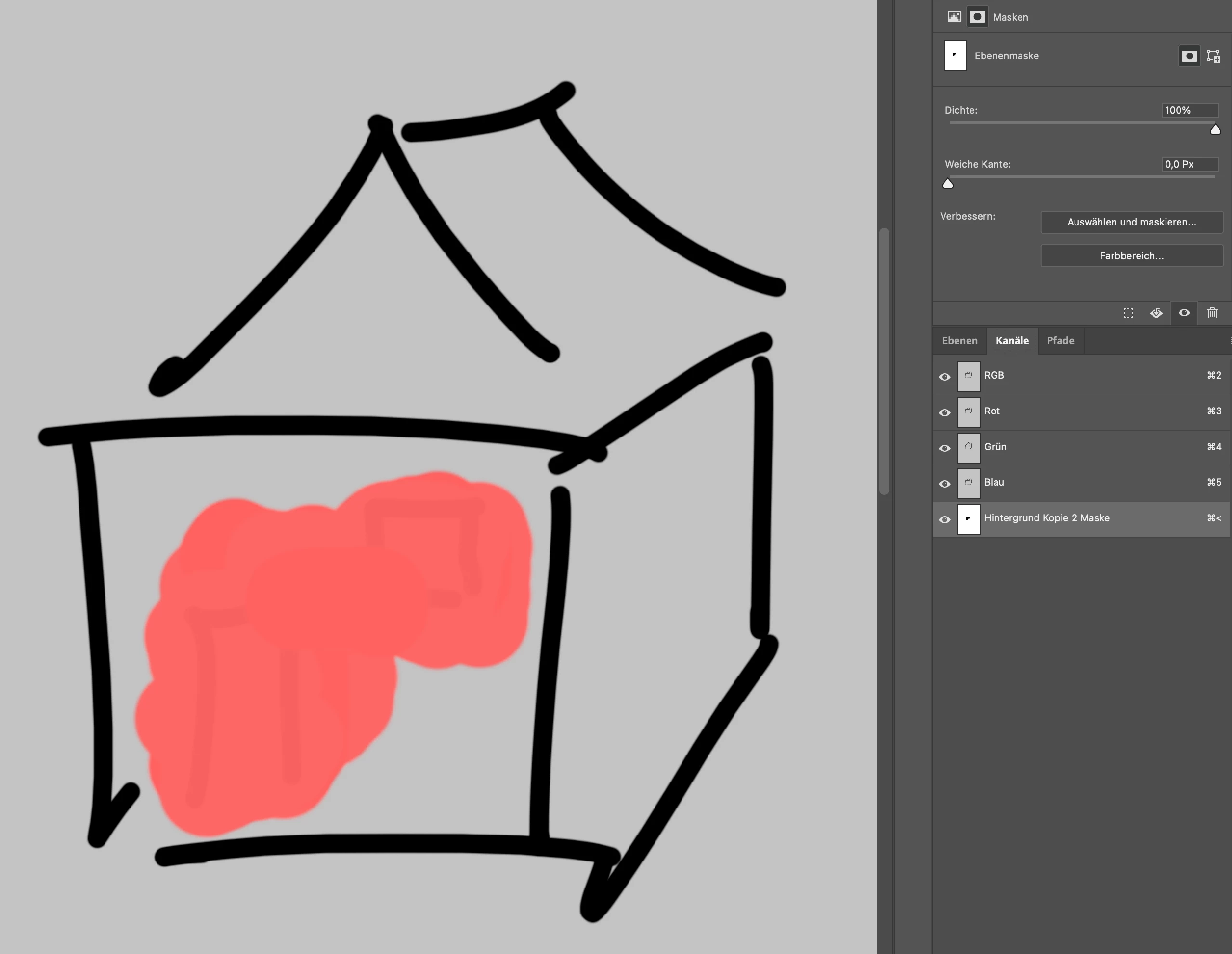
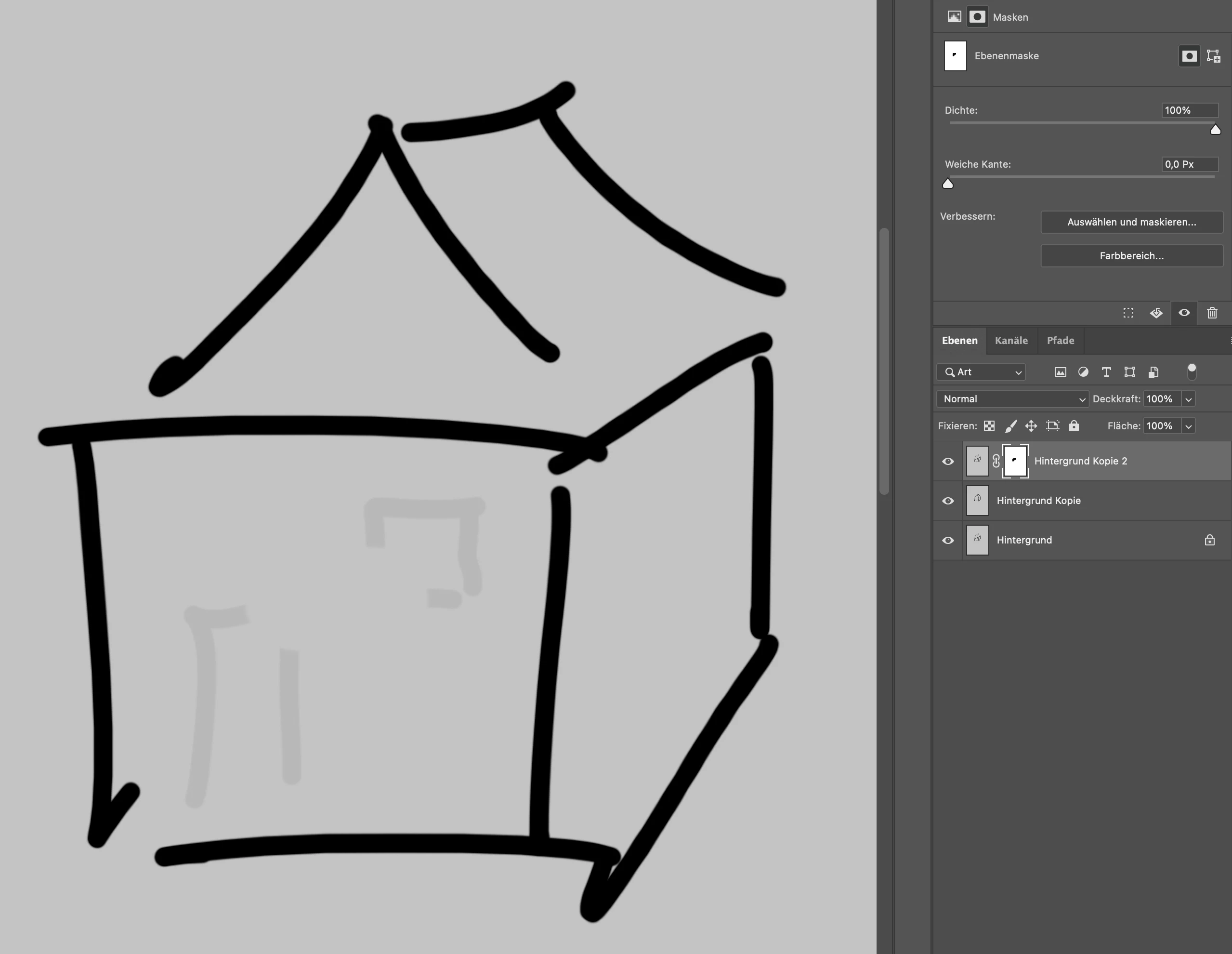
But switching back to the layers and painting again with 100% black, it reappears...
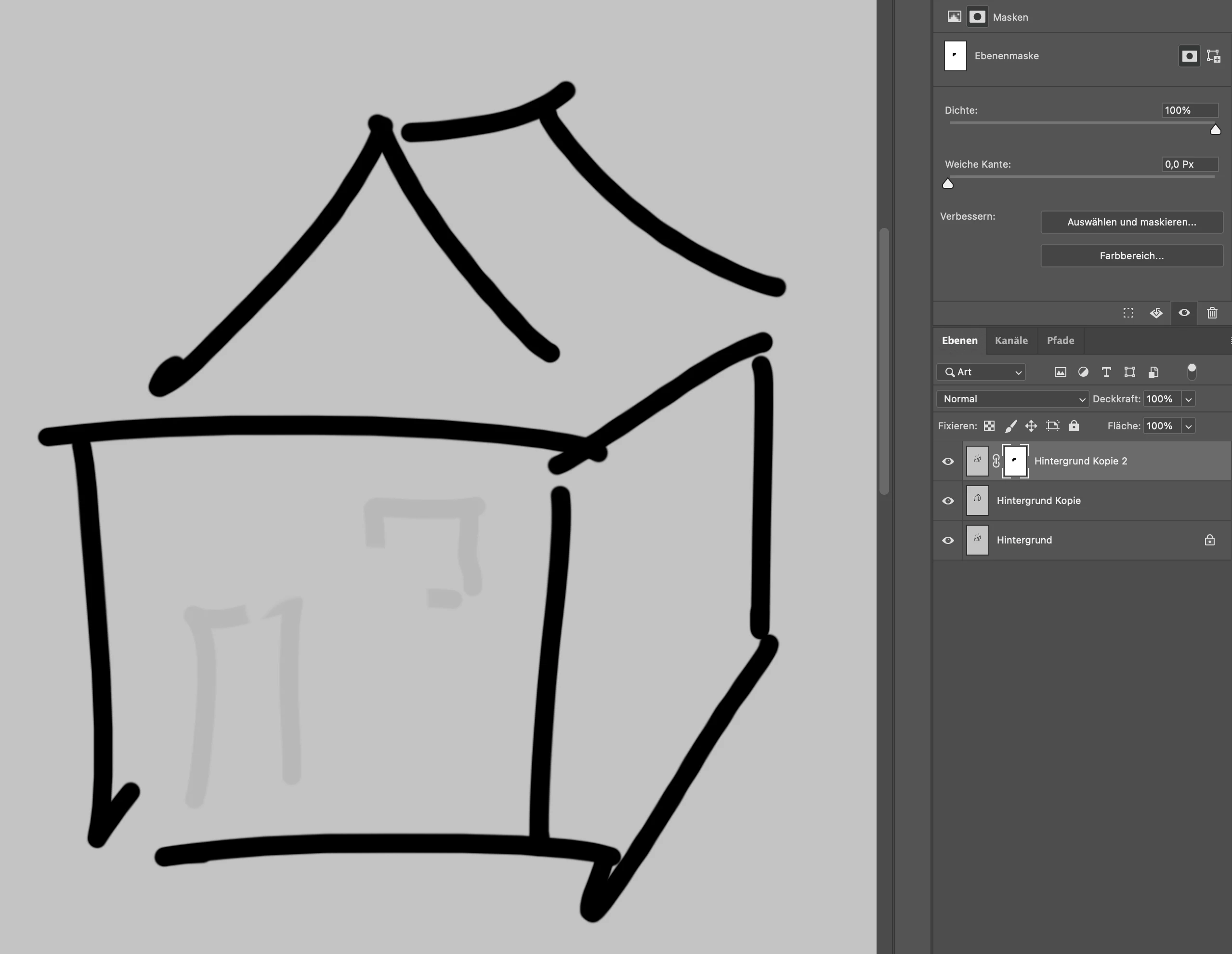
I've checked everything, the creative cloud is up to date, so is the iMac - since today I'm working with macOs Big Sur - still the same issues. Right now I have to work with the old 2020 version to avoid this problem.

Anybody got an idea?

Thanks for your help.

This topic has been closed for replies.
Correct answer c.pfaffenbichler

Have you reset the Fore-/Background Color by hitting D? 

2 replies

JJMack
Community Expert
Community Expert
November 23, 2020

Turn off the visibility of the lower layers make sure what you are seeing is not being blended in. You may have some low opacity pixels in the masked layer.

JJMack
Participant
November 23, 2020

It's fixed - but thanks for your help anyway 🙂

Cheers

c.pfaffenbichler
Community Expert
c.pfaffenbichlerCommunity ExpertCorrect answer
Community Expert
November 23, 2020

Have you reset the Fore-/Background Color by hitting D? 

Participant
November 23, 2020

Yeah, I did. The problem still exists...

c.pfaffenbichler
Community Expert
Community Expert
November 23, 2020

Could you please post screenshots with the pertinent Panels (Toolbar, Layers, Brush Settings, Options Bar, …) visible?