August 22, 2023
Question

Photos not appearing in clipping mask in photoshop

  • August 22, 2023
  • 3 replies
  • 159 views

Hi all,


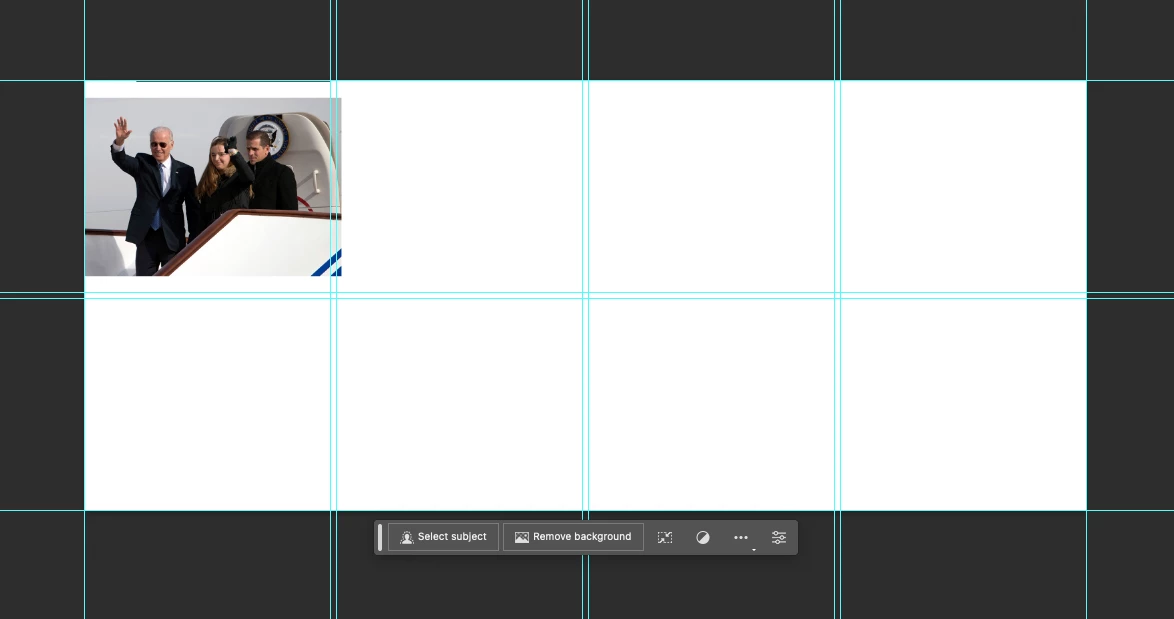
I'm having issues with using the clipping mask in Photoshop 2023 on a Mac. I'm trying to get a photo to clip into place in a grid format where I drew in rectangles to place the photos in. But the photo just disappears instead.  I'm not sure what I am doing wrong. Any guidance would be a major help as I am on a deadline. Thank you in advance!
This topic has been closed for replies.

3 replies

Bojan Živković11378569
Community Expert
Community Expert
August 23, 2023

Do you understand how exactly clipping mask work? If you have bottom most layer selected before placing image it will place image just above selected layer. As alredy requested, please post screenshot with Layers panel expanded and visible.

Conrad_C
Community Expert
Community Expert
August 23, 2023

A clipping mask might not be the best way to do this. Other ways would be applying a vector mask to clip an image within a grid square, or maybe the first place to start would be the Rectangular Frame tool (not to be confused with the Rectangular Marquee or Rectangle shape tools.)


Those Frame tools are built for this purpose: Draw your frames, then just drop images into them and they are clipped by the frames, and you can adjust the images within the frames.

George_F
Community Expert
Community Expert
August 23, 2023

Would you mind posting the layers panel as well?  I think that might be helpful here.

George F, Photographer & Forum Volunteer