
Participant
January 28, 2019
Question

Photos Open as Gibberish in PS CC 2019

  • January 28, 2019
  • 1 reply
  • 188 views

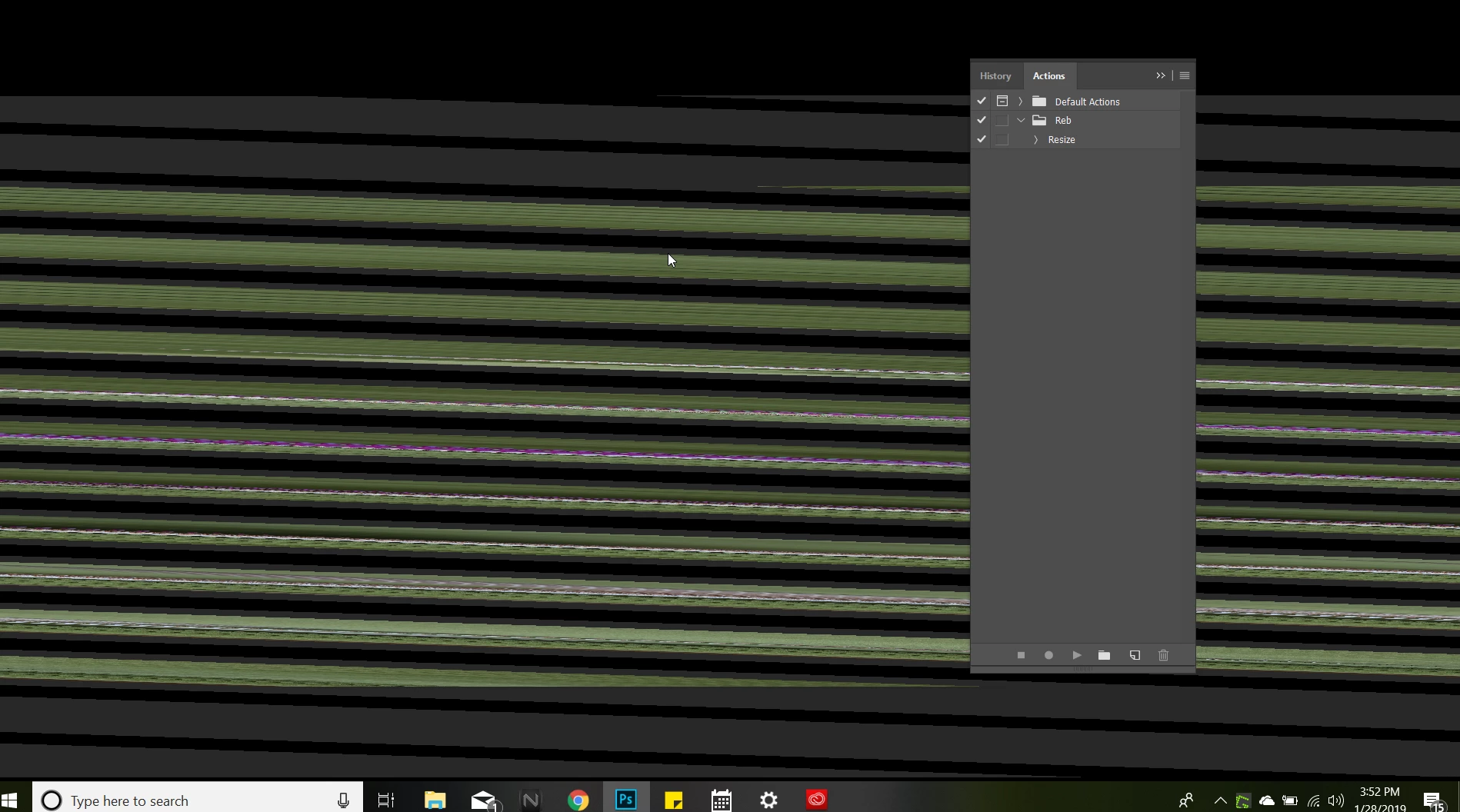
Hi all! I've been struggling with this very frustrating issue for a month now...when I open any photo, Photoshop opens, then the photo comes up as a jumbled mess of pixelated stripes (see screenshot.) None of the normal menu bars are even on the screen. Restarting my month old computer nor uninstalling and reinstalling Photoshop CC 2019 have helped. I'm using a brand new Acer laptop with tons of speed and space. I've been a photographer for 15 years so know my way around PS and have never seen anything like this....Help?? Thanks so much in advance!!
    This topic has been closed for replies.

    1 reply

    davescm
    Community Expert
    Community Expert
    January 28, 2019

    Hi

    Open Photoshop - go to Preferences Performance and uncheck Use Graphics Processor - restart and see what it is like.

    If that works - check it again but in Advanced settings set the drawing mode to Basic - restart and try it.
    If that works - check it again but in Advanced settings set the drawing mode to Normal - restart and try it.

    If that works - check it again but in Advanced settings set the drawing mode to Advanced - restart and try it.

    If it looks like you have a GPU issue then check with the manufacturer whether any driver updates are available.

    Dave

    Participant
    January 28, 2019

    Thanks, Dave. It does work if I uncheck it.  Once I restart the computer it's back to gibberish though. So that means that it's the Graphics Processor in my new computer?

    davescm
    Community Expert
    Community Expert
    January 29, 2019

    More likely a driver issue. Have you checked the manufacturer's site for an updated driver?

    Dave