Participant
December 13, 2023
Question

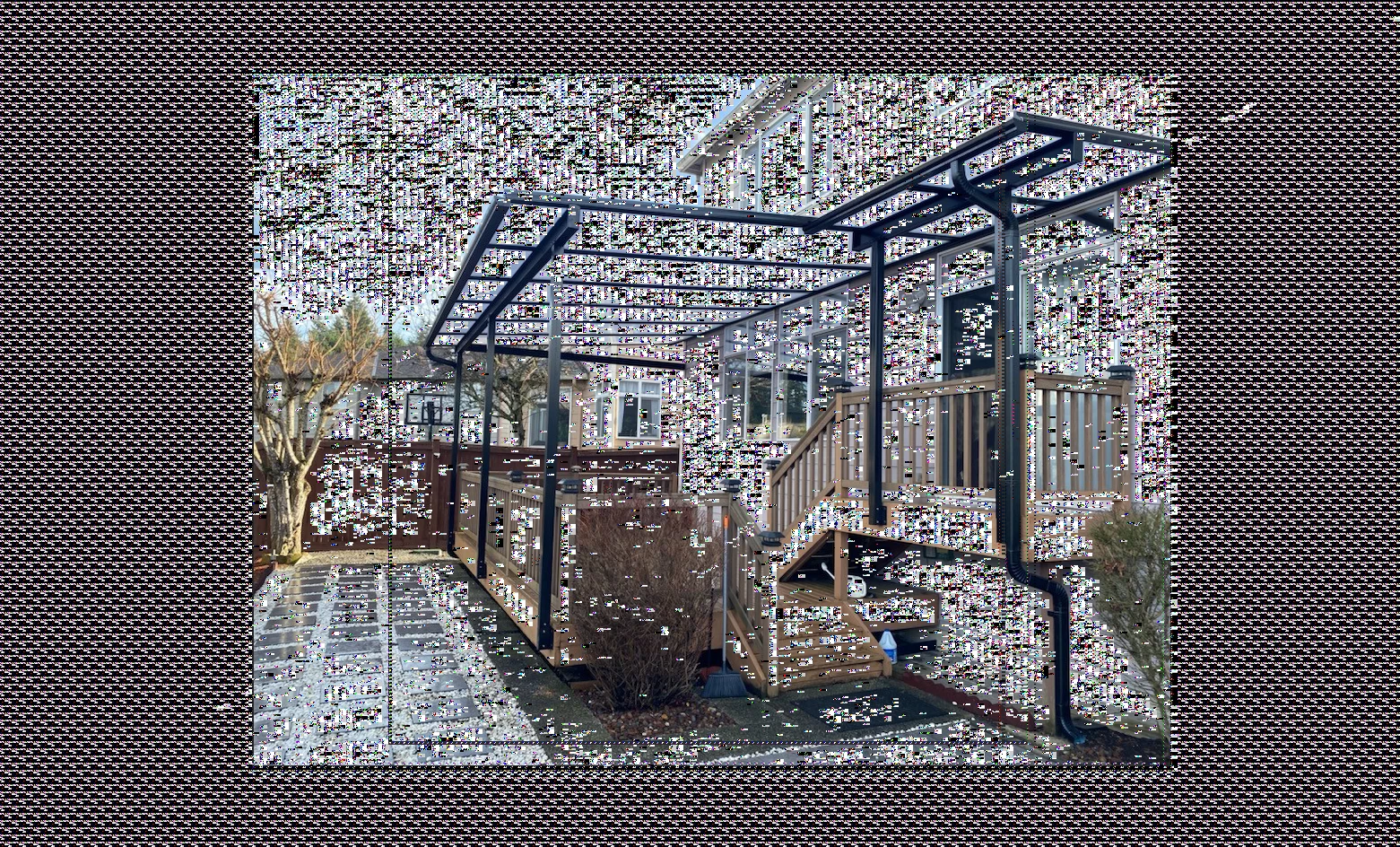
Photos opening pixelated

  • December 13, 2023
  • 4 replies
  • 385 views

My Photoshop images keep opening like this. Does anyone else experience this? Or know how to fix it? Usually, if I close the image and open it a few times, it will eventually open normally. This time, I am having no luck.  It happens pretty frequently and would love to find the root of the issue.
This topic has been closed for replies.

4 replies

PECourtejoie
Community Expert
Community Expert
December 14, 2023

Hi, what does the help>GPU status say?

Trevor.Dennis
Community Expert
Community Expert
December 14, 2023

Deactivate Native Canvas is available again in 25.2.  That would be my first this to try.

Of course video card drives need to be up to date first

c.pfaffenbichler
Community Expert
Community Expert
December 14, 2023

Does turning off »Use Graphics Processor« in the Performance Preferences (Photoshop > Preferences > Performance > Graphic Processor Settings) and restarting Photoshop have any bearing on the issue? 
Does turning on »Deactivate Native Canvas« (Photoshop > Preferences > Technology Previews) and restarting Photoshop have any bearing on the issue?

Myra Ferguson
Community Expert
Community Expert
December 13, 2023

My guess is that you may either need to update Photoshop or your display driver. Here's more info for troubleshooting: