Question
Photoshop
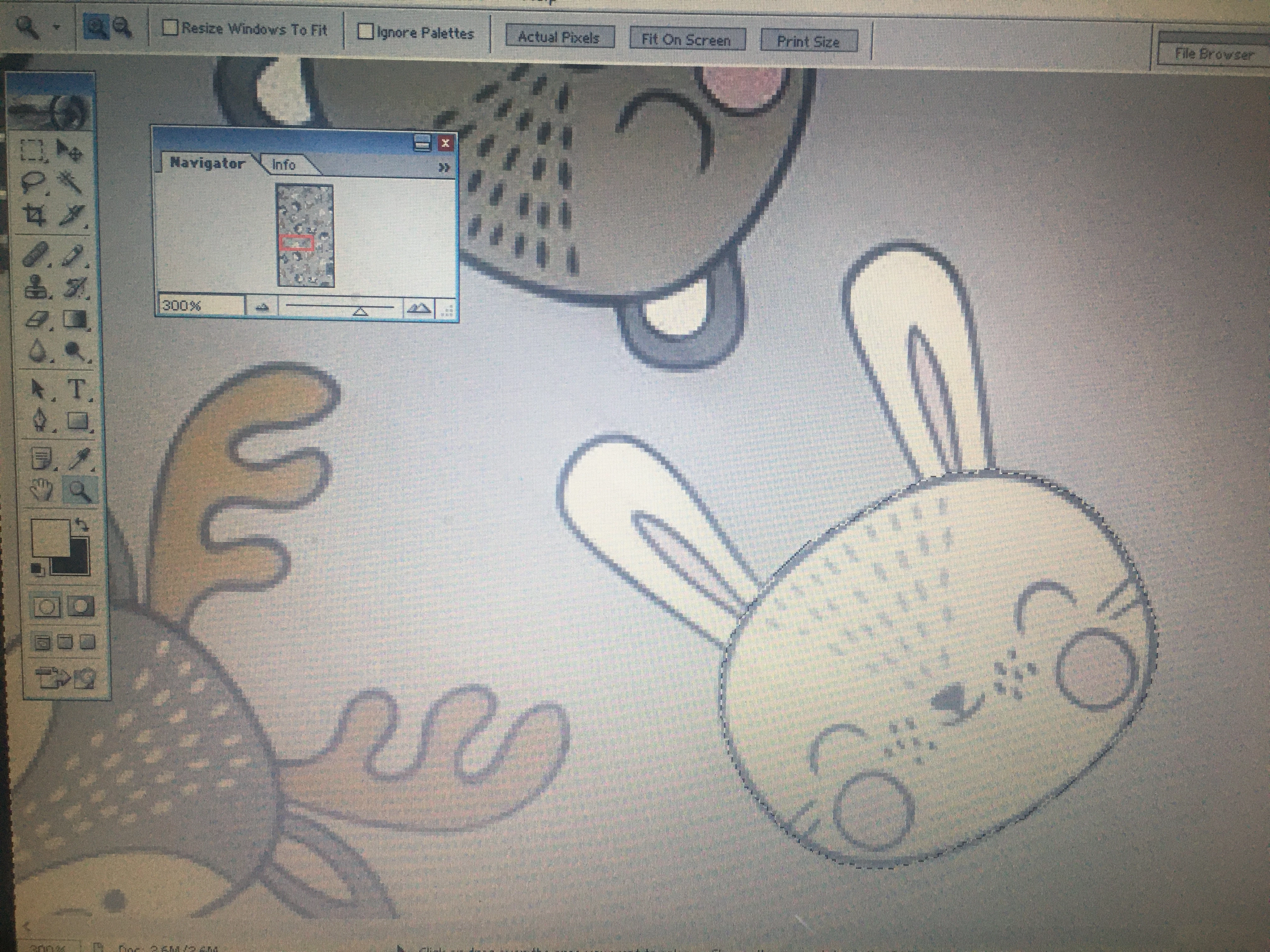
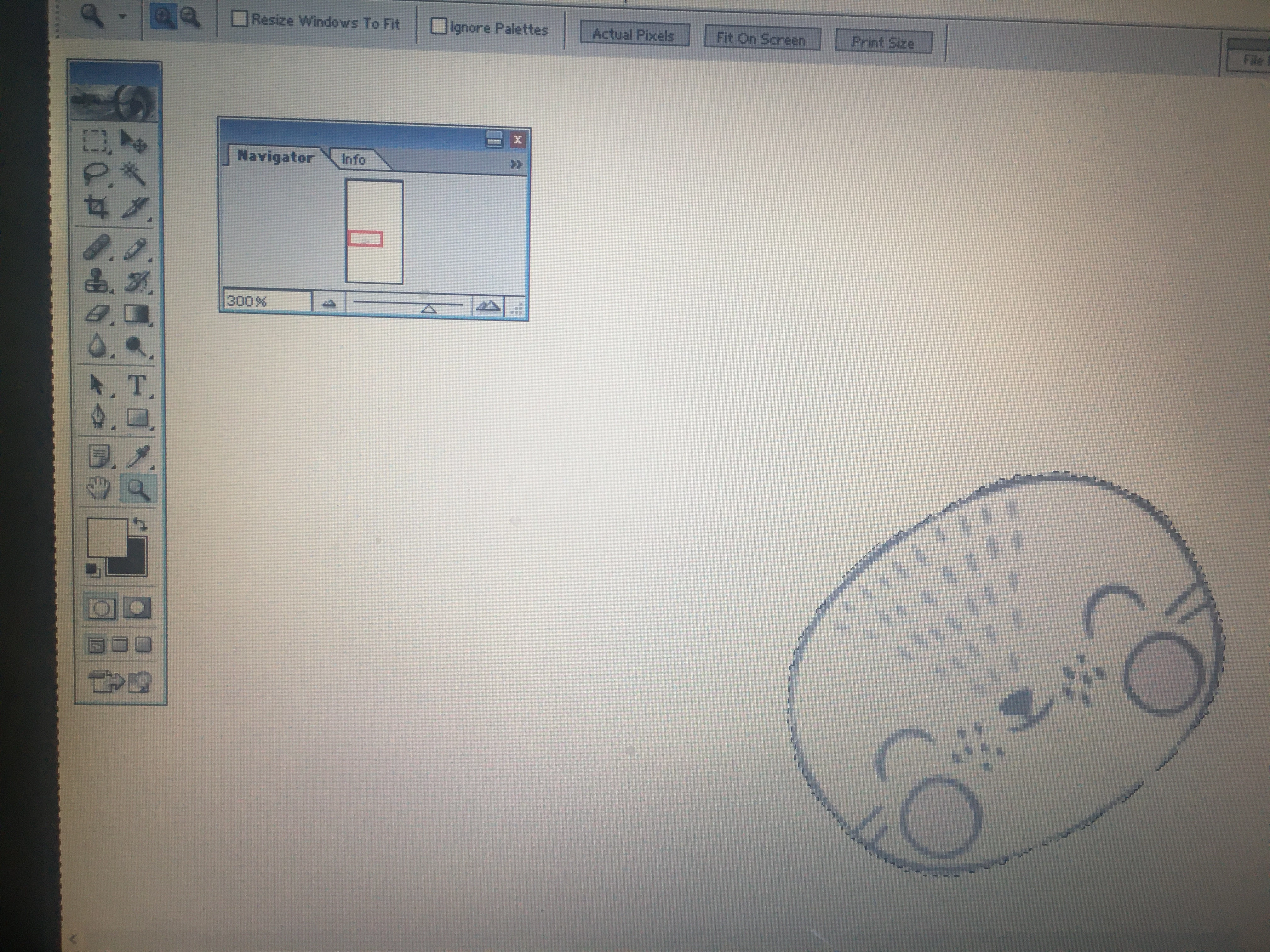
I am new to phoroshop kindly guide me where i am wrong ,When i am colouring to the selected area , I choose colour and colour it but it is colouring outside the selected.
I am new to phoroshop kindly guide me where i am wrong ,When i am colouring to the selected area , I choose colour and colour it but it is colouring outside the selected.
Already have an account? Login
Enter your E-mail address. We'll send you an e-mail with instructions to reset your password.
 AdChoices