Participating Frequently
February 17, 2017
Answered

Photoshop 2015.5 Crashing as soon as it opens up

  • February 17, 2017
  • 1 reply
  • 524 views

I am using a trial of Photoshop 2015.5 on my Windows 7 Service Pack 1 64 bit with 4 gb of RAM. I have not updated to 2017 yet because it doesn't work on my pc for some reason. That's a different problem. I'll stick to what used to work. I was recently running Photoshop off of a hard drive, now I am switching to my internal drive (for obvious reasons). I downloaded Ps 2015.5 from a ProDesign Tools link that directed me to Adobe, but I'm getting the following crash report:
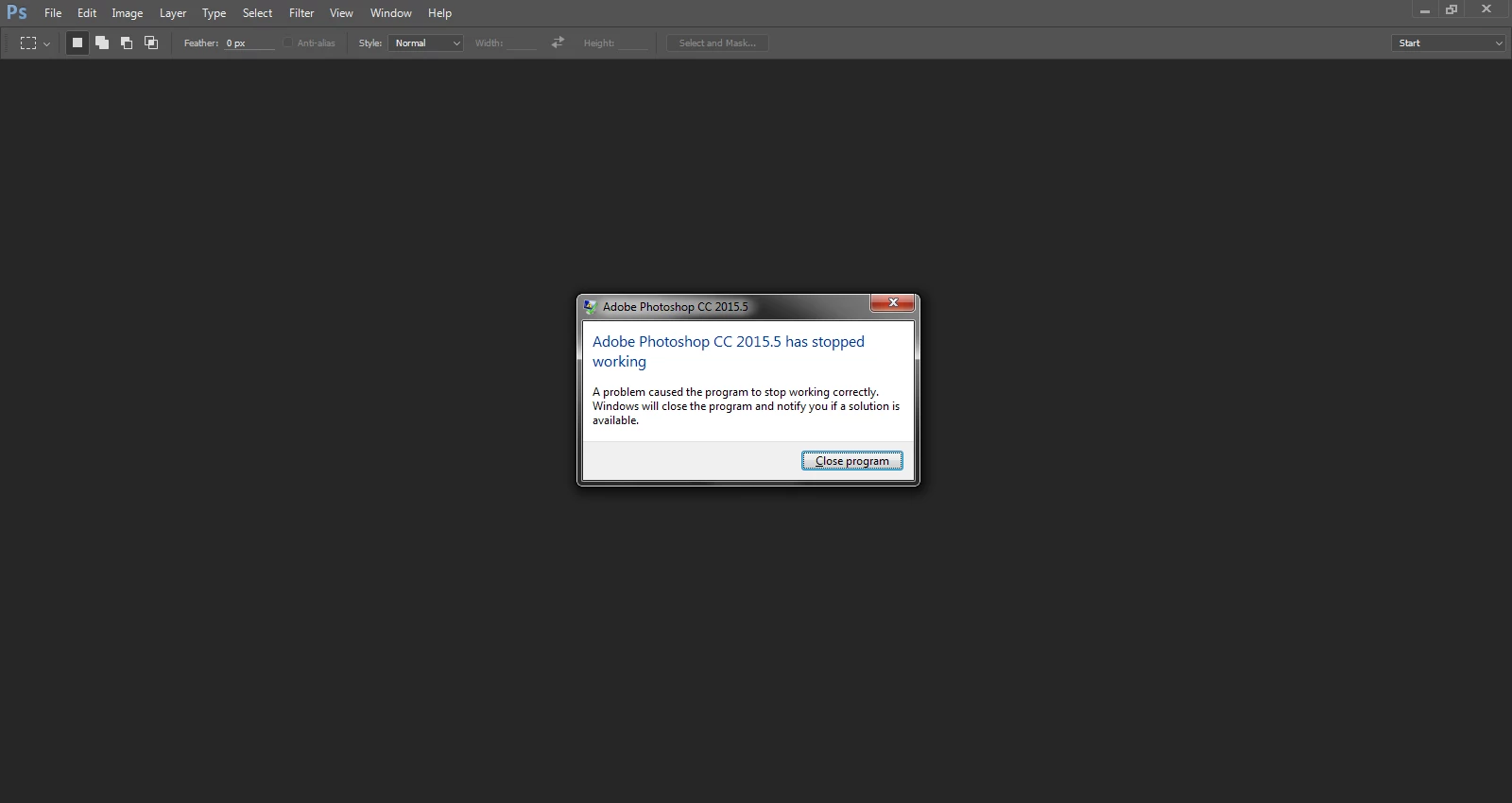
What can I do?

This topic has been closed for replies.
Correct answer Mohit Goyal

Please update the Photoshop to 2017.0.1 version, refer the below download link.

https://download-esd.adobeoobe.com/AdobeProducts/eca60e6c-1f05-41de-bf6b-aeef2bc46205/PHSP/18.0/win64/AdobePhotoshop18-m…

Let us know if that helps.

Regards,

Mohit

1 reply

Mohit Goyal
Community Manager
Community Manager
February 17, 2017

Hi Robertflyfish,

Please share the crash log file for Photoshop, so that we can find the root cause as soon as possible.

Find crash log file in Windows: Photoshop Elements Editor Help | How to Find Crash Logs on Windows

Thanks,

Mohit

Participating Frequently
February 18, 2017

Here's the text from the General Tab:

Faulting application name: Photoshop.exe, version: 17.0.1.156, time stamp: 0x57925e36

Faulting module name: Photoshop.exe, version: 17.0.1.156, time stamp: 0x57925e36

Exception code: 0xc0000005

I also just updated my drivers so that is not a problem.

Mohit Goyal
Community Manager
Mohit GoyalCommunity ManagerCorrect answer
Community Manager
February 21, 2017

Please update the Photoshop to 2017.0.1 version, refer the below download link.

https://download-esd.adobeoobe.com/AdobeProducts/eca60e6c-1f05-41de-bf6b-aeef2bc46205/PHSP/18.0/win64/AdobePhotoshop18-m…

Let us know if that helps.

Regards,

Mohit