
Photoshop 2017 Smart objects being cut
When I try to convert a smart object with transform keyframes photoshop clips them. I was able to use it in the 2016 version, but now it docent work. I can't figure out how to stop this.
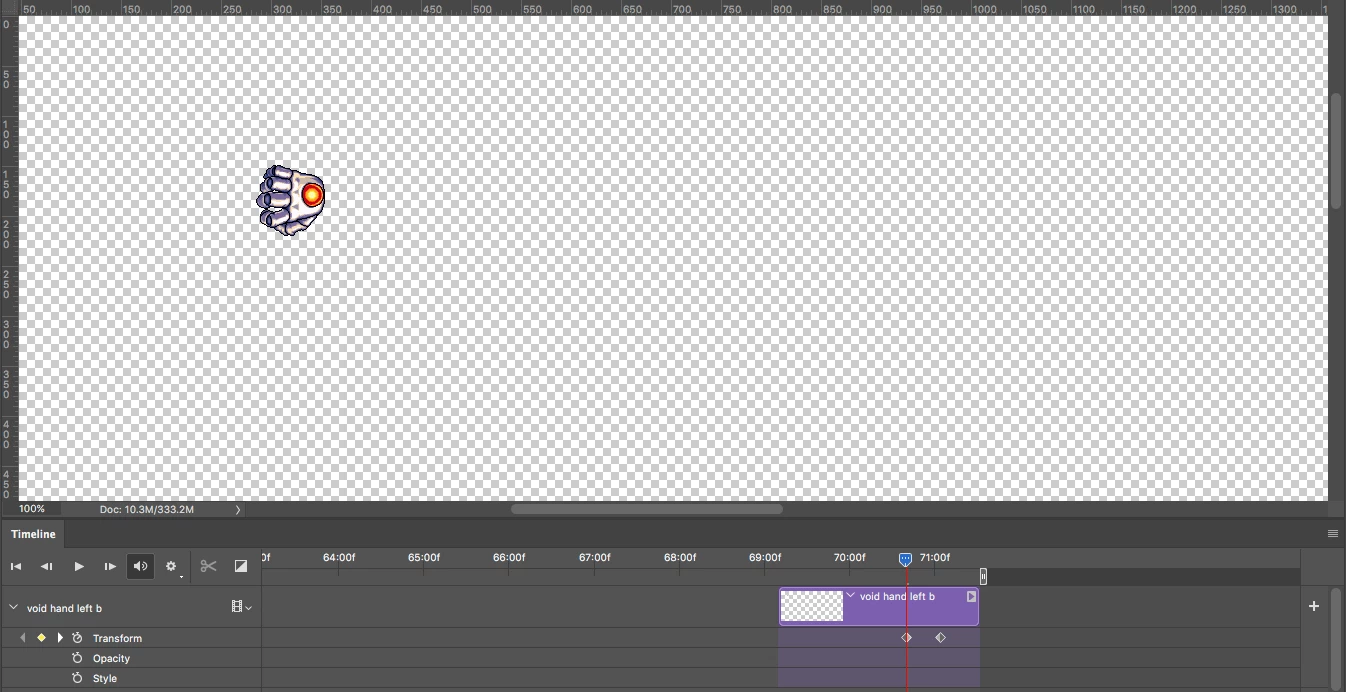
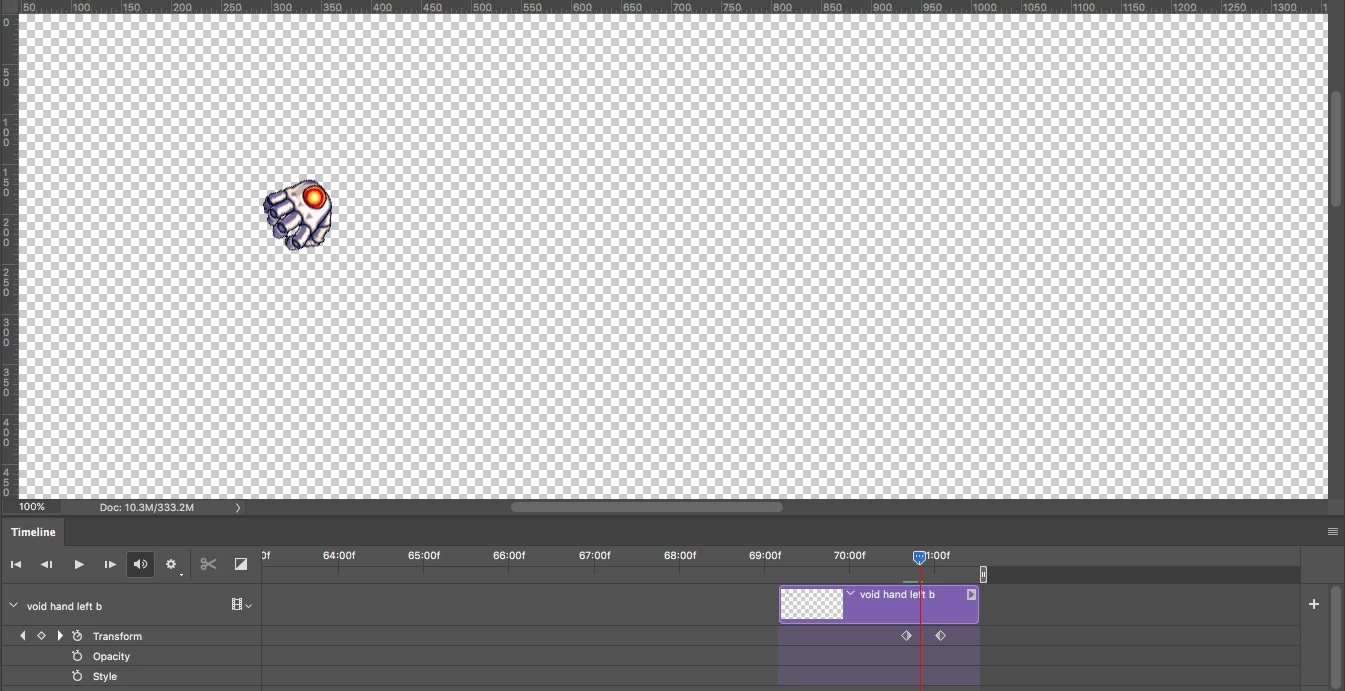
When I have it as a normal smart object it works fine, but when I try to cover it to another smart object to secure the keyframes it does cuts it.
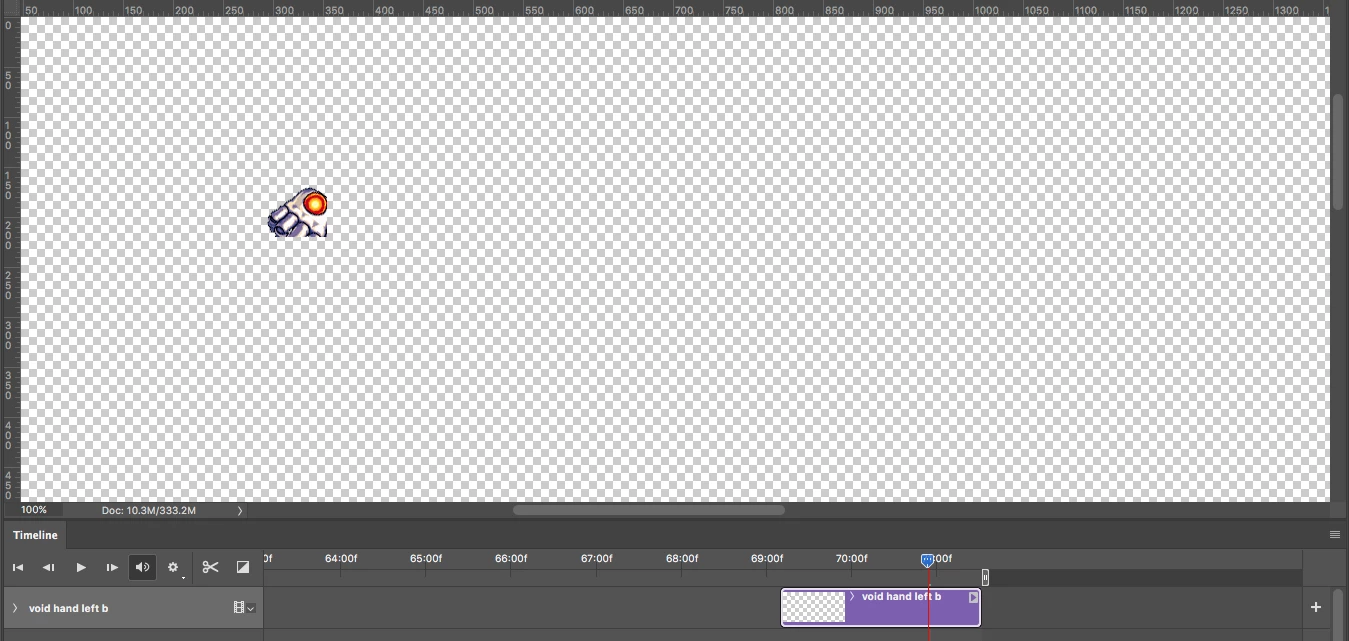
I have figured out that the problem is the canvas size of the new smart object. If it left click the new smart object, go to "edit contents", then increase the canvas size it seems to fix the issue. But having to do this for every smart object I want to secure the keyframes for is very irritating and time consuming. Why is it doing this? I never had this issue before the 2017 version of photoshop. Can someone please help
 AdChoices