ubau155552
Participating Frequently
November 28, 2019
Answered

Photoshop 2020 freezes after selecting Select and Mask... (grayed out menus)

  • November 28, 2019
  • 2 replies
  • 784 views

Hello community,


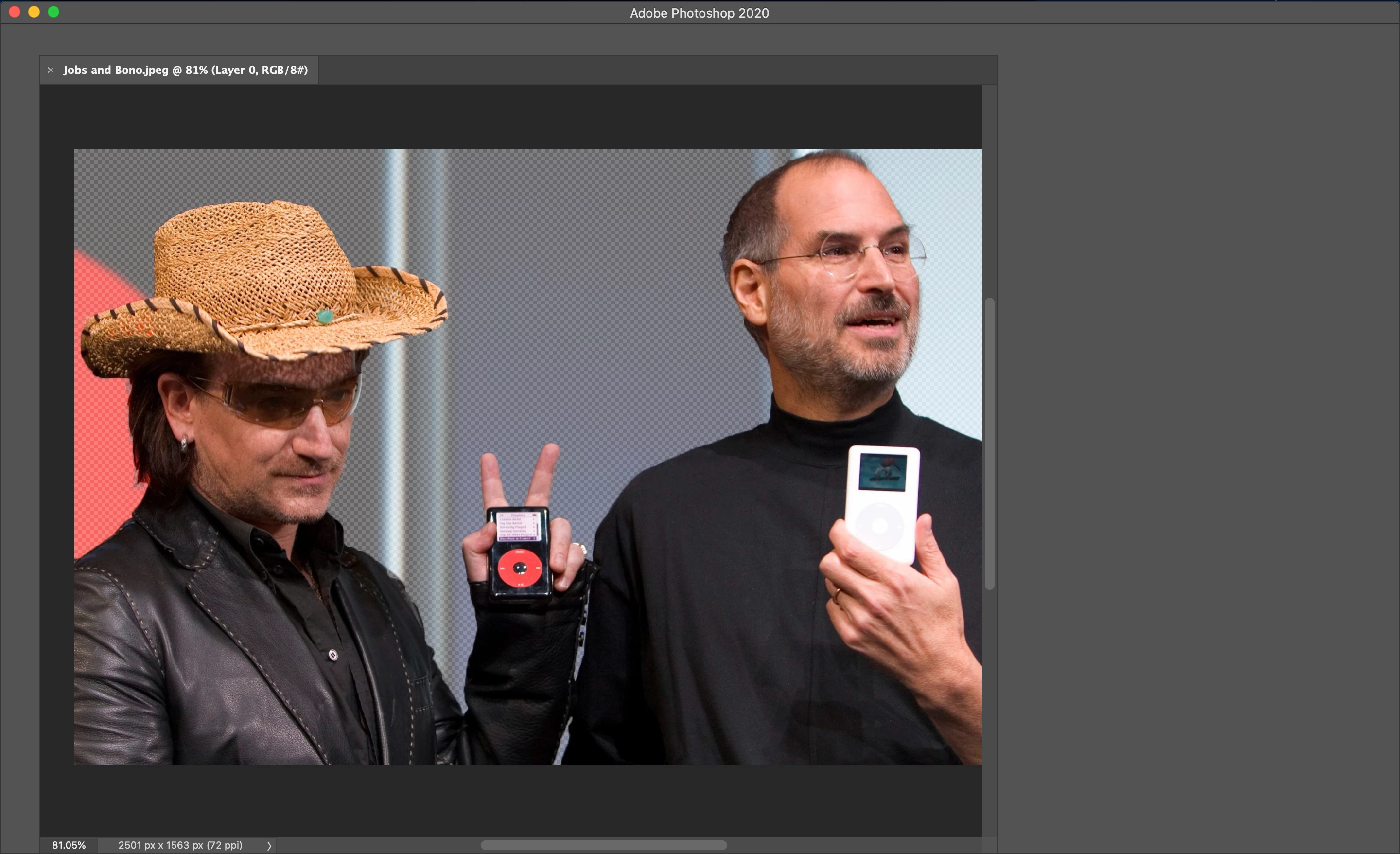
After using the Quick Selection Tool to select the portion of a photo that I wnat to mask, I hit Select and Mask and.... Photoshop greys out. The menus above and to the right of the photo are greyed out and Photoshop freezes. The only way out of it is force quitting. Any suggestions?


I've already tried resetting the preferences and uninstalling/reinstalling. Thanks!


Processor: 

2 GHz Dual-Core Intel Core i5

Memory:

8 GB 1867 MHz LPDDR3

Graphics:

Intel Iris Graphics 540 1536 MB
 

This topic has been closed for replies.
Correct answer Akash Sharma

Hi there,


Sorry that Photoshop 2020 freezes after selecting Select and Mask. 


Could you please turn on the Legacy Compositing option in Performance preferences?
Choose Edit > Preferences > Performance (Windows) or Photoshop > Preferences > Performance (macOS). Select Legacy Compositing. Quit and relaunch Photoshop.
 
Let us know how it goes.
 
Thanks,
Akash


2 replies

D Fosse
Community Expert
Community Expert
December 4, 2019

Select and Mask is OpenCL-driven (executed in the GPU), so probably a video driver problem. Bugs can be triggered by new calls from the new Photoshop version, while passing undetected previously.


Obviously it could also be a Photoshop bug, but then more people should see it.


Unfortunately you can't update or roll back the video driver separately in MacOS, it's integrated into the OS and tied to OS updates.

Akash Sharma
Akash SharmaCorrect answer
Legend
November 28, 2019

Hi there,


Sorry that Photoshop 2020 freezes after selecting Select and Mask. 


Could you please turn on the Legacy Compositing option in Performance preferences?
Choose Edit > Preferences > Performance (Windows) or Photoshop > Preferences > Performance (macOS). Select Legacy Compositing. Quit and relaunch Photoshop.
 
Let us know how it goes.
 
Thanks,
Akash


ubau155552
Participating Frequently
November 29, 2019

Hi Akash,


I still get greyed out, not as often though. It's not happening everything I click Select and Mask, but often enough. I also turned off Use Graphics Processor. Would that help? And any reason as to why this is happening in the first place? Thanks a ton for the help.


Best,

Uba

Akash Sharma
Legend
December 4, 2019

Hi Uba,


This is not a usual experience. 


Could you try resetting Photoshop's preferences & see if it helps? 
https://t.co/ulJI7cGn1G

You may want to backup your settings beforehand: 
https://t.co/4dX7gkr36D


Thanks,

Akash