Participant
March 26, 2021
Question

Photoshop 2020 keeps crashing on macOS

  • March 26, 2021
  • 1 reply
  • 223 views

hi! when i try to open ps it gives me this error every time so im wondering why because i even restarted my mac. thanks !
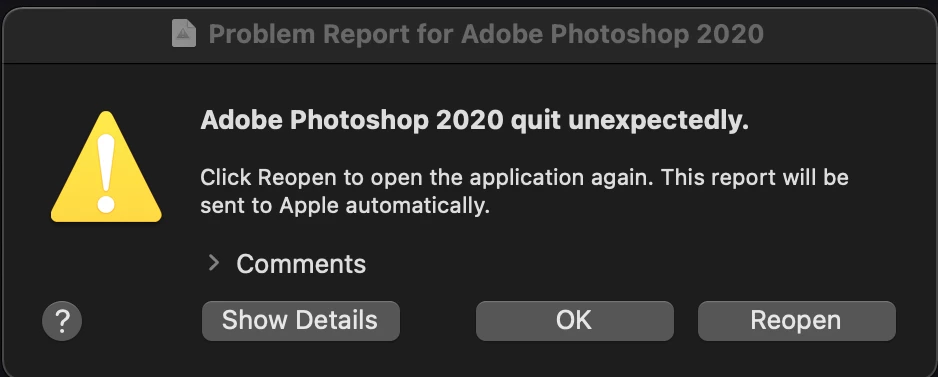
 

{Thread title edited by Moderator}

This topic has been closed for replies.

1 reply

Sahil.Chawla
Adobe Employee
Adobe Employee
March 26, 2021

Hi there,

Sorry to hear about Photoshop crashing. I see that you're on Photoshop version 2020, could you try updating Photoshop to version 2021 through the Creative Cloud Desktop app and let us know if that helps?

As you're working on macOS, you may also try the following steps and see how it goes:

Please go to the System Preferences of macOS, then Security and Privacy & select the Privacy tab. Once there, please select Accessibility from the list on the left and add Photoshop to the list by unlocking the window using the lock icon. Also, grant permissions to Photoshop under Full disk access. Once done, restart the computer and let us know if that helps.

Regards,
Sahil