Question
Photoshop 2020 on Windows 10 - Cannot Open Files - Receive spinning wheel that never goes away
Hey There -
I am an IT admin and we just updated a set of computers from 2018->2020. Ever since this all of my users are receiving this spinning box that never goes away when they go File-> Open within photoshop.
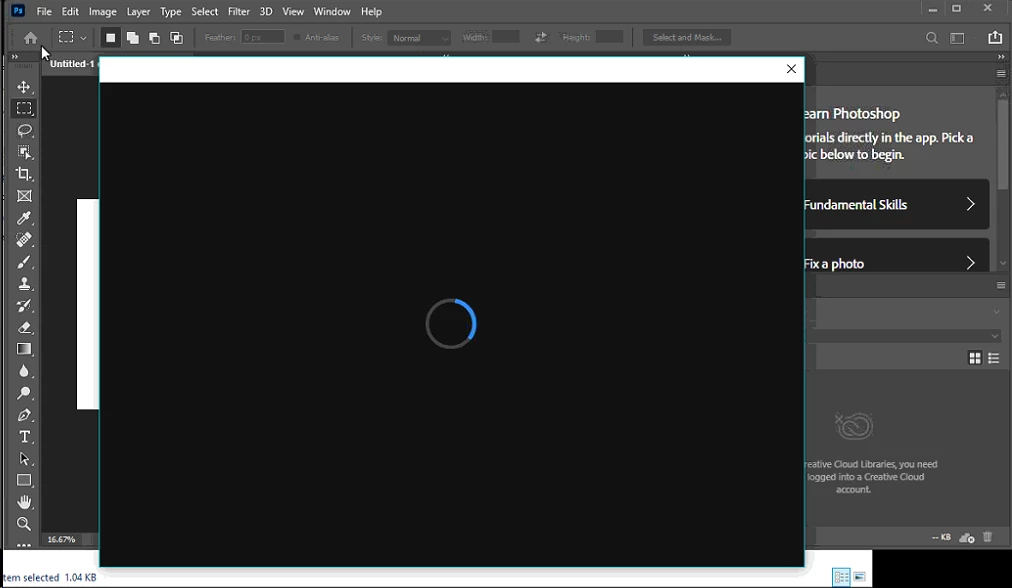
They are able to get around this by dragging files into photoshop or going to the directory and opening the file from there - however nothing is allowing them to use File->Open which is not ideal. They are all running Windows 10 1909 if that helps.
Any ideas? Are there any logs I can look at?
 AdChoices