

andyo78869761
Participant
November 22, 2019
Question

Photoshop 2020 (Windows) Program error when doing batch process

  • November 22, 2019
  • 3 replies
  • 530 views

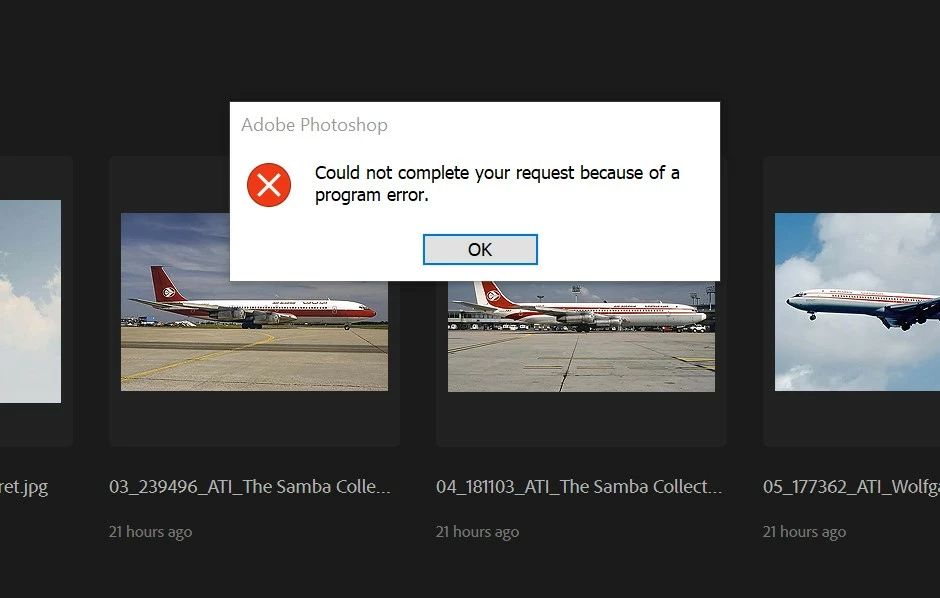
Anyone getting these error messages with the new Windows photoshop update ?

This one happens when I try running a batch process with a saved action.
 

{Thread renamed by moderator}

This topic has been closed for replies.

3 replies

Known Participant
October 21, 2020

I  am getting the error when trying to open any photos and even when trying to close the program. Regards Michael

Participating Frequently
October 23, 2020

No time to mess with it, so I uninstalled the new and reinstalled the old version, retaining prefs. It seems to work now.

Known Participant
October 23, 2020

Same. I can't get the new version to work so have uninstalled it and put the old version back. Hopefully someone will come up with a proper fix.


JJMack
Community Expert
Community Expert
November 22, 2019

There seem to be an issue in Photoshop 2020 Action Player.  Steps that work in prior Photoshop  version on background layers in Photoshop 2020 through the error you are seeing. Steps like Transform.

JJMack
Sahil.Chawla
Adobe Employee
Adobe Employee
November 22, 2019

Hi there,

Sorry to hear about the program error in Photoshop, could you please try restoring the preferences of Photoshop and let us know if it helps? 

https://helpx.adobe.com/photoshop/using/preferences.html

Note: Make sure that you back up all your custom presets, brushes and actions before restoring Photoshop's preferences. Migrate presets, actions, and settings


You may also try enabling "Legacy compositing" located in Photoshop's Preferences > Performance, then relaunch Photoshop and let us know if it helps.


Regards,
Sahil