
Answered
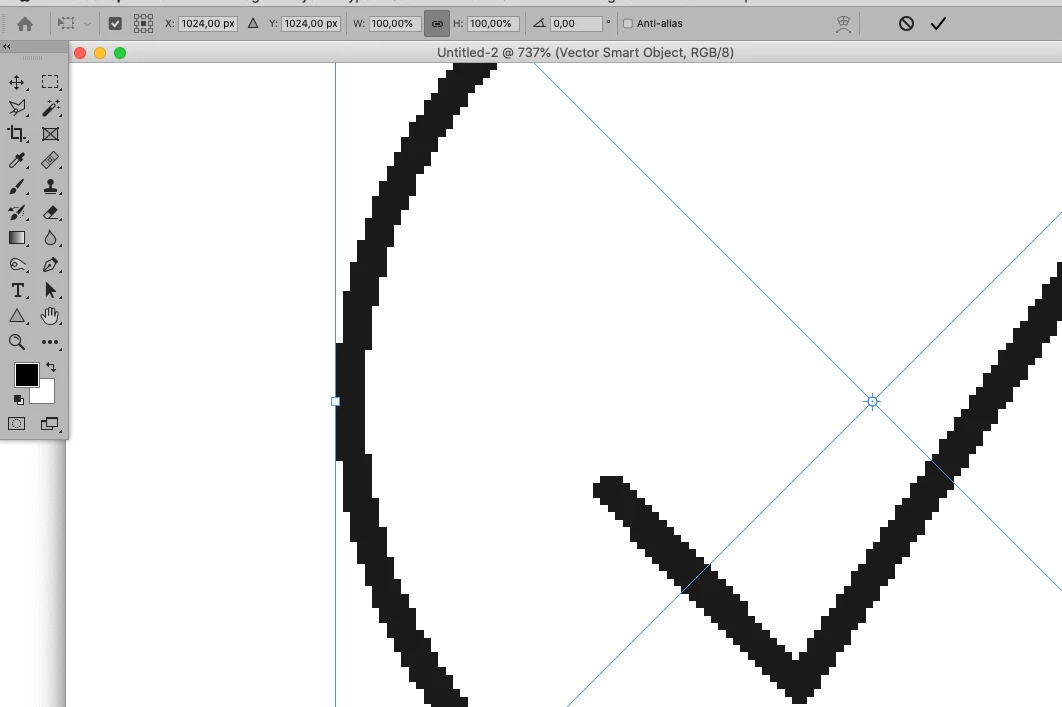
Photoshop 2021: How to turn off anti-aliasing?
Actually, it is a real pain in the ass, because I need to convert all my custom drawing vector shapes into turned off anti-aliased shapes. I am glad that this feature is still available for text. I need to design a GUI for a lower-quality screen. It like 8-bit pixel art. Is there some other tool that can easily convert all my custom shapes and supports importing SVG files (to import SVG files in PS, I used Illustrator and paste special function in Photoshop), or maybe this feature is available somewhere else in software? I really don't want to redraw all those shapes!
 AdChoices