Participant
September 7, 2021
Question

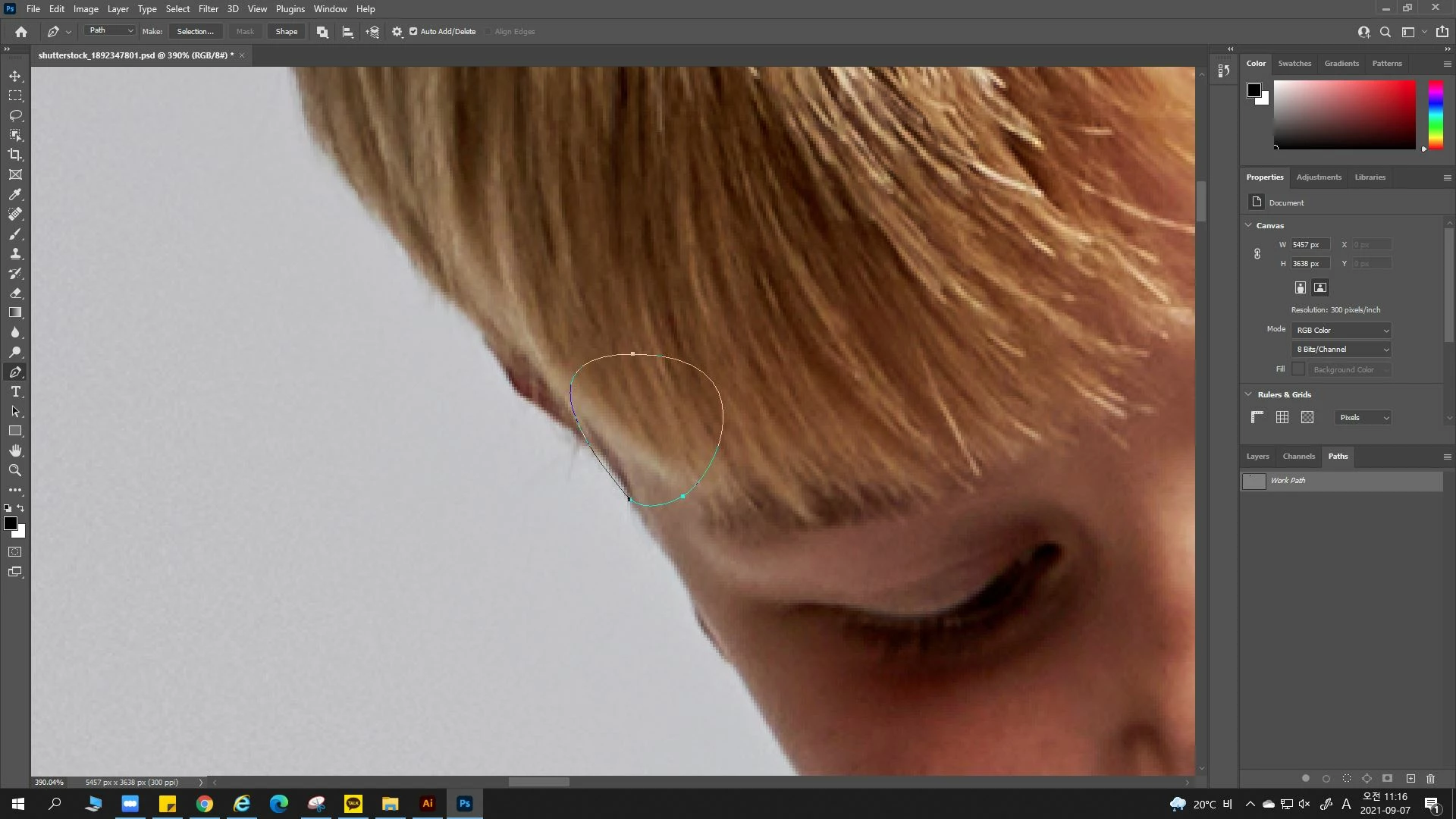
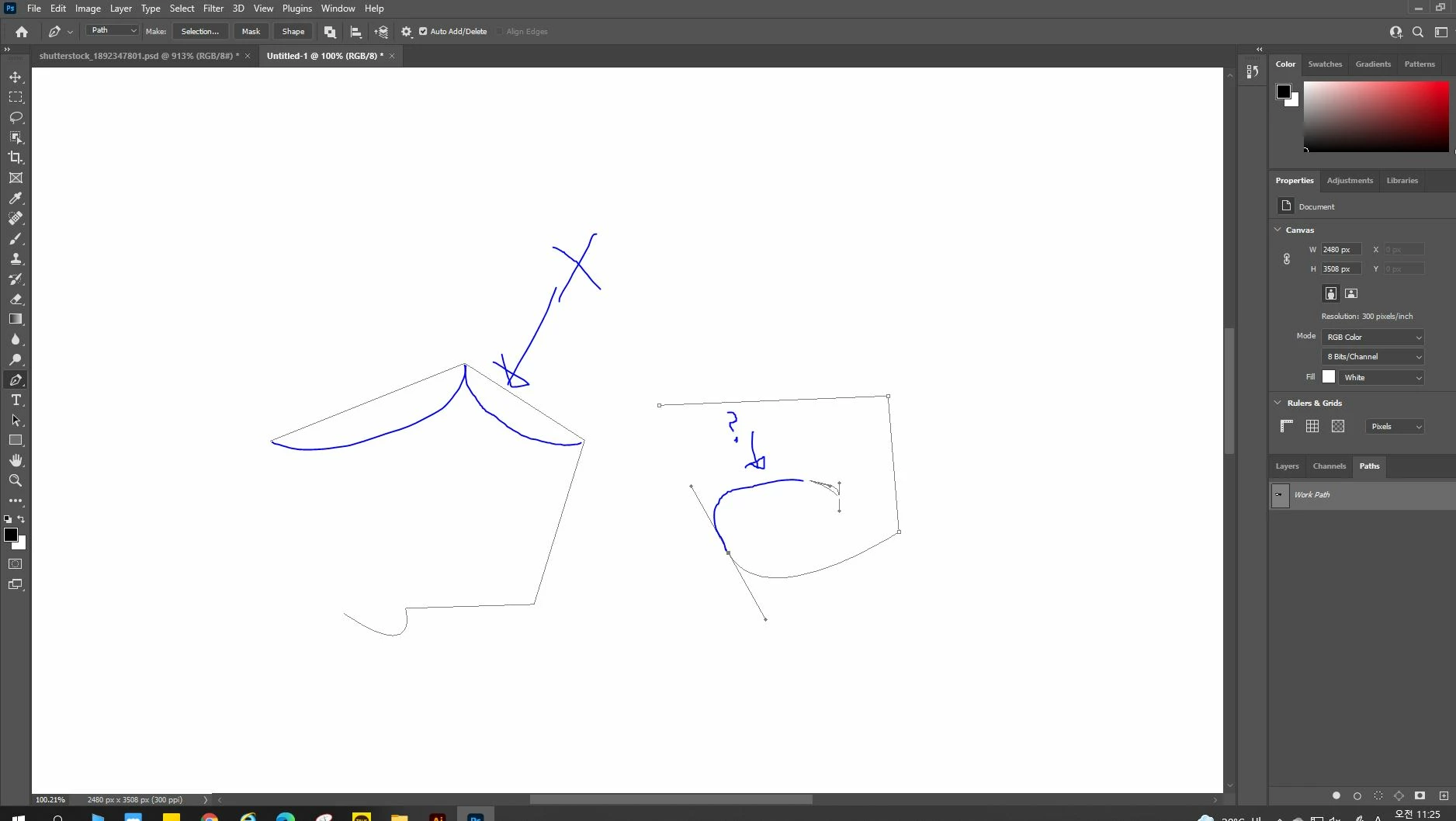
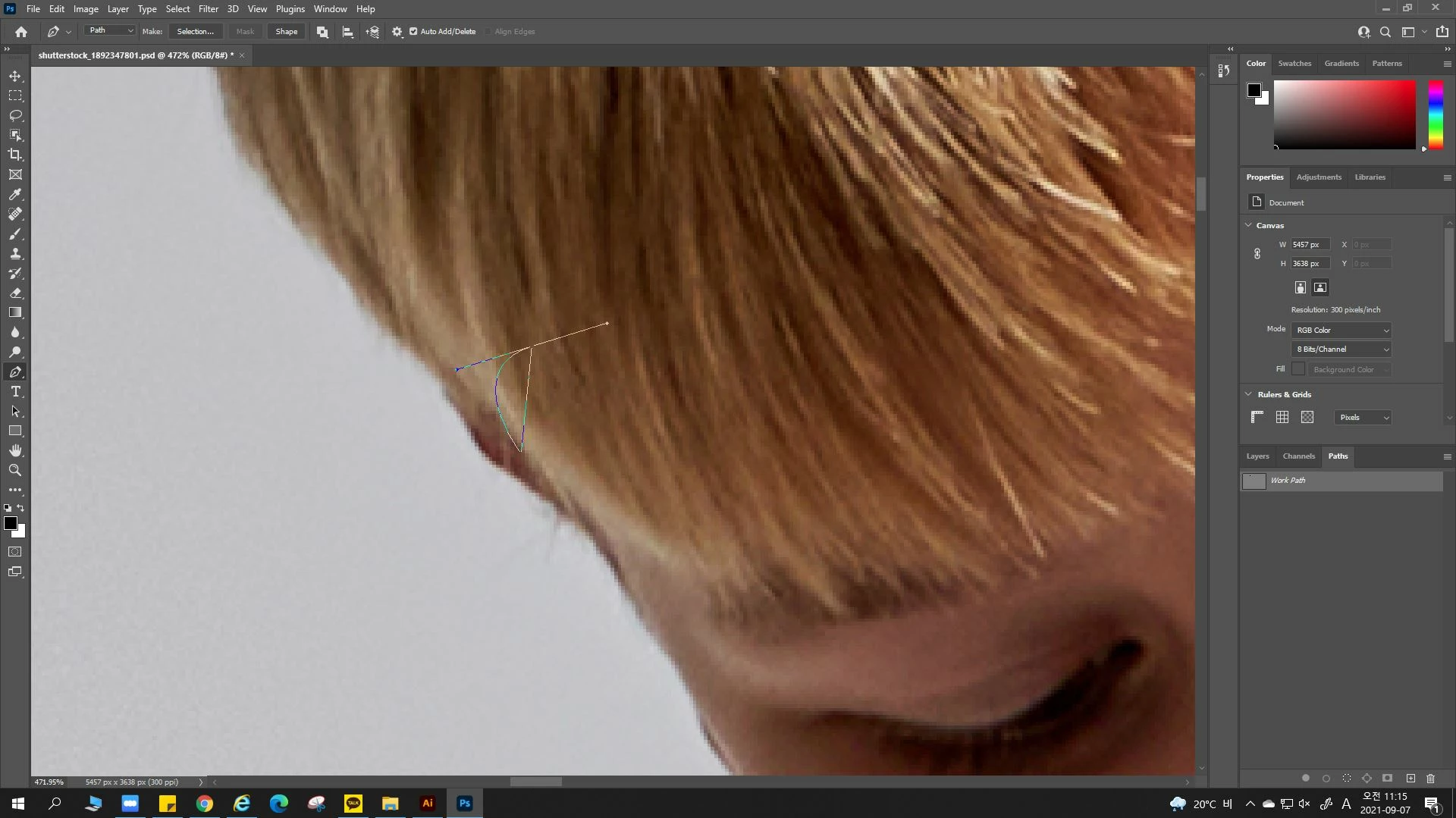
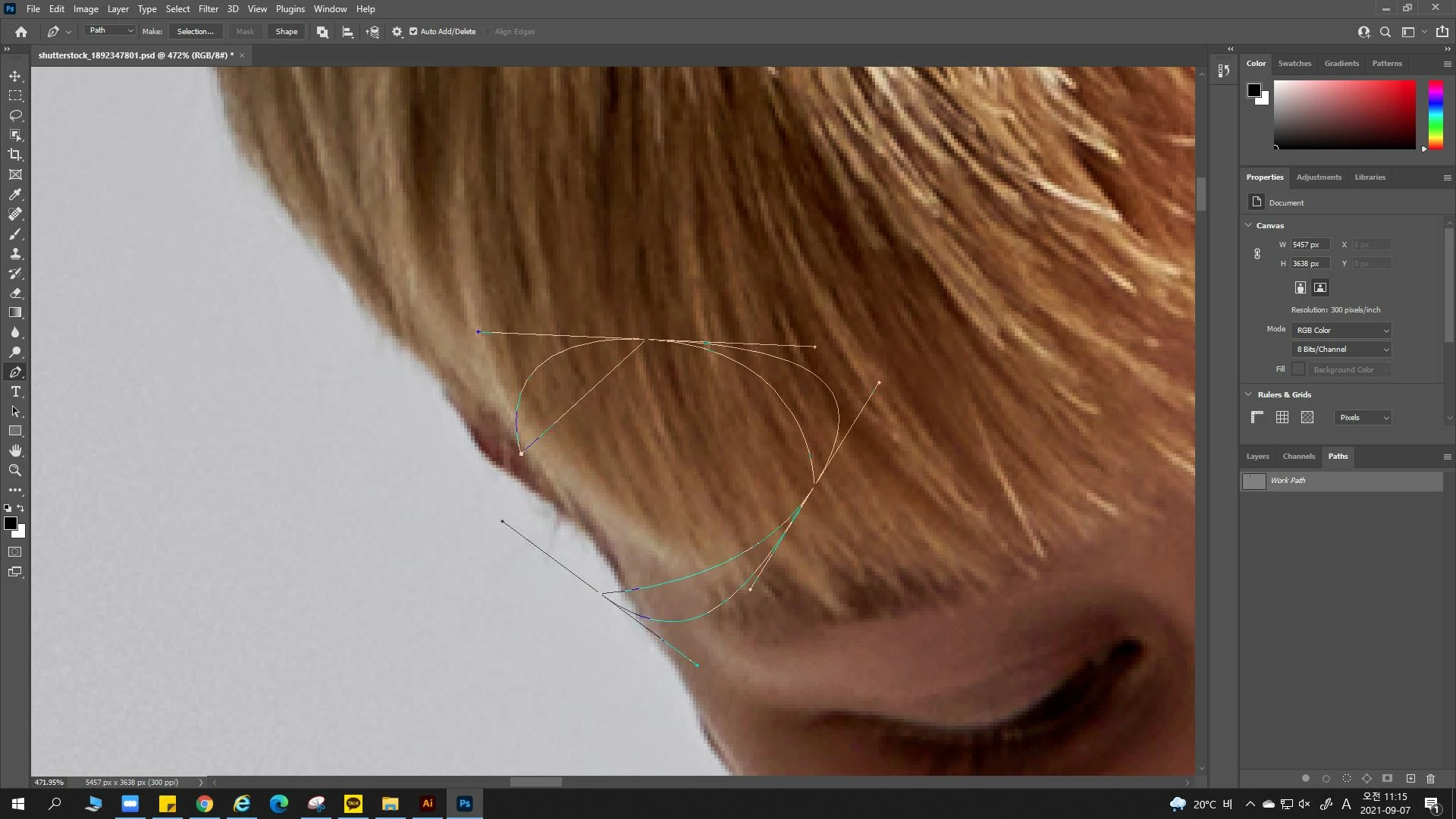
photoshop 2021: Please!! help me :( Pen Tool path curve guide error 어도비포토샵 펜툴 패스 곡선 시 이상한 가이드가 생겨요
  • September 7, 2021
  • 1 reply
  • 1166 views


이 펜툴 가이드 곡선은 싫다 ㅠㅠ

도와주세요.


기본 펜툴 라인은 어떻게 구하나요...

어도비 포토샵 2021 세 번째 설치...

This topic has been closed for replies.

1 reply

ajabon grinsmith
Community Expert
Community Expert
September 7, 2021

The language is different from me. However, you can roughly grasp it by the icon and position.
Hold the pen tool, click the gear icon, and turn off the "rubber band" at the bottom of the options.
I also don't like this feature.

wjstnwlsAuthor
Participant
September 7, 2021

Thanks for the reply. However, the pentool path color floats with a strange gradient instead of the existing blue. Also, a strange straight line guide is created when creating a curve as shown in the attached photo.

I installed a new adobe program but I’m still seeing the error. It’s my first time seeing this kind of error.. I’m not sure if there’s a problem with my computer.

When I click the icon you mentioned, the rubber band is turned off, but the path settings cannot be changed. I'll post a picture in the question post again, would you have a look at it? Thank you.

wjstnwlsAuthor
Participant
September 7, 2021