
Participant
May 28, 2021
Answered

Photoshop 2021 - Problem with displaing color on second monitor on Windows 10

  • May 28, 2021
  • 1 reply
  • 735 views

Hi 


I recently bought new monitor and I've noticed that there is an issue with displaying colour, the the clearest difference you can notice in white colour. Funny fing is that when I have got small Photoshop window the colour is fine, when I'm moving PS to middle of screen it's changing the artboard color from white to white - yellow. Screenshots below:
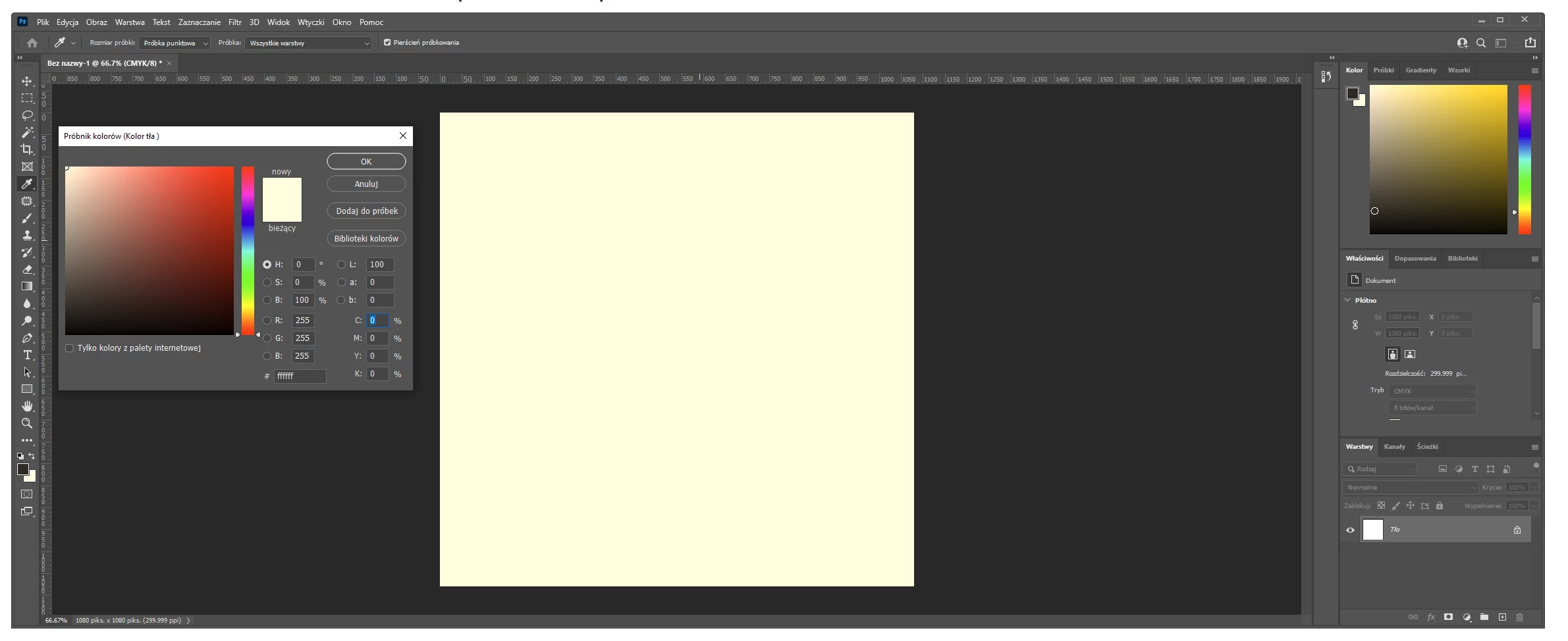
Artboard is white in both cases.
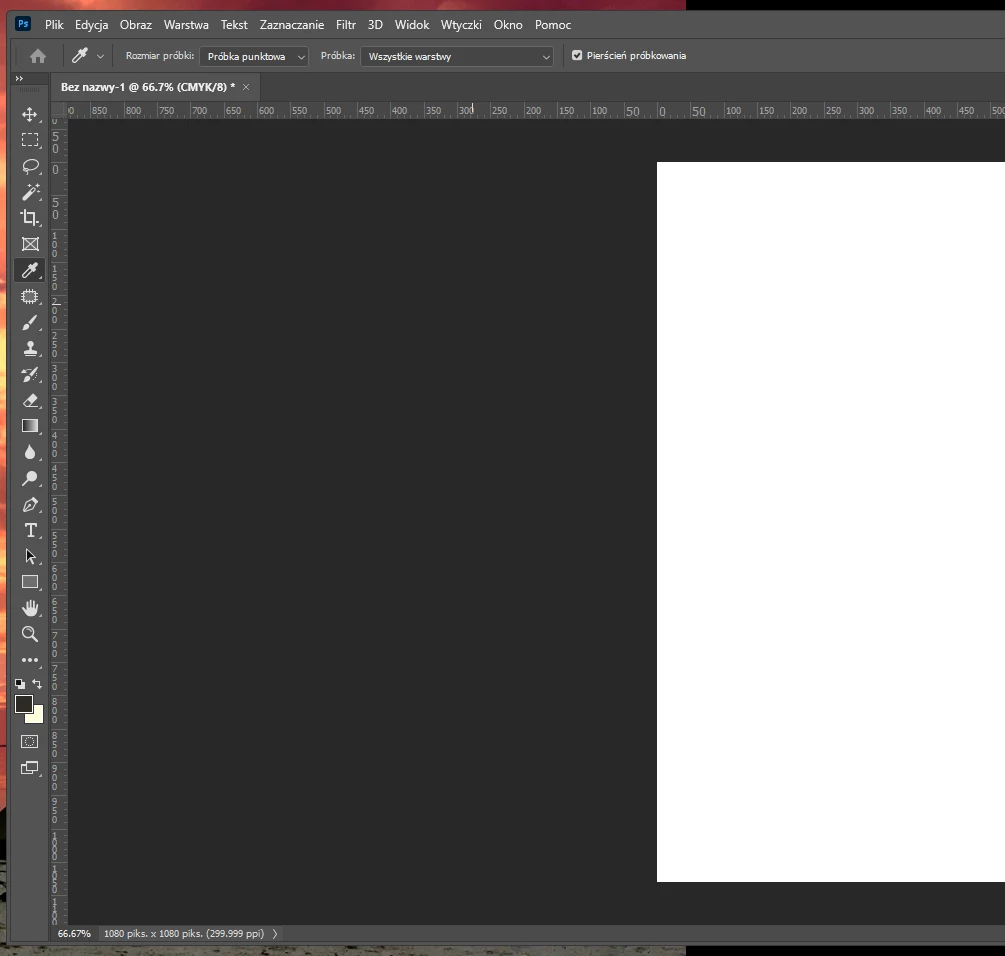
On second screenshot bigger part of my PS using my laptop screen so probably its taking profile color from laptop. Anyone know how to fix this issue ? 


{Thread title edited by moderator}

This topic has been closed for replies.
Correct answer nikunj.m

Hi,


We're sorry about the trouble due to the colors in Photoshop on the second monitor. Would you mind telling us which version of Photoshop are you using? Have you calibrated the second monitor or did it come calibrated from the manufaturer?


You can try setting both the laptop screen & the monitor to sRGB to check if that helps. You can check out the steps suggested here: https://www.windowscentral.com/how-configure-correct-color-profile-your-monitor-windows-10


Let us know if it helps!

Regards,

Nikunj

1 reply

nikunj.m
nikunj.mCorrect answer
Legend
May 28, 2021

Hi,


We're sorry about the trouble due to the colors in Photoshop on the second monitor. Would you mind telling us which version of Photoshop are you using? Have you calibrated the second monitor or did it come calibrated from the manufaturer?


You can try setting both the laptop screen & the monitor to sRGB to check if that helps. You can check out the steps suggested here: https://www.windowscentral.com/how-configure-correct-color-profile-your-monitor-windows-10


Let us know if it helps!

Regards,

Nikunj

Participant
May 29, 2021

It was precalibrated with loaded profiles. I've calibreted it with windows tool and its look like is fine now. Thanks for help.


nikunj.m
Legend
June 7, 2021

Happy to help & we're glad that worked. Please let us know if you need assistance with anything else.


Regards,

Nikunj