Photoshop 2022 sometimes freeze when opening while it keeps filling RAM, Apple M1 Max
Hi, I noticed some weird behavior with Photoshop.
First of all I want to say that I usually work with very large files (ranging from 2gb to 8gb each, but I usually work to one file at a time), the program is working fine and smooth except sometimes after a medium/large time workflow (and a lot of images opened and closed in a session) appears the spinning rainbow wheel when I'm opening a file and PS freezes for a while before starting actually loading the image.
For this reason I'm sometimes used to quit Photoshop and reopen it to free some RAM memory.
Usually Photoshop takes about 3 seconds to open when it's allright, but sometimes (especially after the freezes I've mentioned before) PS get stuck when opening and the spinning rainbow wheel appears.
Sometimes if I wait a minute or a little more it will open, but other times I have to force quit and to reboot the system if it still get stuck after another attempt to reopen the program.
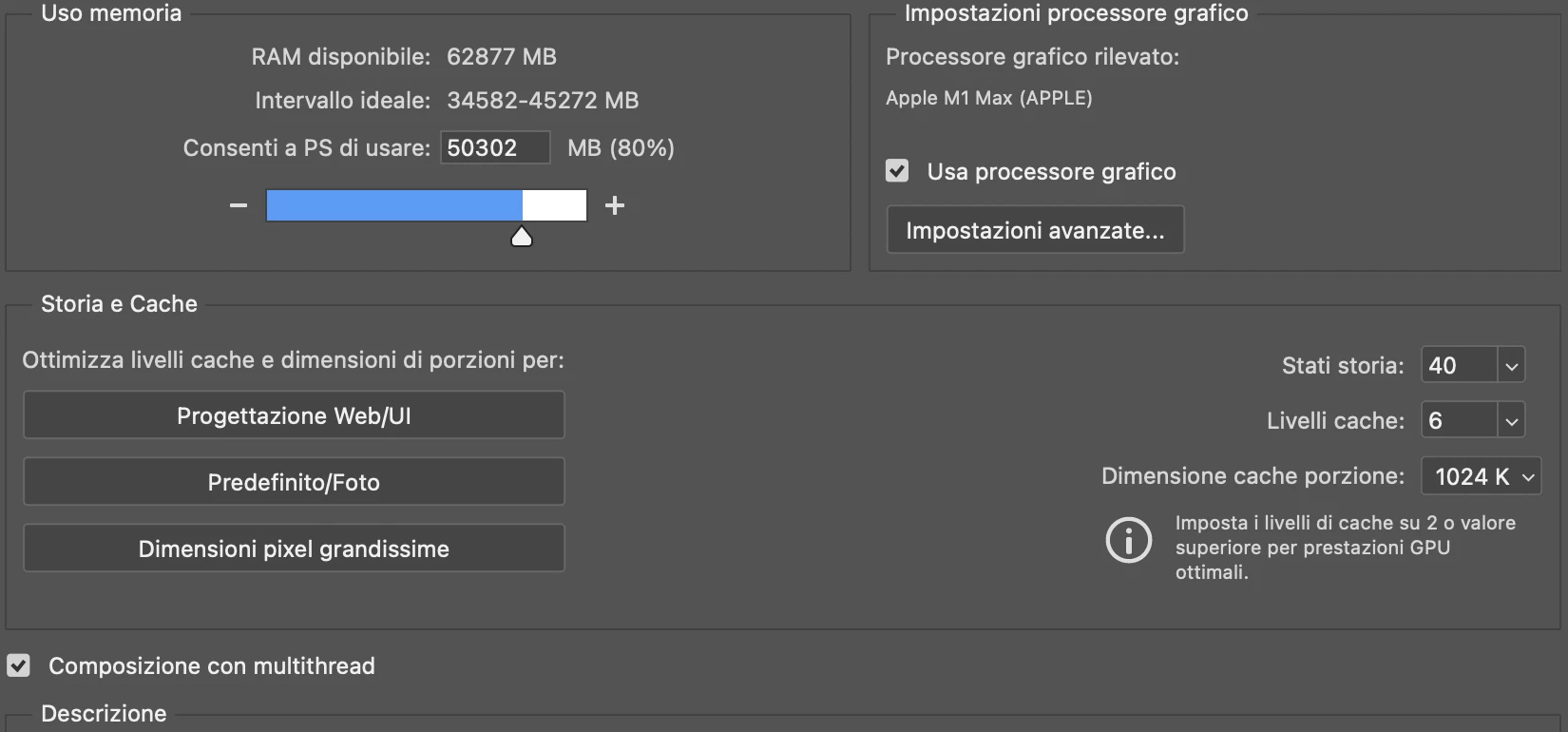
I noticed that when PS get stuck at opening, it's continuously filling the RAM memory with some extra load and if PS succeed to open I can see that my RAM usage for it is about 6gb to 11gb with no projects open (usually PS gets 2gb of RAM on empty projects when opened correctly) and I don't know why, also because I have the recovery save option disabled.
I tried to reset preferences, both automatically and manually and I also tried to uninstall and reinstall Photoshop but no way, the issue often still appears.
I don't know if this is a normal behavior, a bug, an issue with M1 or other things, but I know that my workstation is ideally enough powerful to handle what I have to do.
Thanks to anyone who'll help!
System info:
Apple MacBook Pro M1 MAX 64gb RAM
macOS Monterey 12.4
Photoshop 2022 23.4.2
 AdChoices