Known Participant
January 12, 2022
Question

Photoshop 2022 windows 10 Create pattern from image layer troubleshooting.
  • January 12, 2022
  • 1 reply
  • 285 views

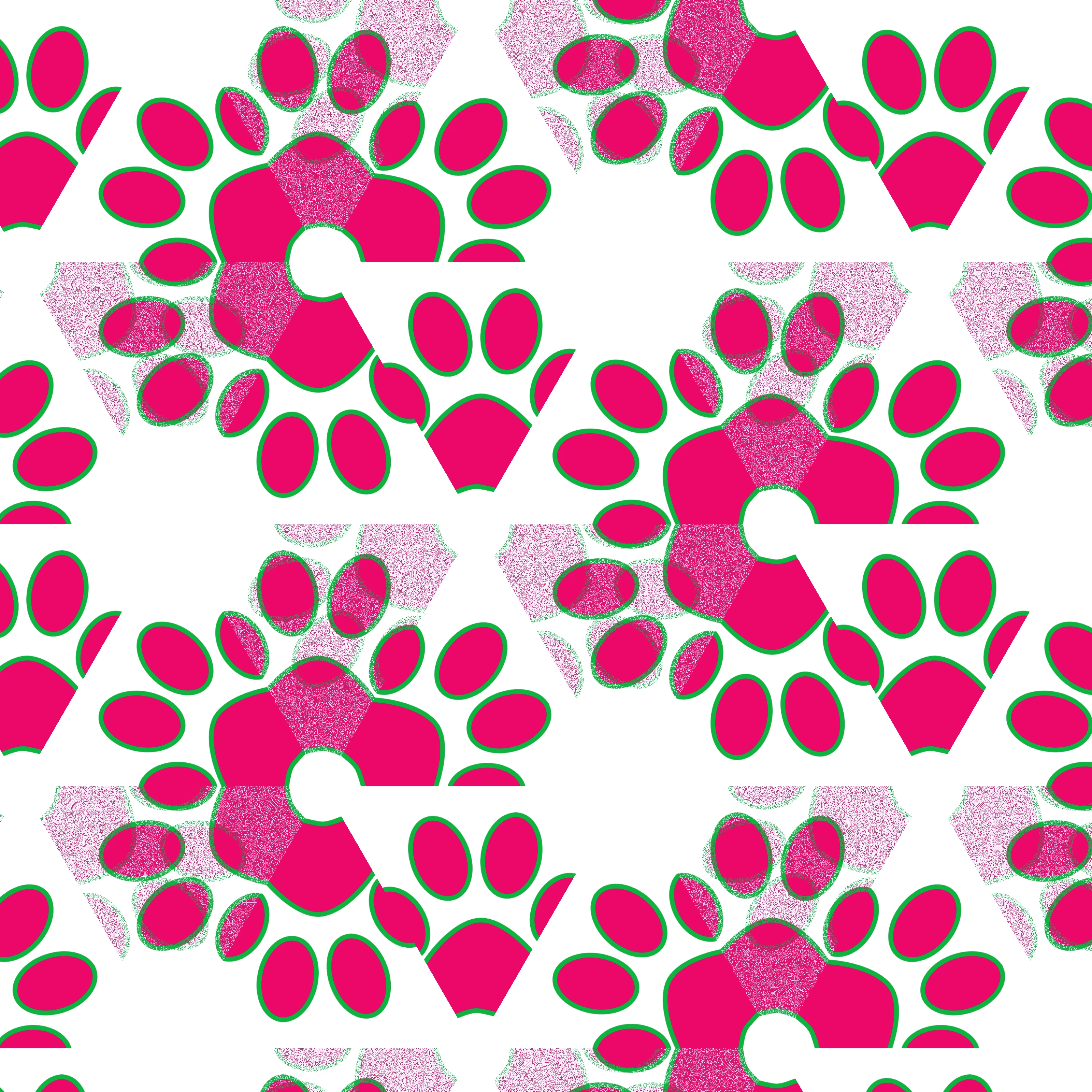
Hi I get this wierd duplicate noise haze whenever I try to create a pattern from the menu. The image is clear, my graphic car  update driver, nothing works to get this clear> Any advice? Thanks in advane.


You need to ask program questions in the forum for the program you are using
To ask in the forum for your program please start at https://community.adobe.com/
Moving from Using the Community (which is about the forums) to the correct forum... Mod

This topic has been closed for replies.

1 reply

Ranjisha Sengupta
Legend
January 13, 2022

Hi there,


We're sorry about the trouble experienced with Photoshop.
Would you help us with your system specification? Is it happening with just this file or any other files as well? Did you try any troubleshooting steps at your end? 
Please try these steps and let us know if this helps,

  1. Go to Edit >Preferences > Technology Previews and enable Deactivate Native Canvas
  2. Restart Photoshop.


Regards,

Ranjisha

aandjmomAuthor
Known Participant
January 14, 2022

Hi Rajisha,  I tried the go to Edit >Preferences  Technology Previews and enable Deactivate Native Canvas.  it didnt work.  Do you know what this  error is called?  That way i can at least research it.  Thanks is advance

Ranjisha Sengupta
Legend
January 18, 2022

Thanks for checking. Would you mind sharing the workflow so that we can try and reproduce it on our end?