Participant
November 25, 2022
Question

Photoshop 2023 restart

  • November 25, 2022
  • 3 replies
  • 720 views

Hi there,
I've just updated my pc (windows 10 Home) to Photoshop 2023.
I noticed that when I close PS 2023 and I try to open it again, it won't start.
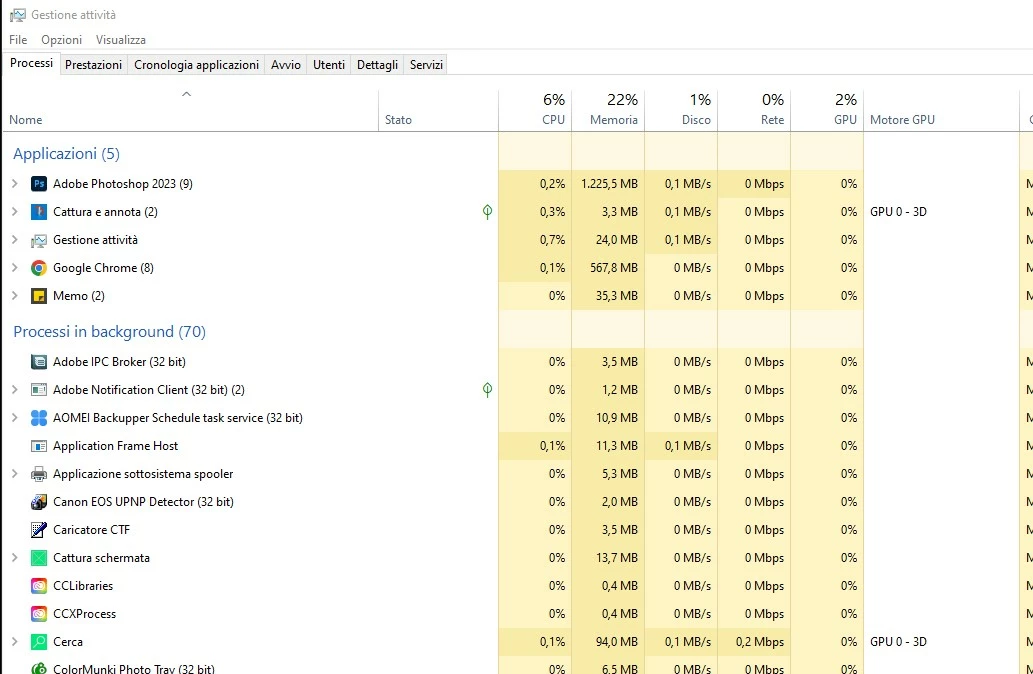
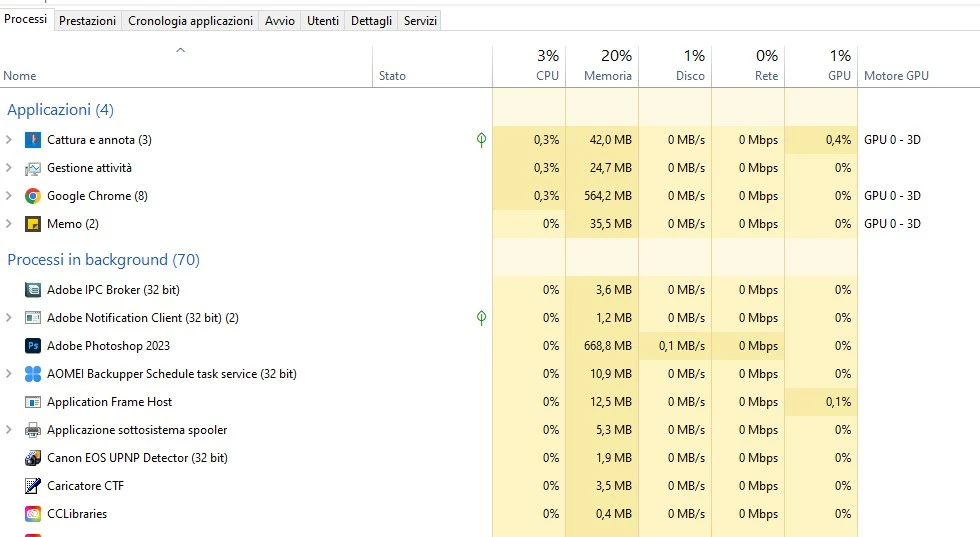
In the task manager it's still open as a background process.

If I end the task in the task manager, the app starts again. Do I have to do it all the times?
Can you help me, please?
  

This topic has been closed for replies.

3 replies

JCBFergie
Participating Frequently
June 21, 2023

I have this same problem. I can open Photoshop once, but if I try to use it again, it won't open. I have to reboot my PC. My OS is Windows 11

Participating Frequently
June 21, 2023

And here.  Same symptoms.

If there is a sysinfo / debug report that I could share to assist plz lmk

RrR

Participant
November 26, 2022

Thank you Mylenium,
I'm trying to do what you suggested but I'm not that expert doing that.
Any other suggestion or help, please?

Mylenium
Legend
November 25, 2022

Without exact system info we can't really tell you much. Such a behavior typically indicates a driver not working correctly or a file operation failing, which could in this case be cleaning out the swap file or writing the preferences on program exit. I would start by checking the system's event viewer, the device manager and all that for potential issues. Also instead of just using task manager, open resource monitor before quitting the program. Crashing processes usually produce a spike in one of the graphs and this may offer further clues what the problem might be.


Mylenium