Participating Frequently
December 13, 2019
Question

Photoshop 21.0.1 problems with saving a PSD files macOS Catalina v10.15.1

  • December 13, 2019
  • 1 reply
  • 360 views

Hello,


I have a wierd problem with my psd files.

I am working as photographer and I edit photos with: liquify, bluring, freq separation and I use some plugins.


When I am trying to save as PSD file it works to 40-50% and then freezes. I need to restart photoshop or to force quit.

After restart, when I try to open the psd it looks like in my attachement.


What should I do ? What is this problem ?
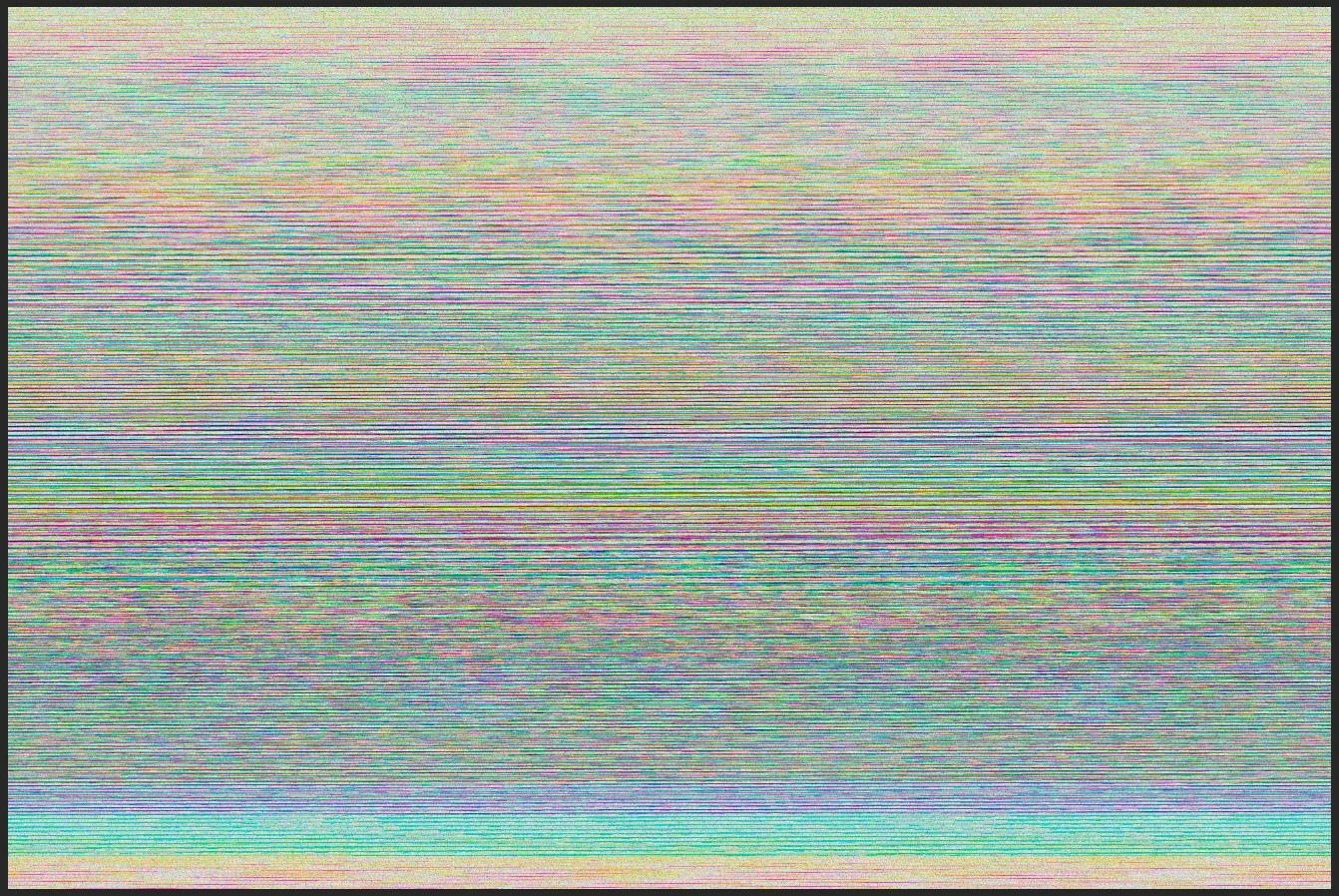
My system information:

iMac 27 inch 2019, 3Ghz 6core i5, 40Gb Ram 2667mhz ddr4, Radeon Pro 570x 4GB, macOS Catalina v10.15.1

Photoshop Version: Version: 21.0.1 Release


{Thread renamed by moderator}

This topic has been closed for replies.

1 reply

Sahil.Chawla
Adobe Employee
Adobe Employee
December 13, 2019

Hi there,


Sorry to hear about this, as the Photoshop freezes while saving images, could you please try updating Photoshop to version 21.0.2 via the Creative Cloud Desktop Application and let us know if it helps?

Regards,
Sahil

Participating Frequently
December 13, 2019

Hi Sahil,

Thank you for answer. I just updated to 21.0.2 and I will come back with updates.


LE: This error is not all the time, it happens sometimes but I find it hard to identify exactly the problem.

Participating Frequently
December 13, 2019

I got the same issue with Mojave and older versions of photoshop. It seems to happen when the finder is set up on ''thumbails" and the file you're working on is in "preview". The solution might be not to keep the file you're working on visible... it seems to work for me.