
Participant
June 23, 2020
Question

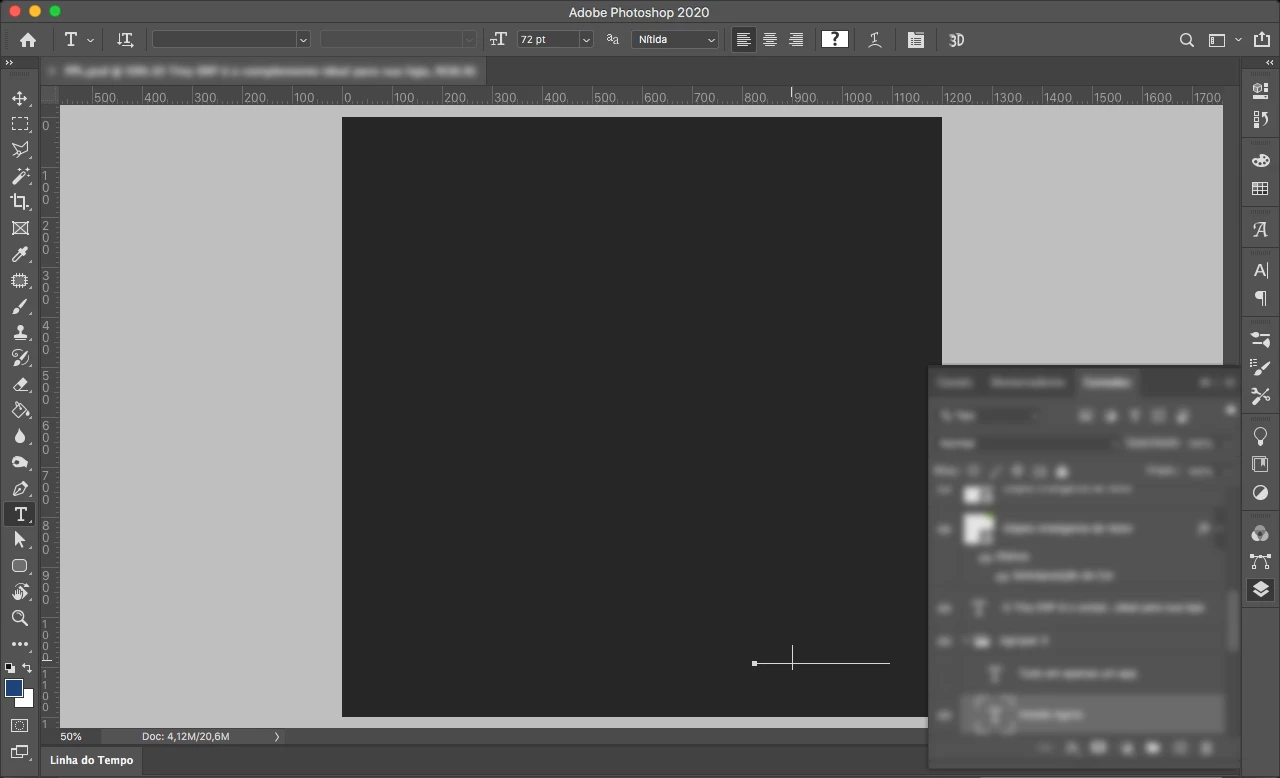
Photoshop 21.1.2 gray screen when edit text

  • June 23, 2020
  • 1 reply
  • 142 views

I updated photoshop to the lastest version and when i edit the text the artboard goes gray and then comes back to normal. I already changed the performance preferences to basic and nothing change. The Photoshop v20 never gave me problems like that:

This topic has been closed for replies.

1 reply

c.pfaffenbichler
Community Expert
Community Expert
June 23, 2020

Does turning on (or off, depending on the current settings) Photoshop > Preferences > Performance > Legacy Compositing and restarting Photoshop have any bearing on the issue? 

Does turning off »Use Graphics Processor« in the Performance Preferences (Photoshop > Preferences > Performance > Graphic Processor Settings) and restarting Photoshop have any bearing on the issue?