
maudemoiselle
Participant
June 20, 2020
Question

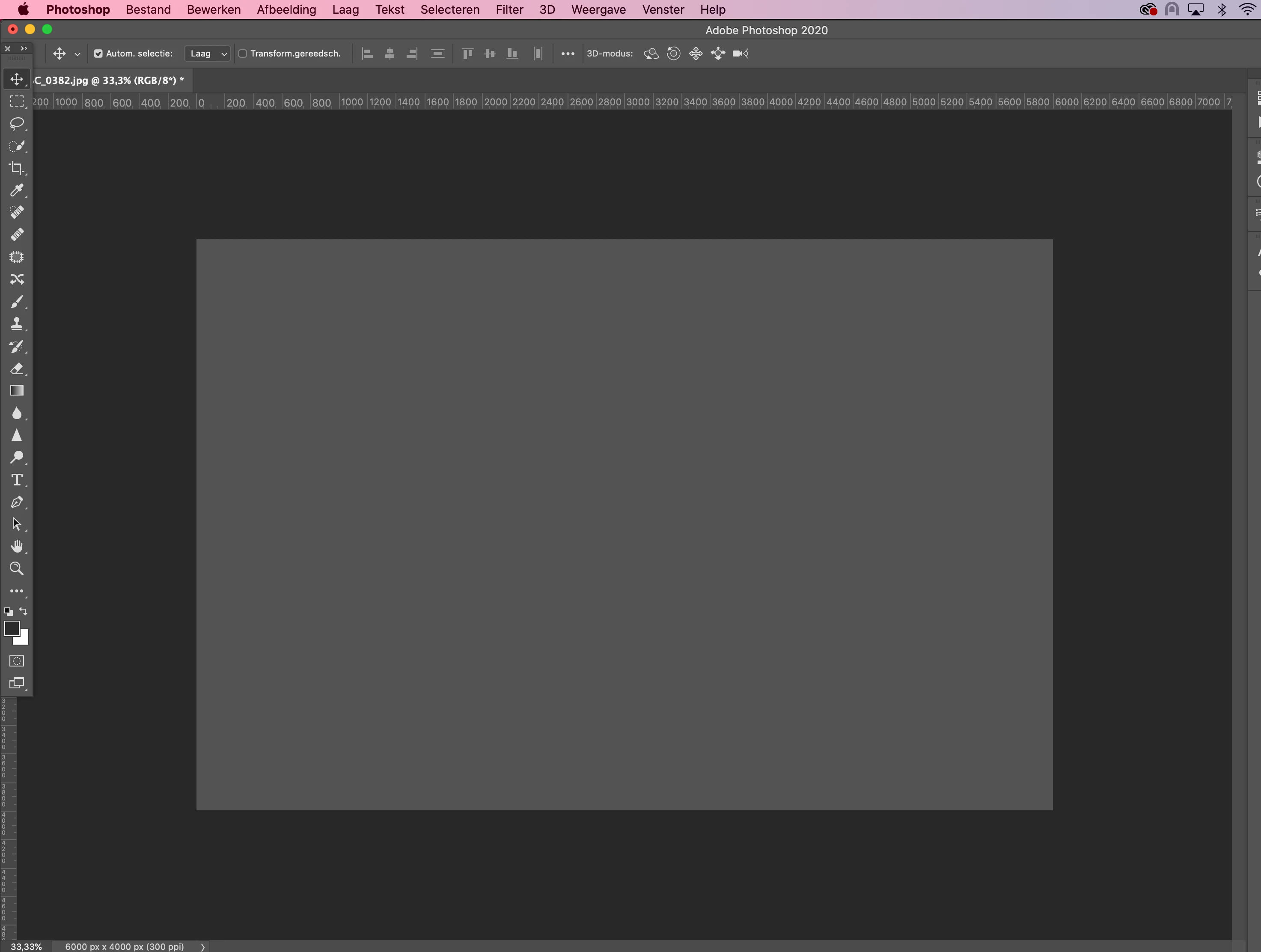
Photoshop 21.2 image flashing to a full grey screen

  • June 20, 2020
  • 4 replies
  • 1449 views

Just installed the newest Photoshop V21.2. Everytime i switch screens, or zoom in/out the screen turns grey.. It's super annoying and it's very inefficient. The same when I want to retouch something, the grey area stays in place instead of the result. 


Anyone knows how to solve this? Thanks!


This topic has been closed for replies.

4 replies

Participant
October 20, 2020

Same issue here. Mac OS 10.15.6

Sahil.Chawla
Adobe Employee
Adobe Employee
October 20, 2020

Hi there,

Sorry to hear that, could you please check and confirm which exact version of Photoshop you're on? You can verify that by going to Help > System Info.

Also, please try deselecting "Use Graphics Processor" located in Photoshop's Preferences > Performance, then relaunch Photoshop and let us know if it helps.

If the option for the graphics processor was already off then try turning it on by checking it and let us know how it goes.

Regards,
Sahil

Participant
December 17, 2020

Hi,

De selecting the graphics processor does not work. I have tried all the variables with the processor on/off boxes ticked on and off to test and the same annoying grey blocks take over parts of the sreen making it impossible to work. For me this is PS 22.1. I am also exepriencing an issue where I can barely view my work unless I zoom out. 

Help please ...

Thanks

Pixel Relish
Participating Frequently
June 26, 2020

Same issue here (black or gray) — and even more annoying, though, is when instead of going black or gray it starts flashing/pulsating until I click back on to the PSD window!  I've increased memory allocated to PSD beyond the recommended, have a secondary drive as an extra scratch disk.  All was working fine before the update.  Have several big projects I'm trying to finish, and these bugs are sooooo distracting.

s_scott
Participant
June 24, 2020

It's happening to me too and it's more than just annoying. I often need to show clients something I am working in PhotoShop in comparison to another document or sample image. Unless I make sure and have the PhotoShop window active all they see is the grey box. I am also noticing that as I am working between layers and moving images around the placement of a layer retains the old position unless I click a layer off, then back on, and then it will refresh with the new placement.

Participant
June 24, 2020

This is happenign to me as well. Since the update, the screen goes grey randomly. Also when I click into a text box, it will flash grey.


I've attached a screenshot of when I click into the textbox. Grey squares appear. Also happens when transforming or zooming in and out.


MacOS 10.15.4

Participant
June 24, 2020
I'm going through the same problem, It's super annoying!