elenat43409096
Participant
December 16, 2020
Question

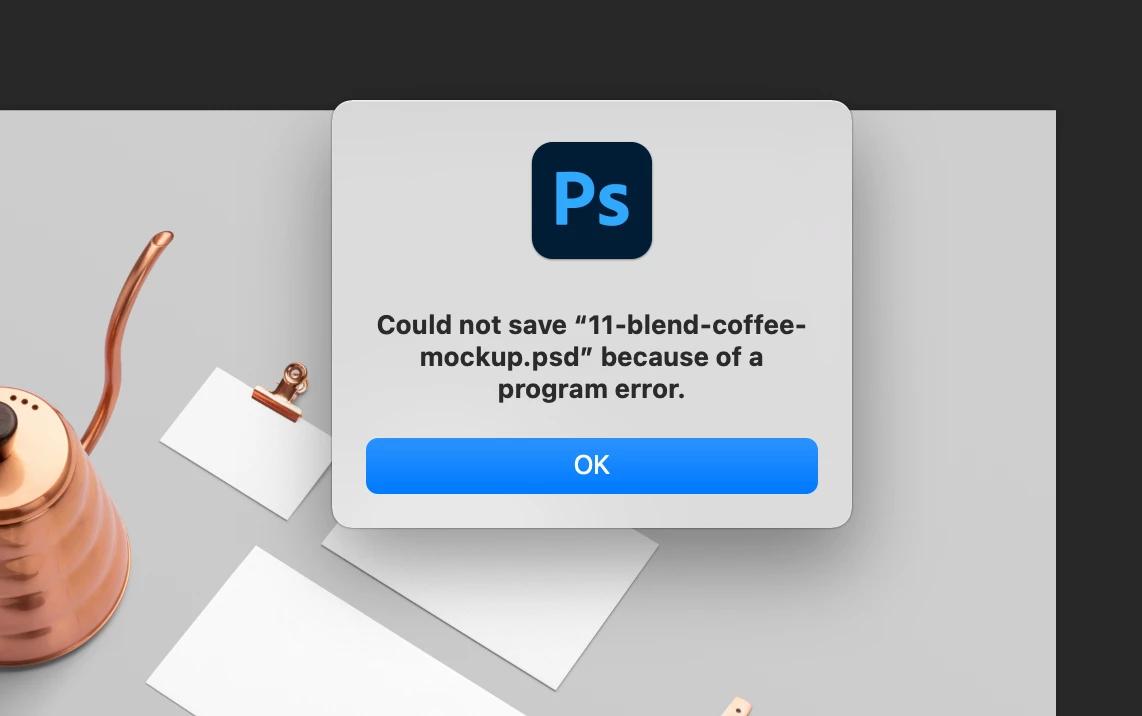
Photoshop 22.1. Error while saving file.

  • December 16, 2020
  • 1 reply
  • 404 views

Mac OS Big sur. Memory is enough. Apparently I'm not the only one 🙂 Do something please, it is impossible to work! Please! 🙂
This topic has been closed for replies.

1 reply

Participant
December 16, 2020
PECourtejoie
Community Expert
Community Expert
December 16, 2020

Hi! wrong thread, I think.

I rather suggest posting here: https://feedback.photoshop.com/conversations/photoshop/photoshop-cant-save-file-due-to-program-error/5f5f45574b561a3d4244645f


This is a known issue that is being worked on.

Did you try recreating your preferences? 

you can reset Photoshop's preferences by holding down Ctrl+Alt+Shift (Pc) Cmd+Opt+Shift (Mac) as you click on Photoshop's icon to start it up.

See: https://helpx.adobe.com/photoshop/using/preferences.html

If you do have access to the menu Edit>Preferences (Pc) or Photoshop>Preferences (Mac), it is possible to reset them from the General submenu.

elenat43409096
Participant
December 16, 2020

Thanks a lot! I'll try to figure it out.
