
Photoshop 23.3.2 Freezes on Opening a File
I've been using Photoshop for a long time but today I am completely unable to use it. I rebooted my computer (which I do periodically to improve performance--perhaps once a week or so) and since that time I have not been able to use Photoshop. I start the program and it responds to menu clicks etc. with no document open; but as soon as I try to open a document, it just FREEZES SOLID. The only thing I can do is kill it in the task manager. I have a bunch of images to edit, so this is frustrating the time out of me.
My graphics card is running the latest driver. My Windows (10) updates are all up to date. And I am on the latest Photoshop update.
I know someone is going to suggest trashing my preferences. Is there a way to save those somewhere first, so that if that's not the problem, I can get them back?
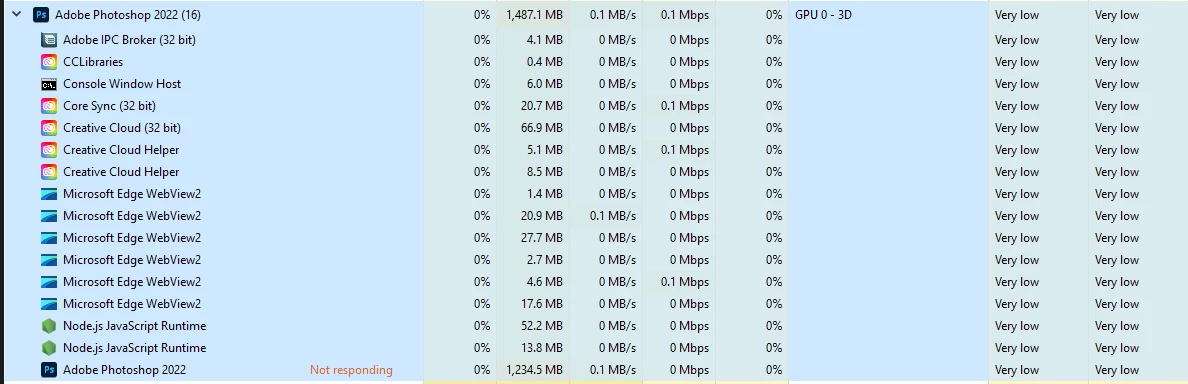
Below is a screenshot of my Task Manager for the Photoshop entry.
Thank you in advance for any help.
 AdChoices