Participant
July 19, 2023
Question

Photoshop 24.6 and export issue

  • July 19, 2023
  • 2 replies
  • 242 views

I am having a problem using the Export As... function in Photoshop 24.6.

It displays an error message before even getting to the Export As... options panel. 
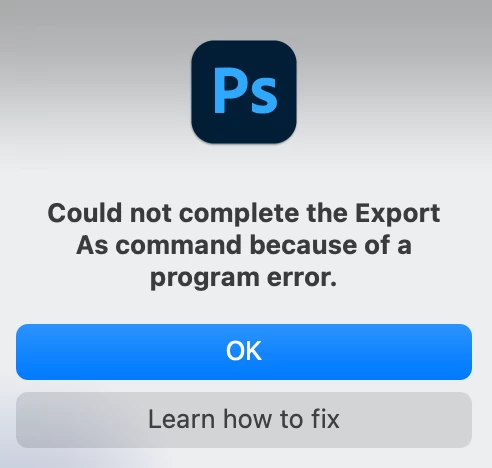
I'm on a MacBook Air M2 2022, macOS Monterey V12.6.

I've reinstalled Photoshop to no avail. Anyone else having this issue with PS V24.6???

This topic has been closed for replies.

2 replies

Participant
July 20, 2023

I tried two different ways of exporting:

- Dragged in an image then went to File > Export > Export As. 

- Dragged in an image. Used the marquee tool to select part of the image. Right-clicked the selection and created a layer via copy. Then right-clicked the newly create layer and clicked on Export As...

Both ways generated the error.

Michael Bullo
Community Expert
Community Expert
July 20, 2023

There are multiple ways to export including...
- File > Export > Export As
- Layer > Export As


Could you please be specific about what method you are using? Also, do any of the other export methods work for you?