Answered
photoshop 7.0
i am using photoshop 7.0
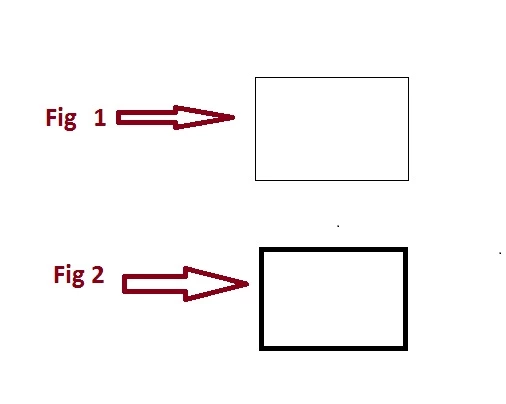
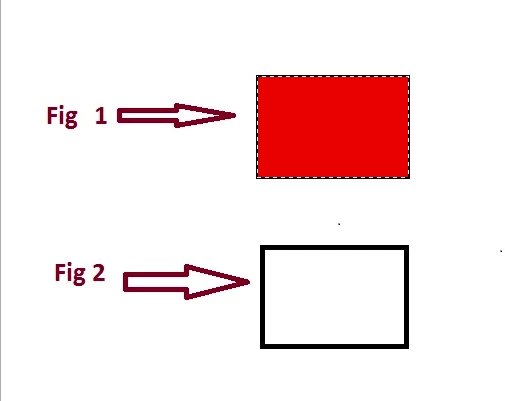
i have image Fig 1 and i want to change it to fig 2
what command or menu option should i use

i am using photoshop 7.0
i have image Fig 1 and i want to change it to fig 2
what command or menu option should i use
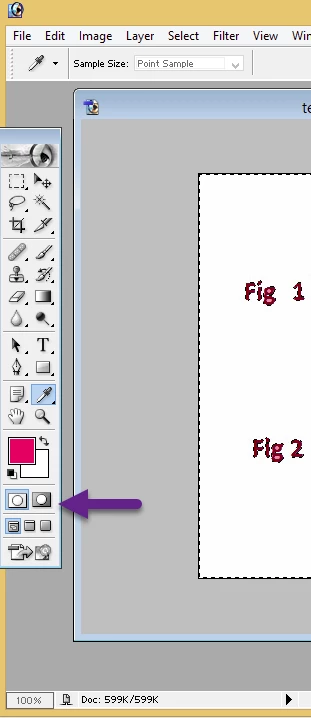
It looks from your graphic that you have more than just the top rectangle selected. You can tell what is selected by going into 'Quick Mask' mode
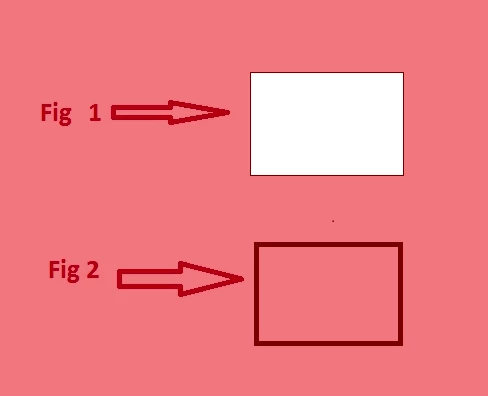
It should look like this, where the red area is unselected
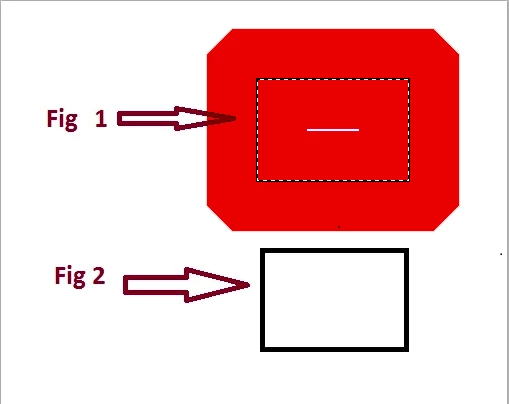
A 100px stroke is going to fill your rectangle as it is only around 150px wide. Try doing it this way-make the location of the stroke 'inside' the selection at 10px
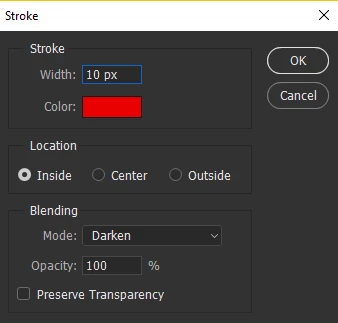
At 10px it will not overflow outside the selection
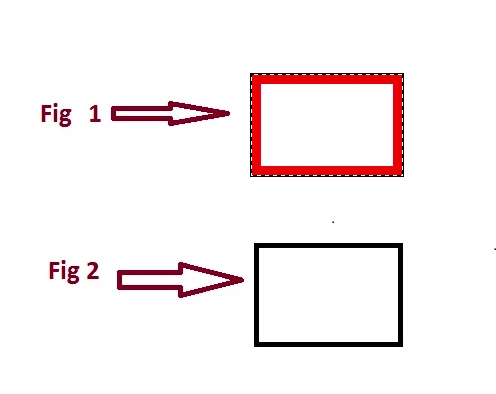
At 20 pixels
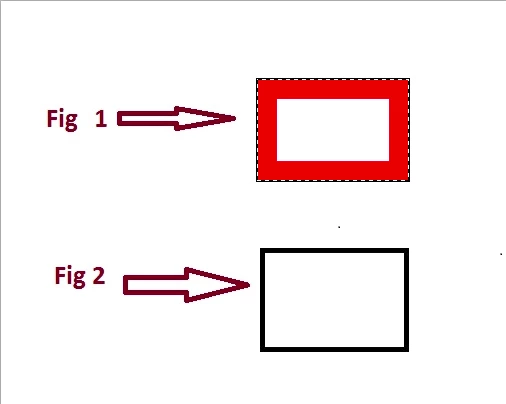
At 30pixels
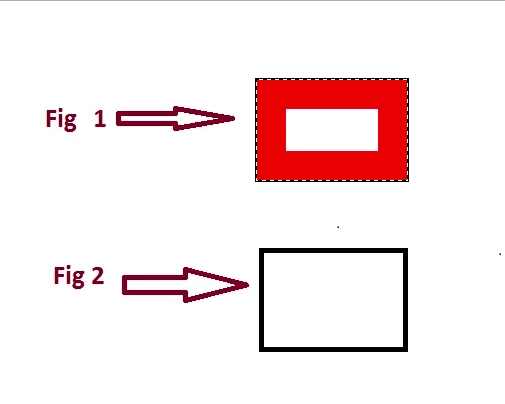
At 40pixels the rectangle will nearly be filled
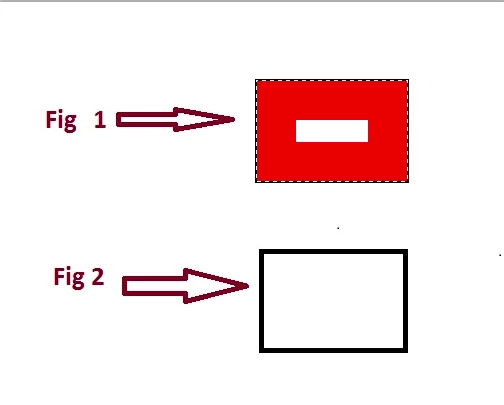
and if you go to a stroke of 100px it will be filled
If you have 'centre' selected in the stroke dialog it will overflow outside the rectangle, but as only the top rectangle is selected it will not effect the other rectangle.
Already have an account? Login
Enter your E-mail address. We'll send you an e-mail with instructions to reset your password.
 AdChoices