
Question
Photoshop 7 won't start -files missing from "required" folder
Can anyone help please? I have this error come up when I try to start photoshop 7 (Windows 8).
Yes it's an antique, but it serves me well..... 🙂
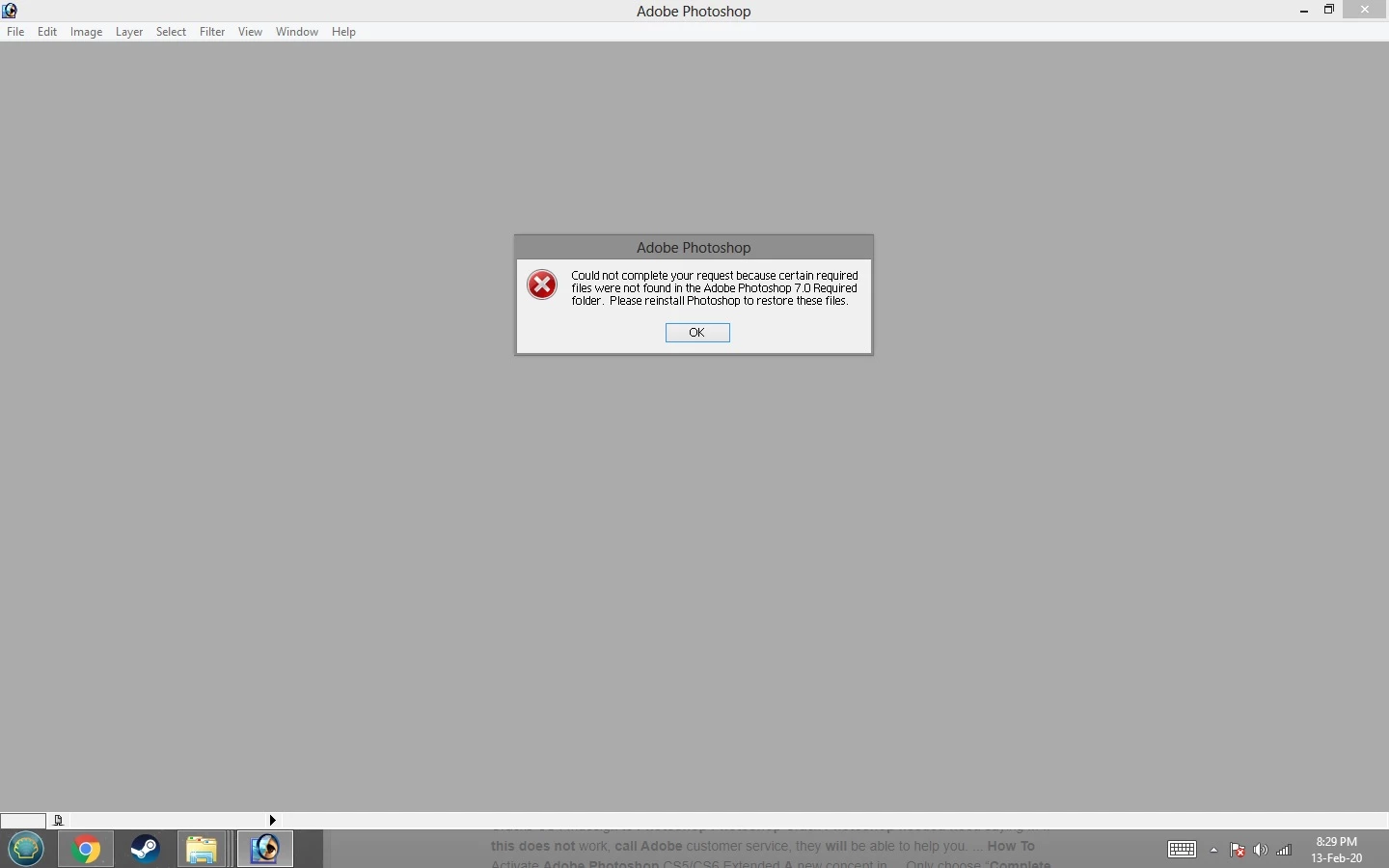
I managed to fix it the other day, but on restarting the computer it re-occurs. re-installing doesn't help. ERROR: "could not complete your request because certain required files were not found in the adobe photoshop 7.0 required folder. please reinstall photoshop to restore these files"
It worked perfectly fine for years and all of a sudden it had this issue.
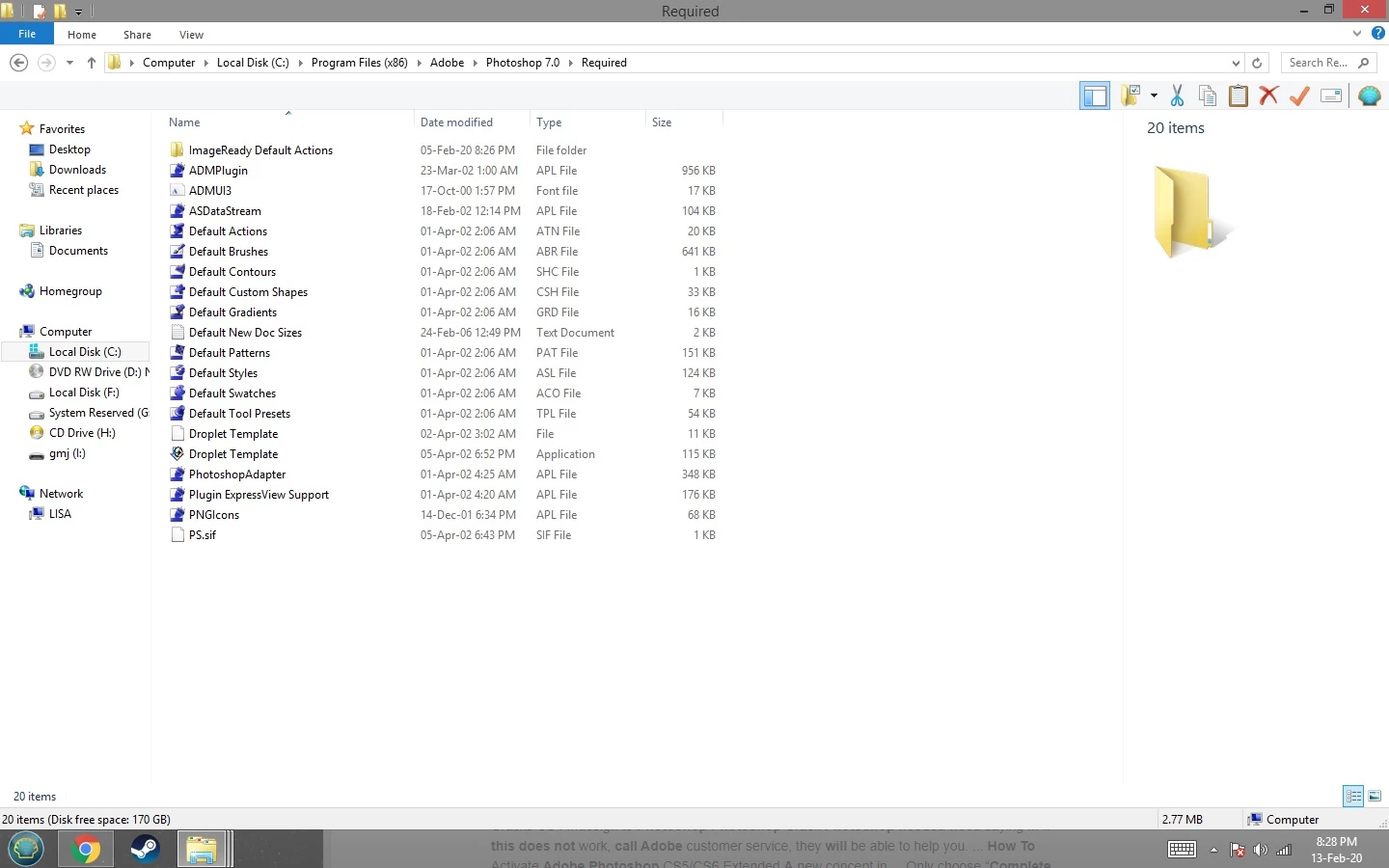
Does anyone know what files I am missing from the "required" folder?
TIA. 🙂
 AdChoices