Participant
October 4, 2019
Answered

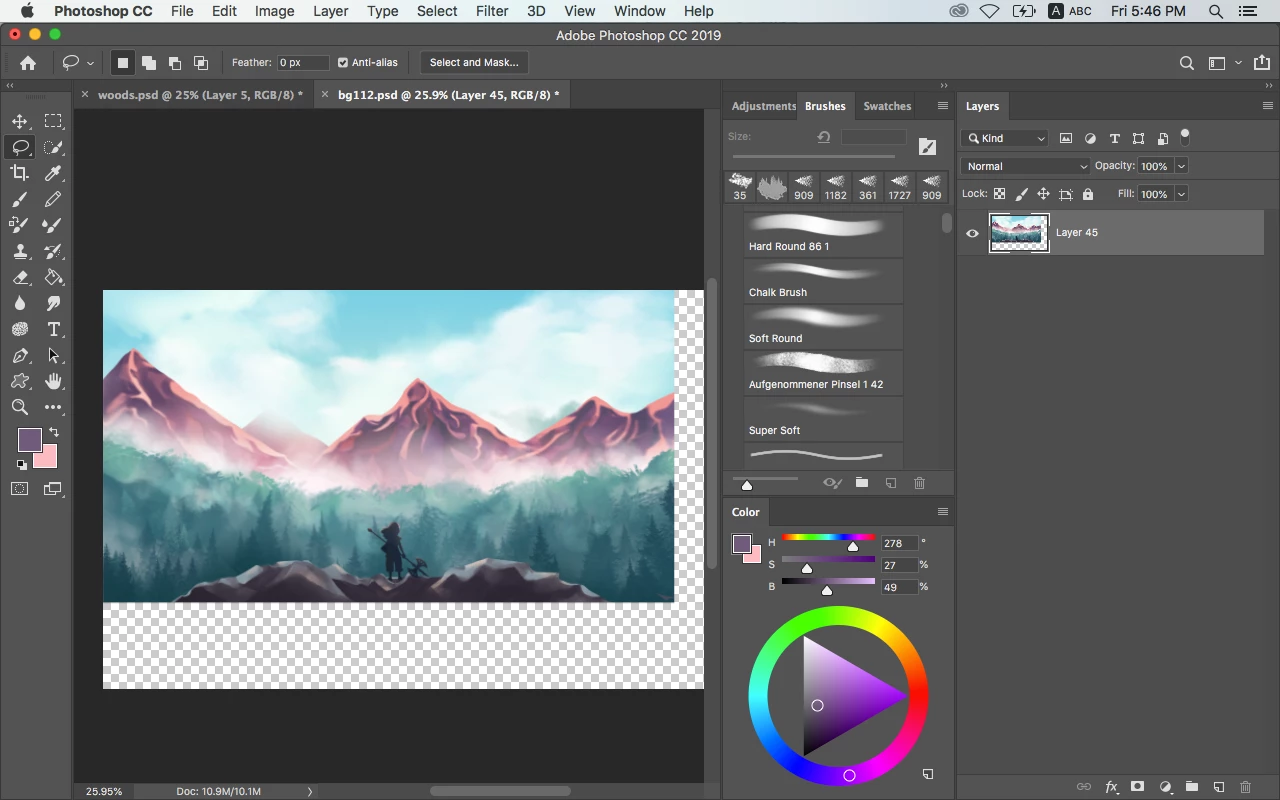
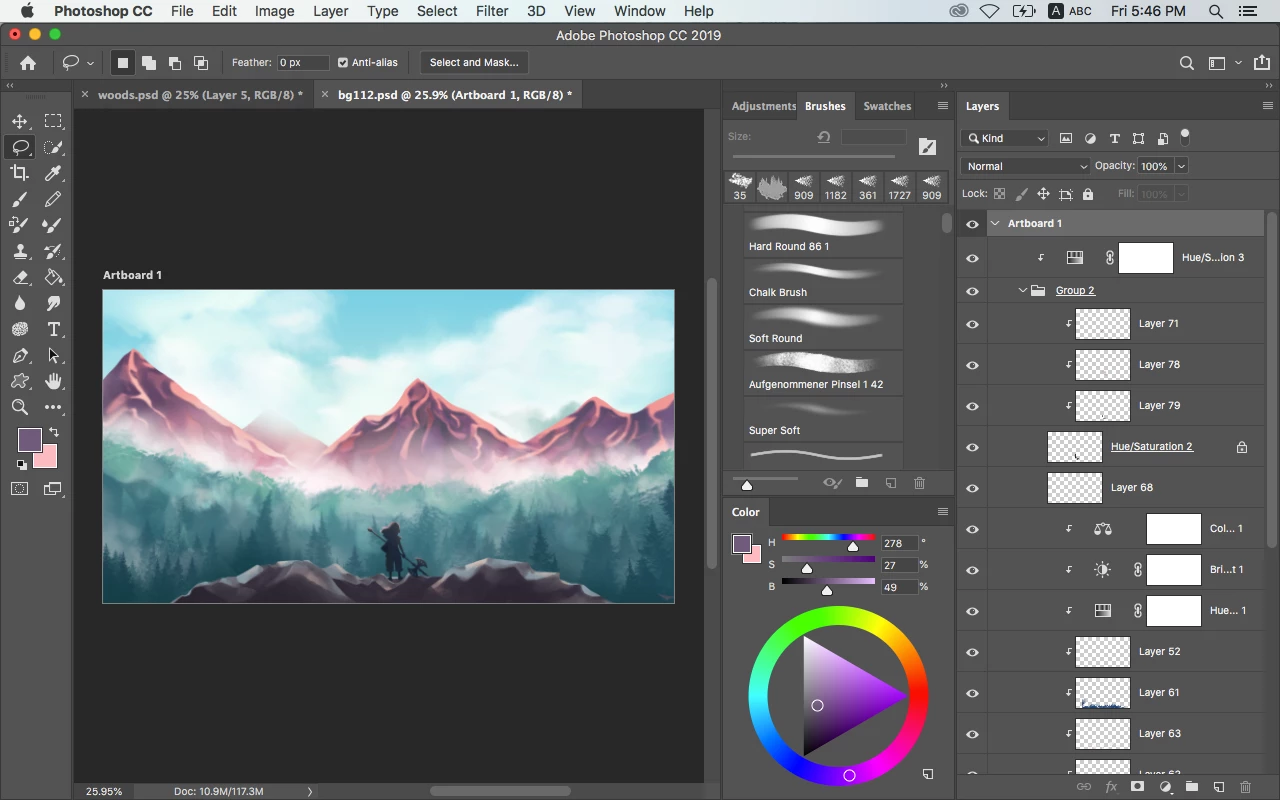
Photoshop adding white areas when I save files in .jpeg or flatten image. Help, please

  • October 4, 2019
  • 2 replies
  • 785 views

 So this is the first time I have this problem. The trustful source such as google.com says that it's somethimg to do with transperency, but I don't think so, or else I'm just dumb. 
 

This topic has been closed for replies.
Correct answer Myra Ferguson

Your artboard and your canvas are not the same size. There are different ways to export your work as a JPEG that will export the content on your artboard only. File > Export > Quick Export as JPEG, File > Export > Export As..., and File > Export > Artboards to Files will preserve your artboard size when you export a JPEG.

2 replies

Myra Ferguson
Community Expert
Myra FergusonCommunity ExpertCorrect answer
Community Expert
October 4, 2019

Your artboard and your canvas are not the same size. There are different ways to export your work as a JPEG that will export the content on your artboard only. File > Export > Quick Export as JPEG, File > Export > Export As..., and File > Export > Artboards to Files will preserve your artboard size when you export a JPEG.

Participant
October 4, 2019
Wow, thank you, it worked. Also fascinated by how fast replying here is
Participating Frequently
October 4, 2019

When you save as .jpeg it doesn't preserve transparency.

Save as .png or .psd (will keep your transparency)