Participant
February 25, 2024
Question

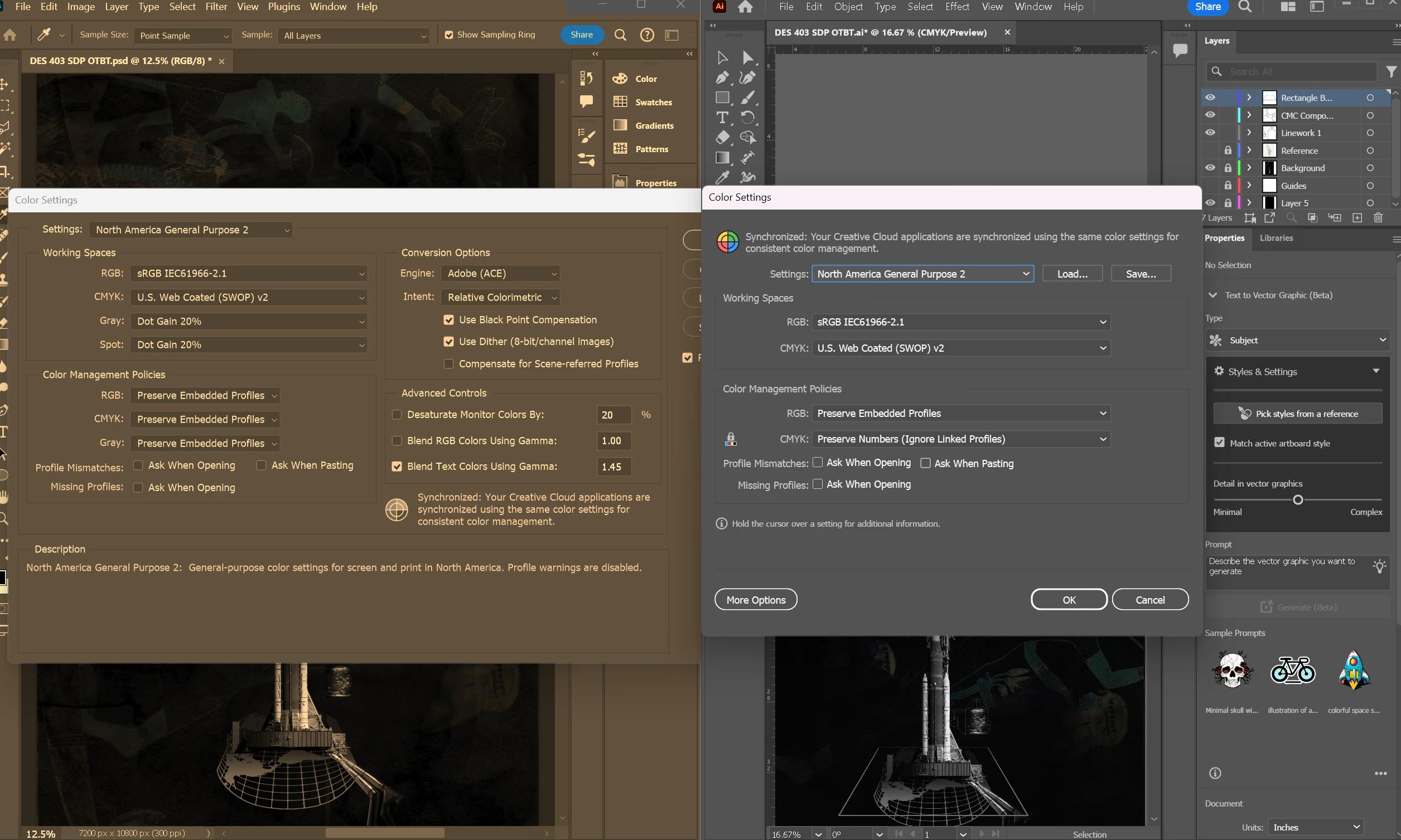
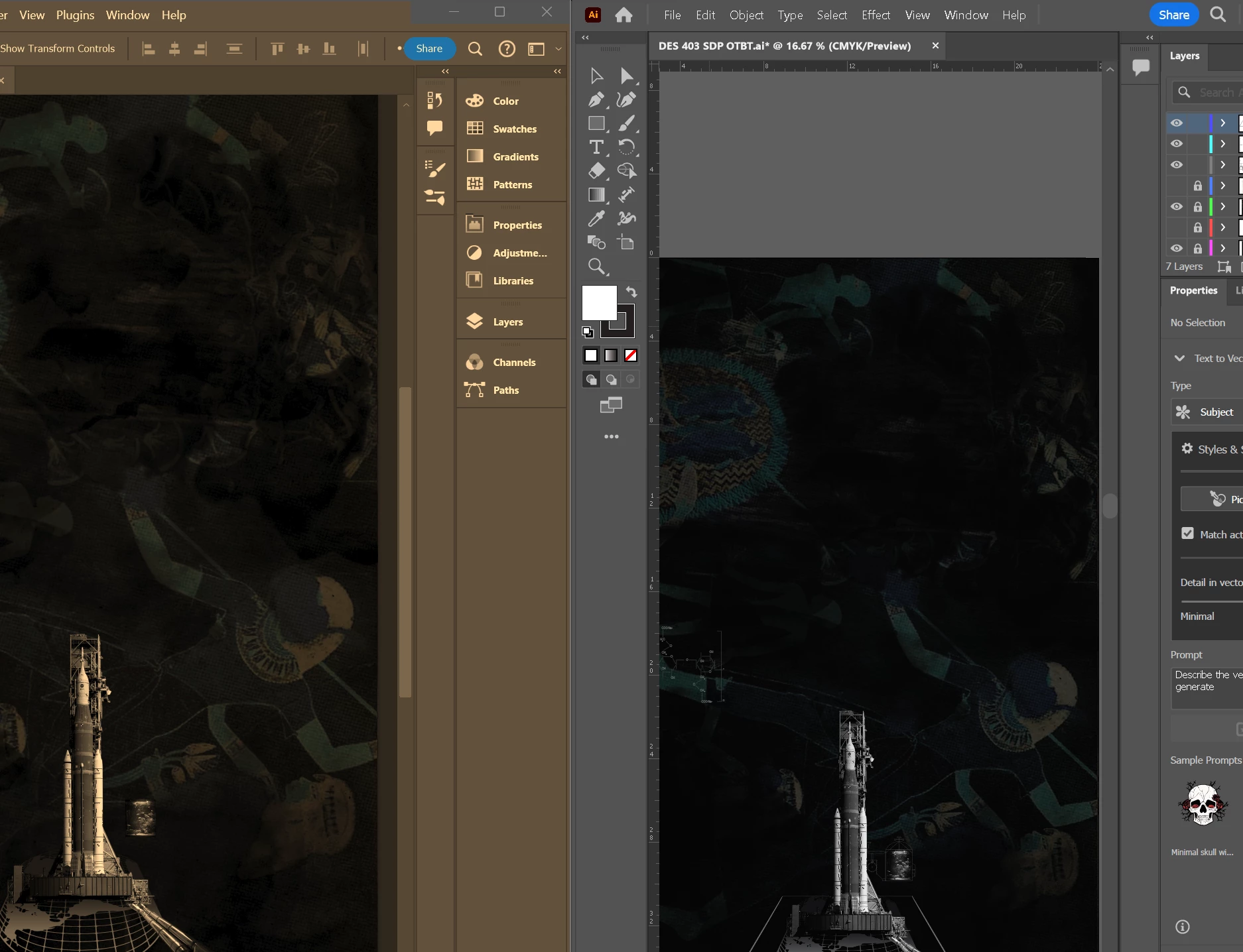
Photoshop and Illustrator colours are completely different

  • February 25, 2024
  • 1 reply
  • 285 views

I'm trying to work on the same document using photoshop and illustrator, but my photoshop display is too warm. I am using the sRGB colour profile for both but it doesn't change photoshop's warm display tone.


Any suggestions? 
 

This topic has been closed for replies.

1 reply

Per Berntsen
Community Expert
Community Expert
February 25, 2024

This is most likely caused by a defective monitor profile.

Windows is known to install low quality profiles from monitor manufacturers when doing updates, and these profiles are very often defective out of the box.


As troubleshooting, and as a possible temporary fix, try setting the monitor profile to sRGB. (use Adobe RGB if you have a wide gamut monitor)

If this fixes the issue, you should ideally calibrate your monitor with a hardware calibrator. This will also create and install a custom profile that will be more accurate than sRGB or Adobe RGB.

Color managed applications convert image colors from the embedded profile to the monitor profile in order to display correct colors. For this to happen, the monitor profile must contain an accurate description of your monitor's color response.


Close Photoshop and Illustrator.

Press the Windows key + R, type colorcpl in the box and press Enter.

Add the sRGB profile, then set it as default.


Note that the RGB working space has no effect on the display of colors.

It's just the default color space for new files, and for untagged files. (files that do not have an embedded profile)


D Fosse
Community Expert
Community Expert
February 25, 2024

Yes, I'd go for a broken monitor profile too.


But first - is HDR enabled in Windows? Try to turn it off if it is.