Photoshop and iPad Pro - How do I see it in my creative cloud list
Hello.
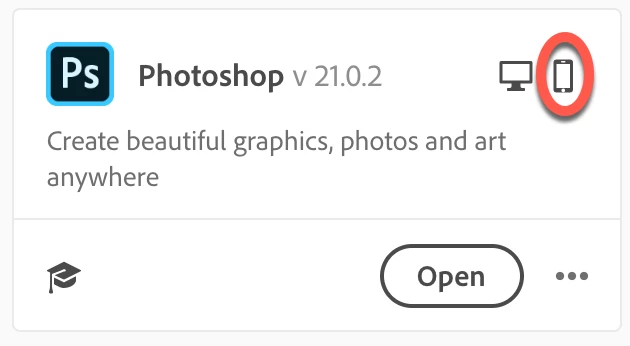
As a long time member of creative cloud, I intend to use Photoshop on my iPad Pro in my travels. I have no issues with Lightroom however, I am running into an installation issue with Photoshop. Regardless of how I download Photoshop (app store or creative cloud) and install, it does not recognize Photoshop in the Creative Cloud home page. I see a number of apps with a symbol; arrow pointing downward to a bracket sign (right hand corner of the app), but if I try to launch it within Creative Cloud home page, it appears that I need to download it every time I launch the app. The other alternative is to launch it from the shortcut link installation created on the screen not in the creative cloud home page.
However, all seems to work well, but a little concerned that I may loose some work. Tried to work with Adobe Support, but to no avail. Has anyone experience similar issues?
There are no such issues with Lightroom.
Thank you all in advance.
Cheers.
[Moving from generic Start/Help forum to the specific Program forum... Mod]
[To find a forum for your program please start at https://community.adobe.com/]
 AdChoices