Known Participant
July 6, 2017
Answered

Photoshop and variable data problem

  • July 6, 2017
  • 1 reply
  • 940 views

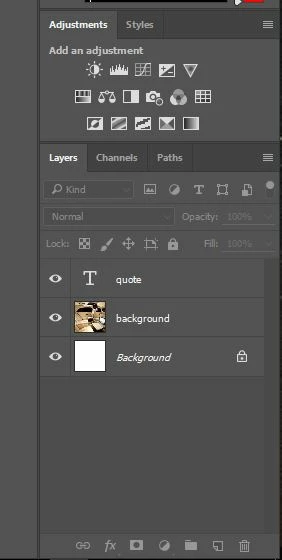
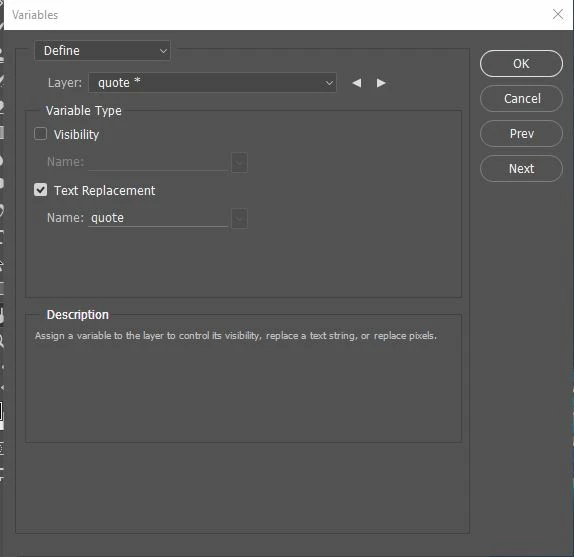
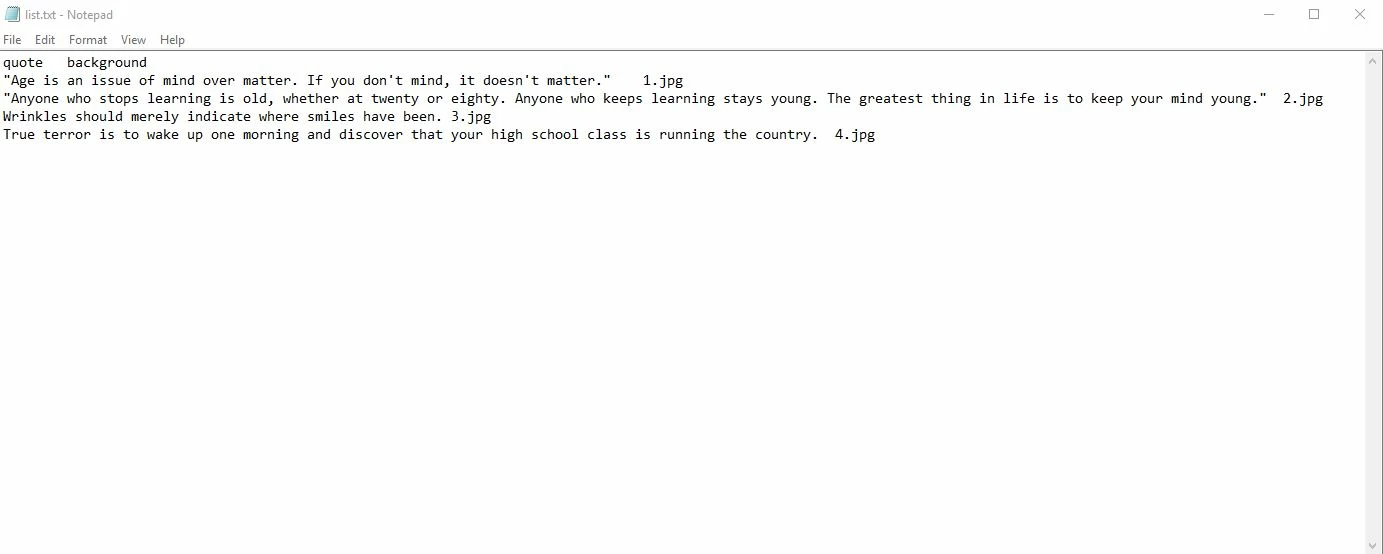
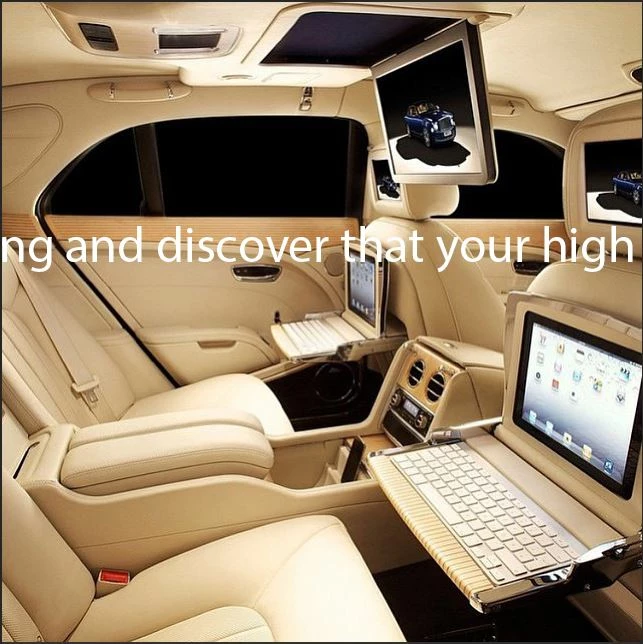
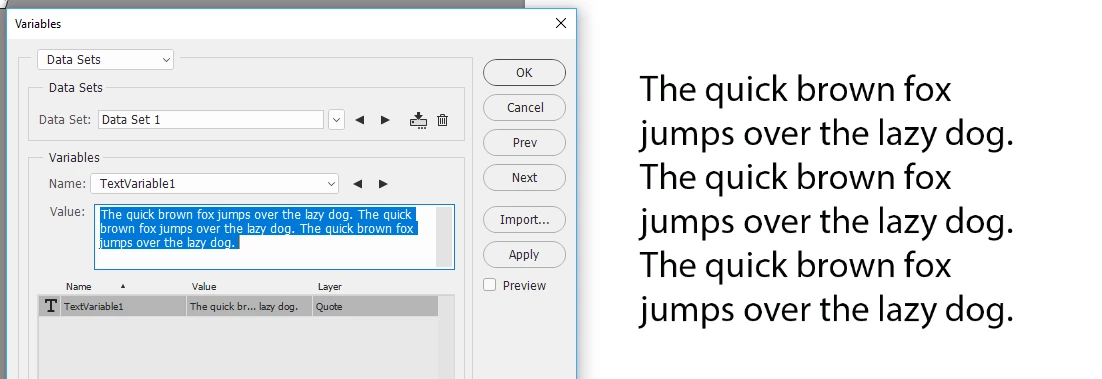
i guys, I am trying to make some motivational pictures for IG and i am having issues when using photoshop variable data. The text goes outside the picture frame and its not on multiple lines like i want it. The background pictures and the quotes themselves are replaces,but the quotes are not formated good...I atached some photos of my PS setup. Any suggestions are helpfull thank you!

This topic has been closed for replies.
Correct answer davescm

Hi

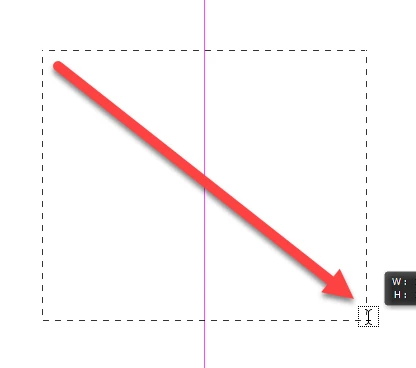
When you created your text layer did you create a text box on your text layer by clicking and dragging from corner to corner with the text tool?

Dave

1 reply

davescm
Community Expert
davescmCommunity ExpertCorrect answer
Community Expert
July 6, 2017

Hi

When you created your text layer did you create a text box on your text layer by clicking and dragging from corner to corner with the text tool?

Dave

Known Participant
July 6, 2017

Yes i got it working finaly

you are correct i was just clicking new text i wasn't draging out a text box

thanks!

davescm
Community Expert
Community Expert
July 6, 2017

You're welcome

Dave