Photoshop auto recovered file looks like noise?
I was working on a file; tried to save over it, resulting it "file is in use" error (this happens on occasion). Then I tried saving as a new file name, during which Photoshop crashed. The original file is gone, the auto-recovery pulled the file back up but all the info is jumbled. Here's what the file looks like.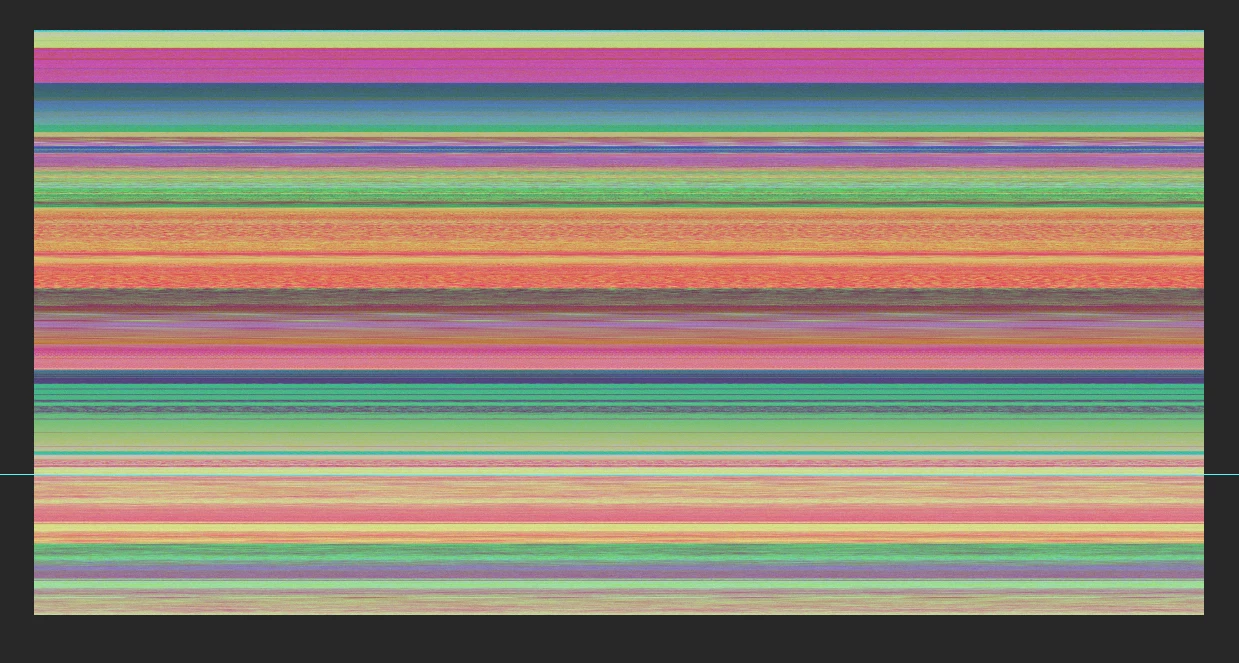
So far I've tried saving as jpg, then renaming file to psd (didn't work).
I've tried copying/renaming as tif, wouldn't open.
I saved the file as a psd, and when reopening it looks just like the above image. The file itself is 500mb (about how big the original file was) and has no layers (flattened file, with guideline in the correct spot for the original file).
Any ideas on what I could try to recover my file? I was thinking maybe saving it as whatever file extension photoshop uses for backups and put it in the backup folder then reopen photoshop and see if it loads the layers?
Thanks!
 AdChoices