
Answered
Photoshop black / white box saving onto image
Hi,
We are having issues where we are getting the black / white boxes appearing on images, but unlike most issues that resolve itself when refreshing the screen or disabling graphics, these boxes are affecting the image when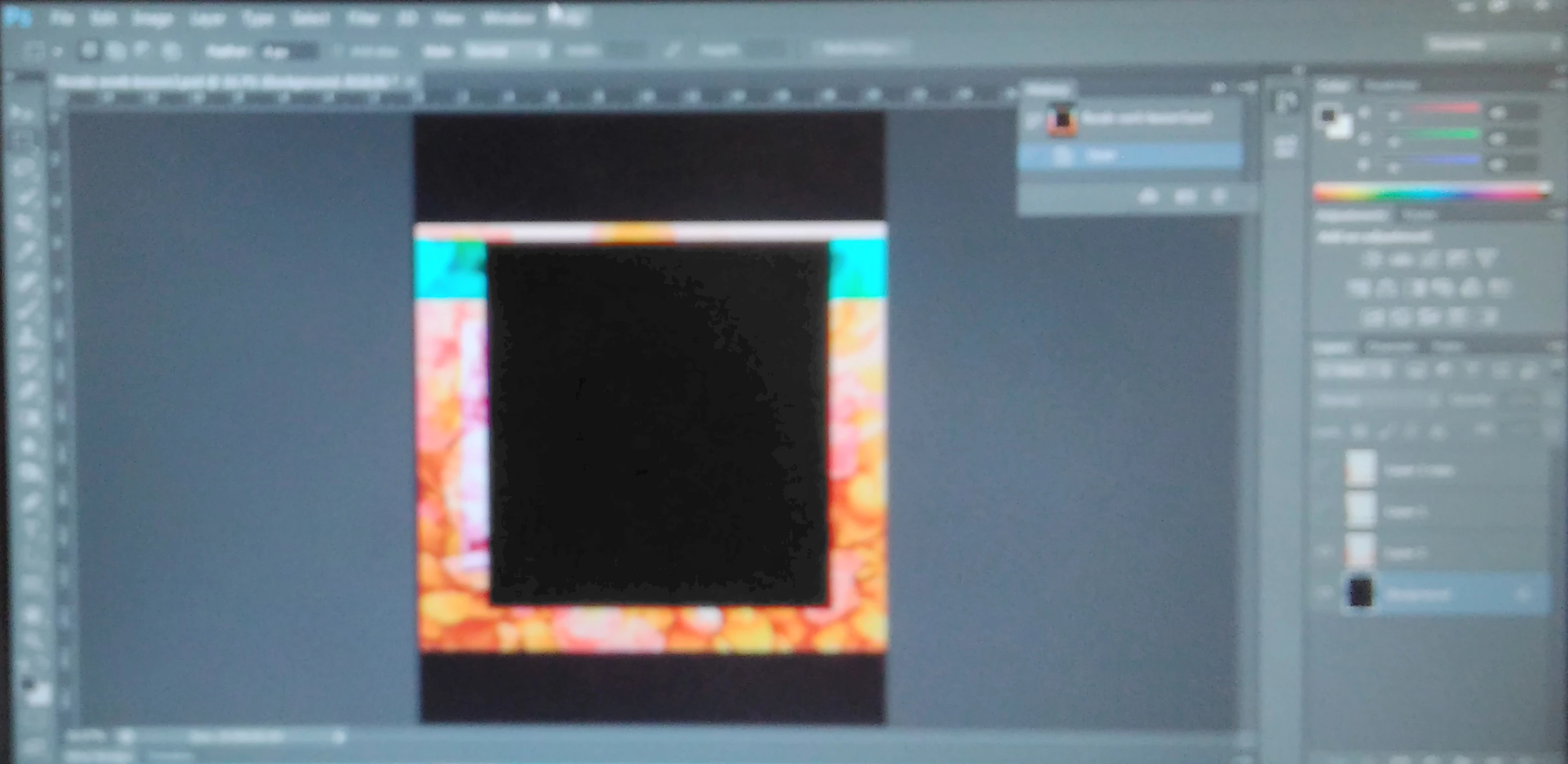 saved, it looks like a selection has been made and then deleted, but I have been told that this was not the case, that these appear sometimes when opening an image. We are running CS6 64bit on Windows 7. Has anyone had any issues similar to this? Web searches only highlight graphic device problems concerning screen redrawing. Many thanks
 AdChoices