
Question
Photoshop brushes not appearing on canvas as they should?
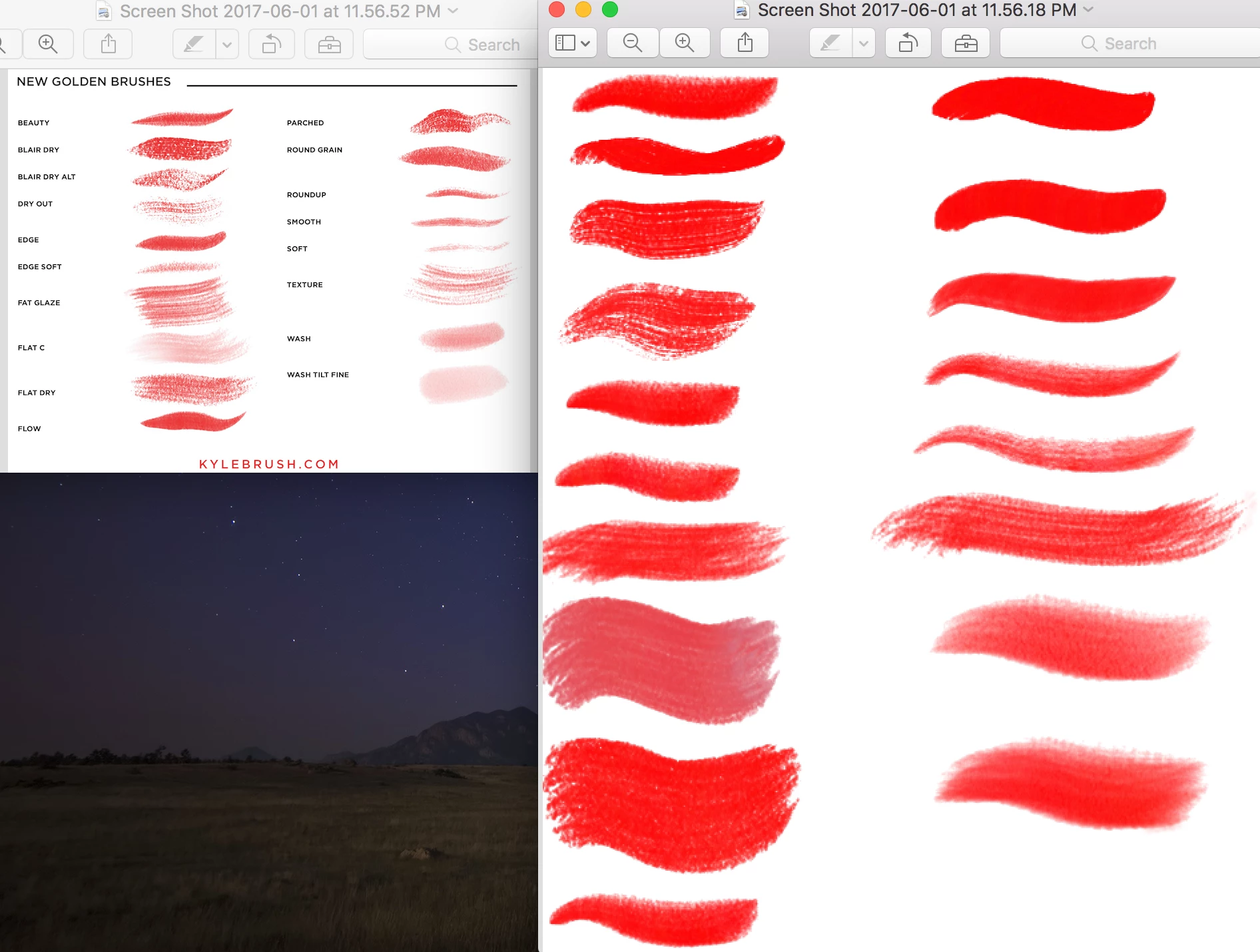
I downloaded a brush pack (technically tool presets) and the brushes are not appearing correctly. I can't figure out what is wrong. I attached a photo of what the brushes should look like (left) vs how they come out on canvas. I am using Adobe Photoshop CS6 on Mac OS Sierra. I have tried resetting my presets and resetting tools / reloading the presets. It did not work. The lock is unlocked in the presets as well.
 AdChoices