
robutts
Participant
January 2, 2018
Question

Photoshop brushes not working quite right.

  • January 2, 2018
  • 2 replies
  • 896 views

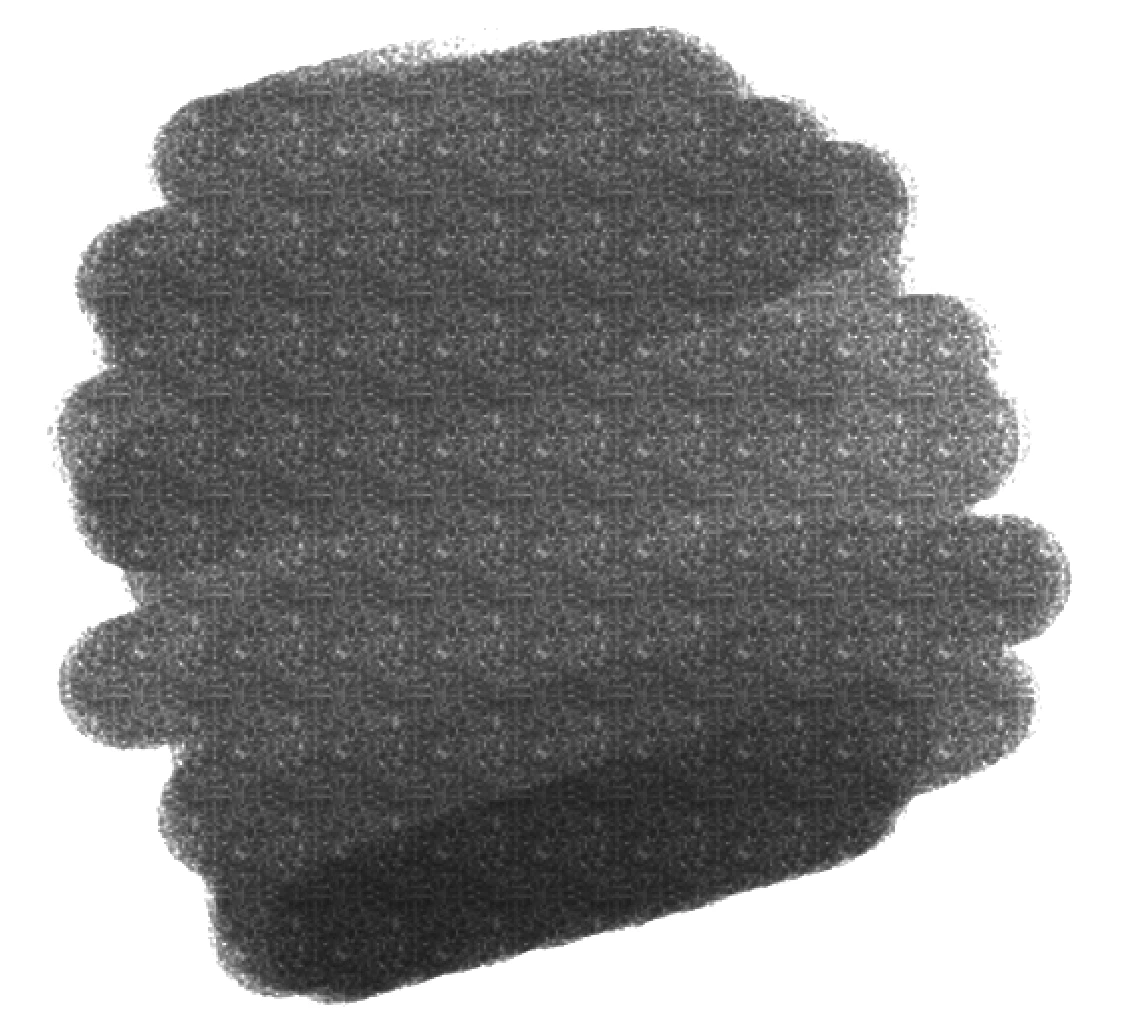
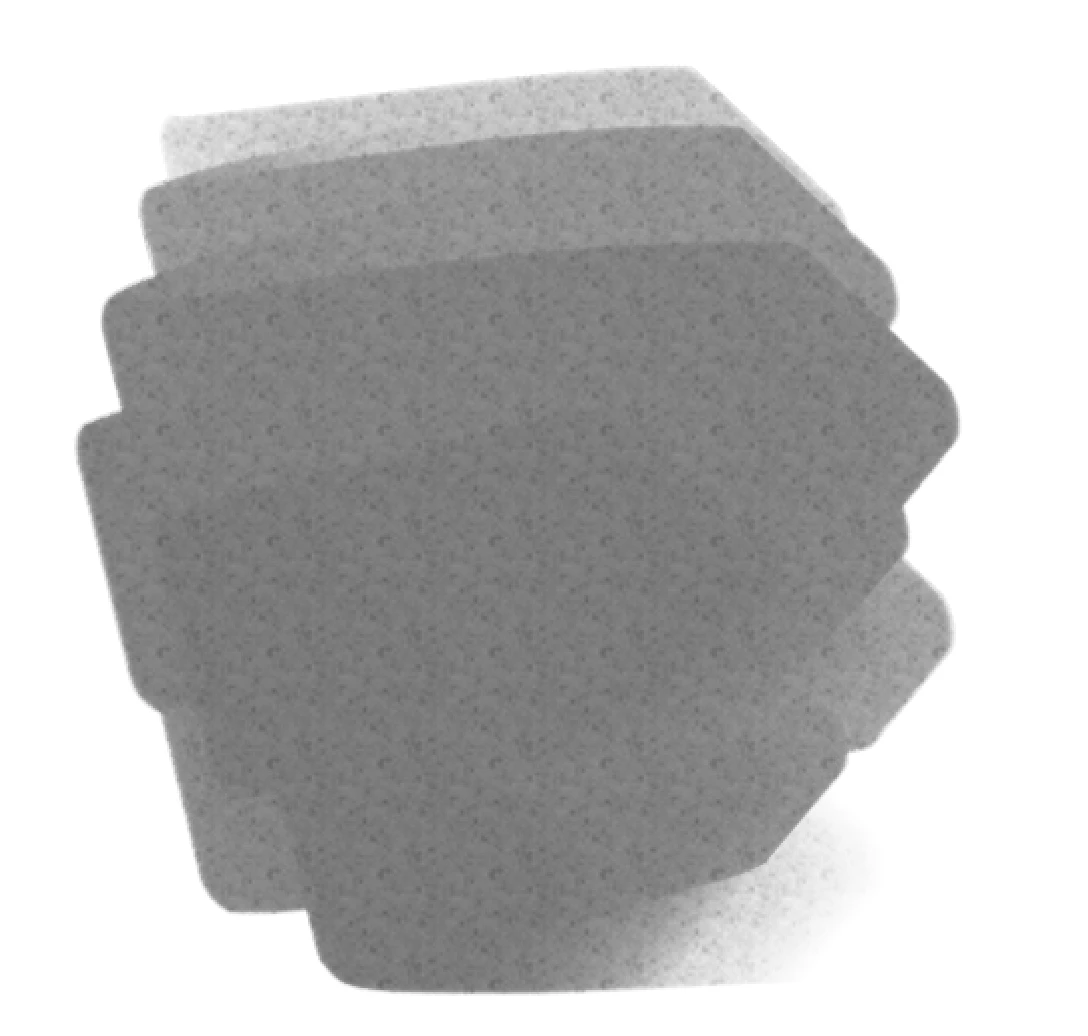
Hello guys. I am at my wits end here and really hope somebody out there can help me. I have noticed that ALL my brushes, custom and default, don't seem to be working like they used to. I don't think I did anything to prompt this except download the latest version of creative cloud. I'm not really sure how to describe the problem exactly and I don't have any pictures of what the brushes used to look like, but I will try my best.

One of the easiest problems to explain are that my textures are all doing this now, and they didn't do that before. It would randomize the texture and not leave it looking like...that. I have had this problem before with previous versions but it would only last for a little bit and all I would have to do to fix this was to close photoshop and open it up again. But this happened like two months ago and I have tried everything I can think of to fix it. I tried reinstalling photoshop, trying older versions of creative cloud, reseting all my tools, resetting preferences, reloading my brushes, changing the flow and spacing. But nothing is working and I am absolutely going insane. And it's happening with all my brushes, not just these two. None of them are working like they used to. They are all just a little bit wrong. PLEASE HELP ME!
This topic has been closed for replies.

2 replies

Participating Frequently
January 2, 2018

.

c.pfaffenbichler
Community Expert
Community Expert
January 2, 2018

Your description is pretty unclear to me.

And you posted screenshots without any relevant UI elements (Options Bar, Brushes Panel, Brush Settings Panel, …).

robutts
robuttsAuthor
Participant
January 2, 2018

Well I didn't think that information would be needed since I am pretty sure it's not an issue with settings or anything. I am pretty sure it's a problem with my driver but everything I am trying isn't working. It's also not just those two brushes, it's all of my brushes. The issue is the problem with that ugly tiling texture and a little bit of a sensitivity problem. I've had this issue in the past but simply restarting photoshop always fixed it. But it's not doing anything anymore. I'm just stuck with kind of off brushes.

c.pfaffenbichler
Community Expert
Community Expert
January 2, 2018

If you cannot clarify how the Brushes are supposed to look as opposed to how they do look I am afraid the problem is not evident to me.

And showing the Panels that make clear what the settings are would not seem to be a bad idea.

I am pretty sure it's a problem with my driver but everything I am trying isn't working.

Does turning off »Use Graphics Processor« in the Performance Preferences (Photoshop > Preferences > Performance > Graphic Processor Settings) and restarting Photoshop have any bearing on the issue?