Participant
February 17, 2018
Answered

Photoshop CC 19.1.1 Select and Mask Feathering Smudging

  • February 17, 2018
  • 1 reply
  • 2138 views

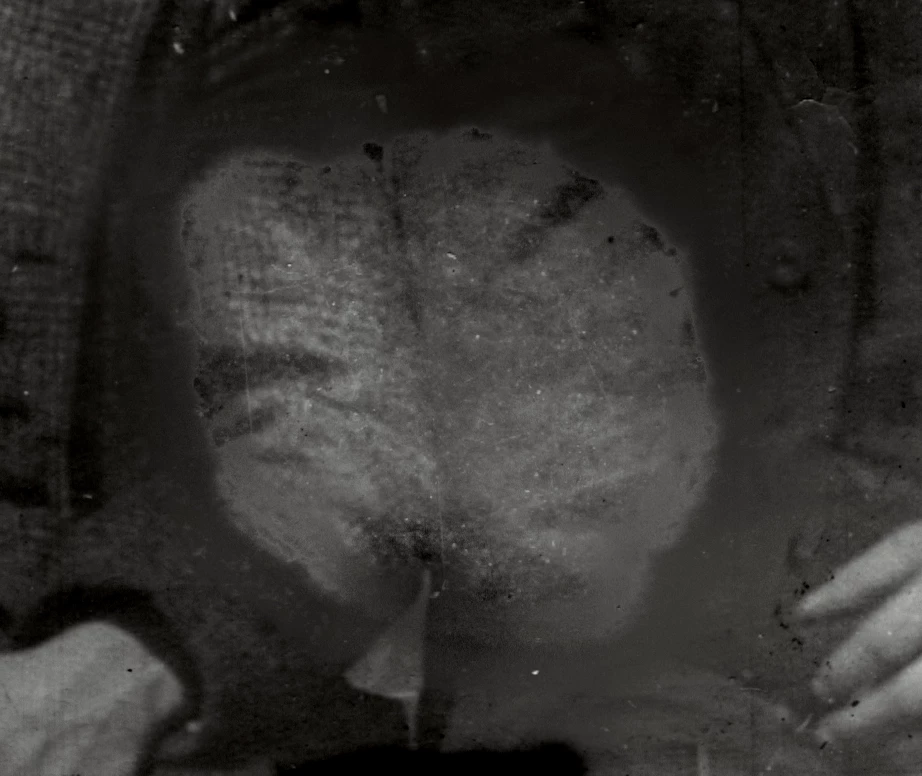
I am editing black and white photos, which I have done at least 12,000 times. When adjusting darker spots or adjust hue/saturation in certain areas I have always used refine edge and most recently "select and mask" and refine that edge with the feather brush. As of today, I update to 19.1.1 and when I use the feather brush to refine the edge it basically just "smudges" or blurs the edge rather than feathering like it used to. Is it just me or did this tool just get broken once again? I hope this image helps show the smudging around the edge. Also if anyone can explain why this is happening maybe it's just me?
This topic has been closed for replies.
Correct answer Theresa J

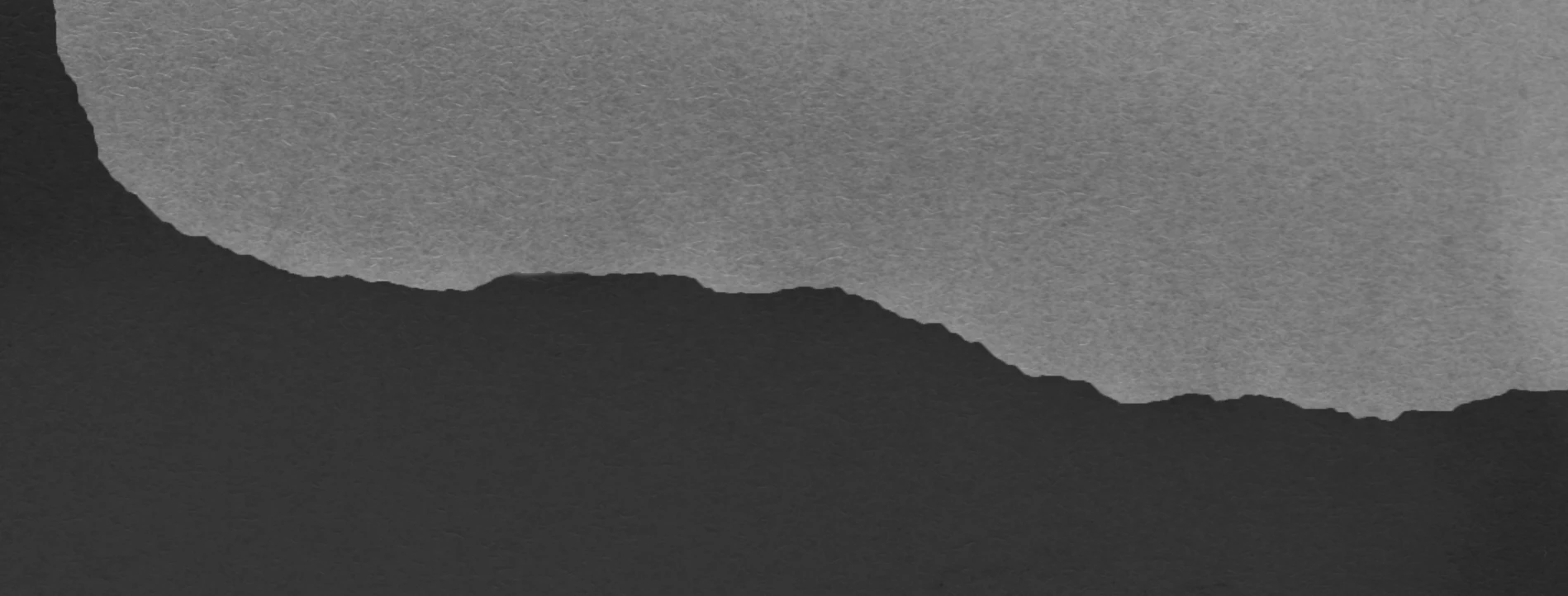
The goal is to blend the two tones together, this image is the original scan.

I have masked the lighter area and now have the darker area ready to adjust levels.

Using the feather brush tool to blend the mask better

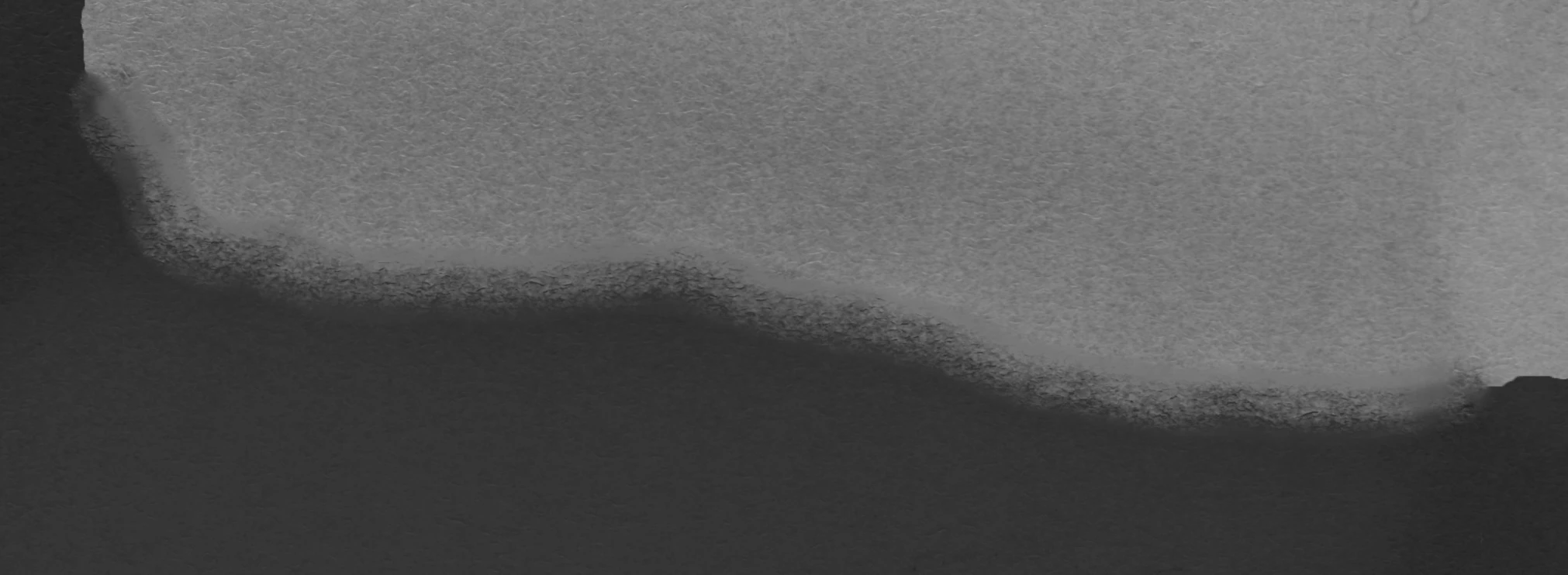
You get this feathering now, you can even start to see the blurring. The feathering looks fine until I let go of the mouse.

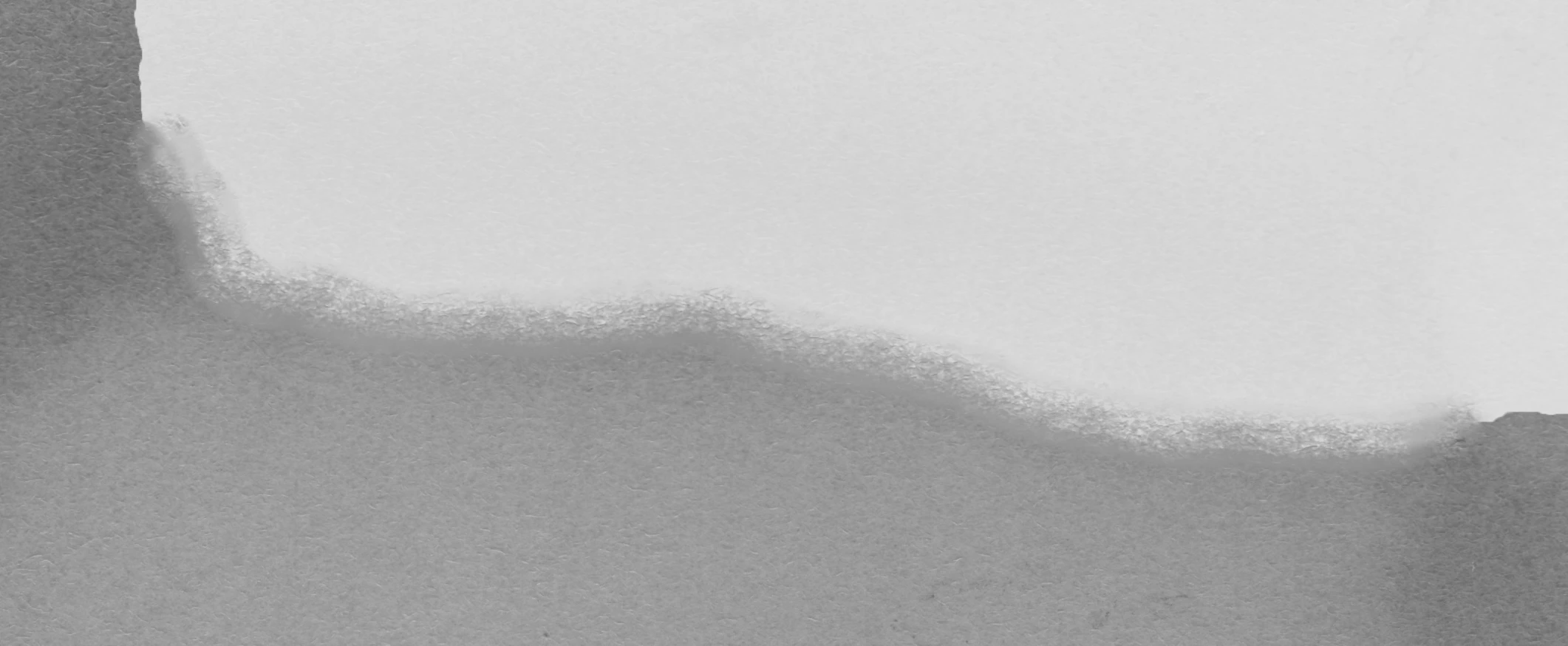
I adjusted this more extremely than I normally would to show you but you can see on the bottom part more that it's not blended as well. I am so frustrated, this has never happened before and every scan I have done since the update has been doing this. There has to be some type of automatic setting that I can't find. I did reset all of my options and it's still doing this.

I really appreciate your help! Maybe there is just a better way of doing this but I am sad the select and mask tool gets worse and worse


This is a great explanation of what you are doing now. Your result looks very similar to what I see when using select and mask. Sometimes it’s just a display issue though. Try viewing the selection without the image in the black and white view, with mask only. It might look a little better there. Also check and make sure all of the global settings are set to zero.

1 reply

Theresa J
Community Expert
Community Expert
February 18, 2018

I can’t tell what is going on in your image. Are you referring to image pixels getting smudged, or the mask edge getting smudged? I don’t see a mask.

I’m also not sure what you mean by using a feather brush for refine edge. Are you referring to the hardness setting on the refine edge brush? Have you tried changing the hardness setting? Do you get the same result?

Participant
February 18, 2018

This is the effect after the feathering on the mask. I adjusted it so you can see the blurring. It looks like I just took the smudge tool and dragged it. It never used to do this with the feather brush under the select and mask. let me know how I can clarify! The hardness of the brush has no effect and the radius on select and mask doesn’t change the outcome either. Actually none of the settings on select and mask change anything much.

Theresa J
Community Expert
Community Expert
February 18, 2018

I still don’t understand if you are talking about the effect of smudging on the mask, or the image. I don’t see a mask in your screen capture. Also what do you mean by ’feather brush’? Maybe you can outline your exact steps, and share a screen capture that shows your settings inside of the select and mask workspace.