

Photoshop CC 19.1.6 Scaling Stroke Layer Effect Strange Behavior
Hi!
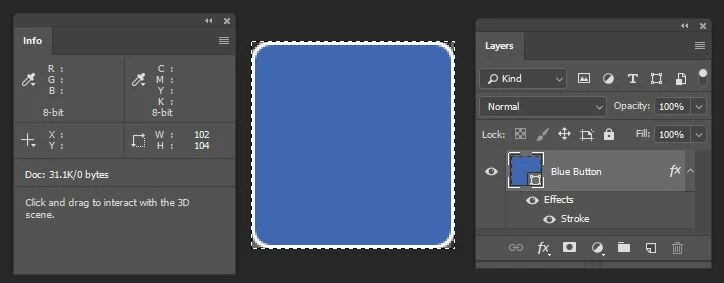
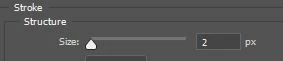
I'm running into some odd behavior I'd love some help tracking down. I have the following image:
When I try to scale it as such:
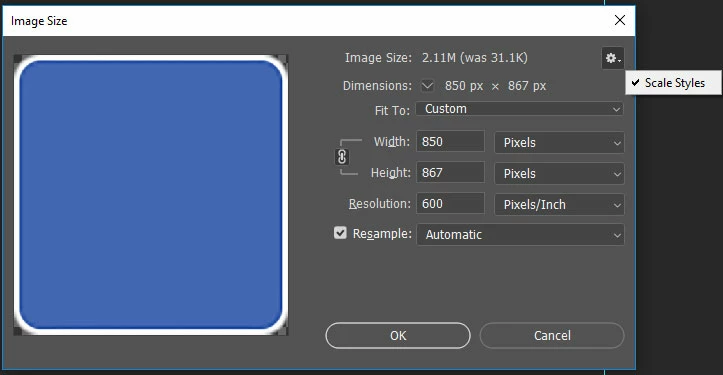
I get this:
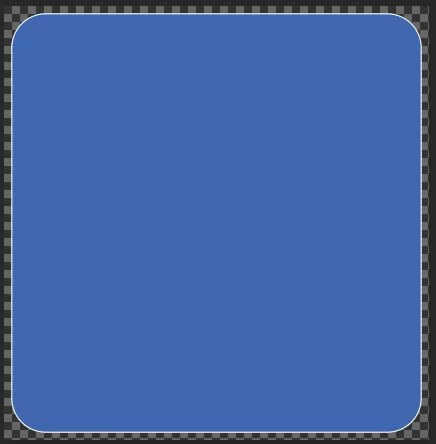

So. That is not what's expected. The stroke on the box didn't scale at all, despite having "scale styles" selected.
And yet, when I do this:
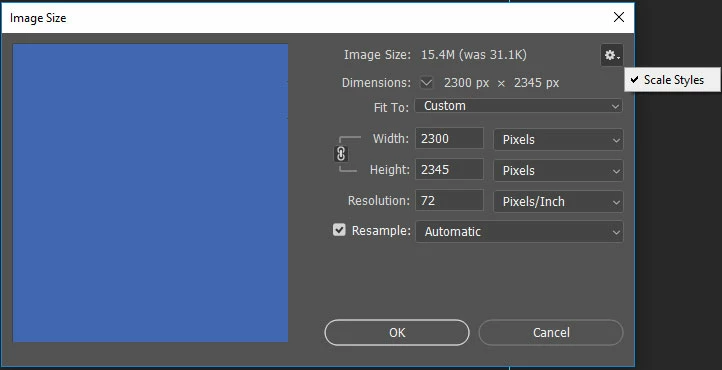
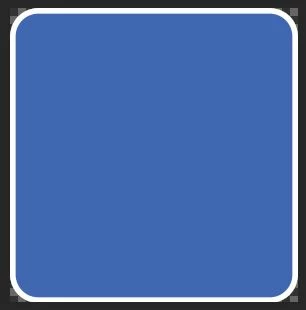
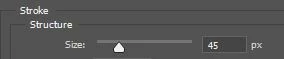
The stroke scales this time. I'm not hitting a stroke scale limit either. This second scale is bigger than the one above. In fact, I've found this behavior to be somewhat erratic. I can scale this box by changing the resolution up to about 400ppi and the stroke scales. But if I try a higher value, the stroke layer effect does not scale. I can however scale to 400ppi and then go to 600ppi and the stroke will scale both times as expected. (So a potential work around, but seemingly very strange behavior unless I'm not understanding something.)
It also doesn't seem to make sense if I were to say that it is because I scaled it by chanigng the resolution. Note above that my first scale attempt results in a pixel value of 850px wide. If I try to go in and rescale the box by just entering the value "850" into the width field, I end up with the same result as if I used 600ppi--namely that the stroke does not scale. So why does the stroke scale properly with a width value of "2300" pixels when I put that in, but not "850"? Why does a width of "200" scale my stroke properly, but "4000" does not?
Any help tracking this down would be greatly appreciated.
 AdChoices