Inspiring
September 19, 2018
Answered

Photoshop CC 2015.5 Won't Load JPEGs or ANY Files.

  • September 19, 2018
  • 2 replies
  • 1395 views

Hi everyone,

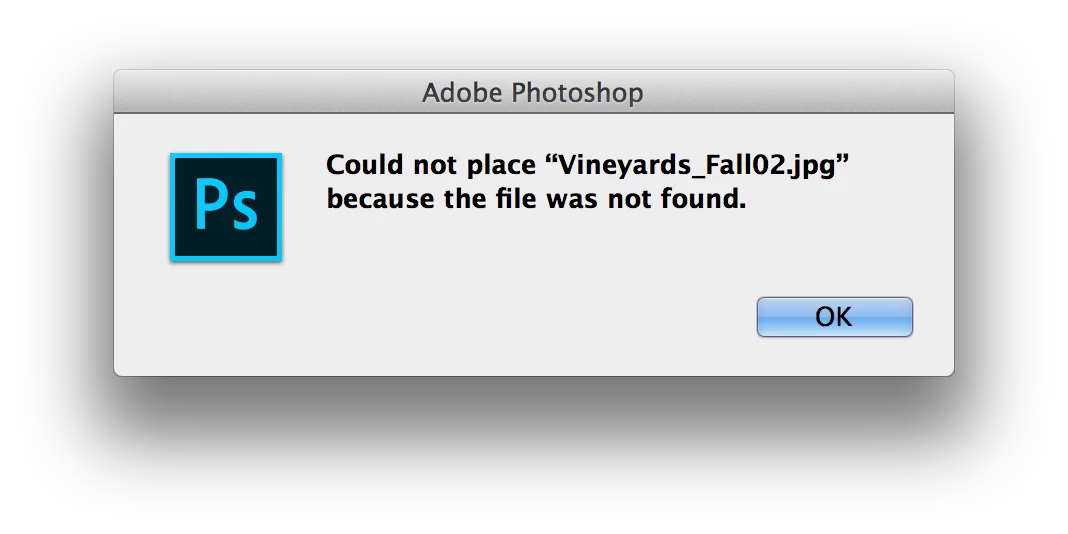
I'm using Photoshop CC 2015.5 on a mac laptop. Everything was working fine until now. Now every time I try to drag an image into photoshop it says "Could not place the image because the file was not found." Which is insane because I've been dragging jpegs, pdfs, pngs and all of the above into photoshop before and it worked fine. Now NOTHING WORKS. I can't even load the jpeg images into photoshop. I keep getting the message attached. The only way I can add an image is by previewing it and then taking a screengrab of the image...then I can load it in. But the problem is it lacks resolution and is a terrible way to work with files. I just want photoshop to work again and load images as it should. PLEASE HELP!
Correct answer bridgetr7622233

You must have Yosemite or earlier. Here are Apple's instructions.

Repair disk permissions with Disk Utility - Apple Support


Hi guys - It turns out my camera raw app was uninstalled for some reason! So I re-installed it and now everything works - finally! Thank you all for all your help, it is much appreciated. Thankfully this has been answered, if anyone has this problem - re-install camera raw.

2 replies

Peru Bob
Community Expert
Community Expert
September 19, 2018

Reset the preferences:

To manually restore preferences to default:

To restore preferences quickly using a keyboard shortcut:

  • Press and hold Alt+Control+Shift (Windows) or Option+Command+Shift (Mac OS) as you start Photoshop. You are prompted to delete the current settings. The new preferences files are created the next time you start Photoshop.

Note: Using the keyboard shortcut, preference files for custom shortcuts, workspaces, and color settings will also be reset to default.

from here:

Preferences in Photoshop

gener7
Community Expert
Community Expert
September 19, 2018

Feel free to copy and use this screenshot. CC 2015 can be reset via Photoshop > Preferences > General

Inspiring
September 20, 2018

Thank you for trying to help! I really appreciate it. I just did that and reset the preferences so that when I quit it resets - Unfortunately it still doesn't work :/ I just re-tried to load a JPEG or any type of file and the same message is coming up. Any ideas on what else I could do or what could be wrong?

Kanikas
Legend
September 19, 2018

Moving to Photoshop