
Photoshop CC 2017 and CC 2018 installed, just want 2018
The Creative Cloud menubar app does not acknowledge the existence of CC 2017 and the "Uninstall" link inside the 2017 folder throws an error stating the alias can't be opened. I've followed the instructions for renaming the opt.db file to no avail.
The same thing is happening with Illustrator.
The Lightroom update worked out OK once I fired up the new "Classic" version and upgraded from 2015. I have run both PS CS 2018 and IL CS 2018 thinking results might be similar but Creative Cloud refuses to acknowledge the CC 2017 versions. Both 2017 and 2018 versions of PS and IL run without issue.
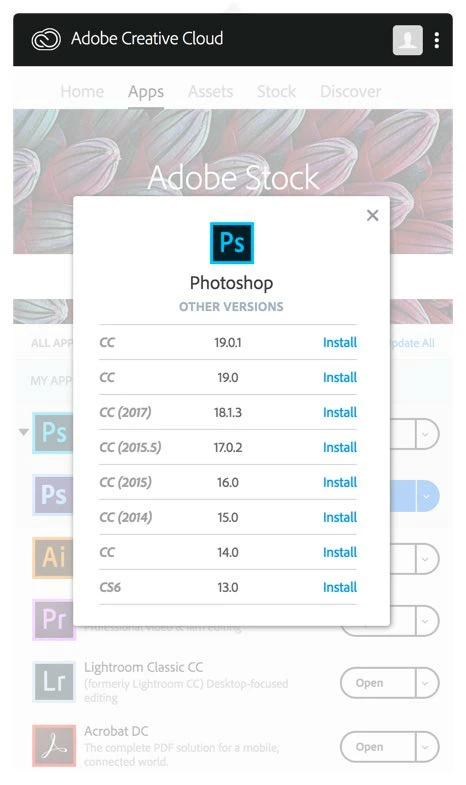
The versions dropdown also ignores the existence of CC 2017 (see attached capture.)
While this is not a huge problem, I try to keep things tidy on my Mac Pro's internal drive as it's the fastest one I have and contains my current work. While it's not likely germane to this issue, I also have PS CS6 installed.
Any ideas short of just tossing it in the Trash? I've heard doing this is a Bad Thing. But I'd really like the 4 GB back.
 AdChoices