
Mr_Meth8643
Participant
August 20, 2017
Answered

Photoshop CC 2017 black screen

  • August 20, 2017
  • 2 replies
  • 2436 views

Ok, so I just fixed one issue with my photoshop and it was the .dll files missing. now whenever I load my photoshop up it loads like it should but when it gets to the screen that should look like this..
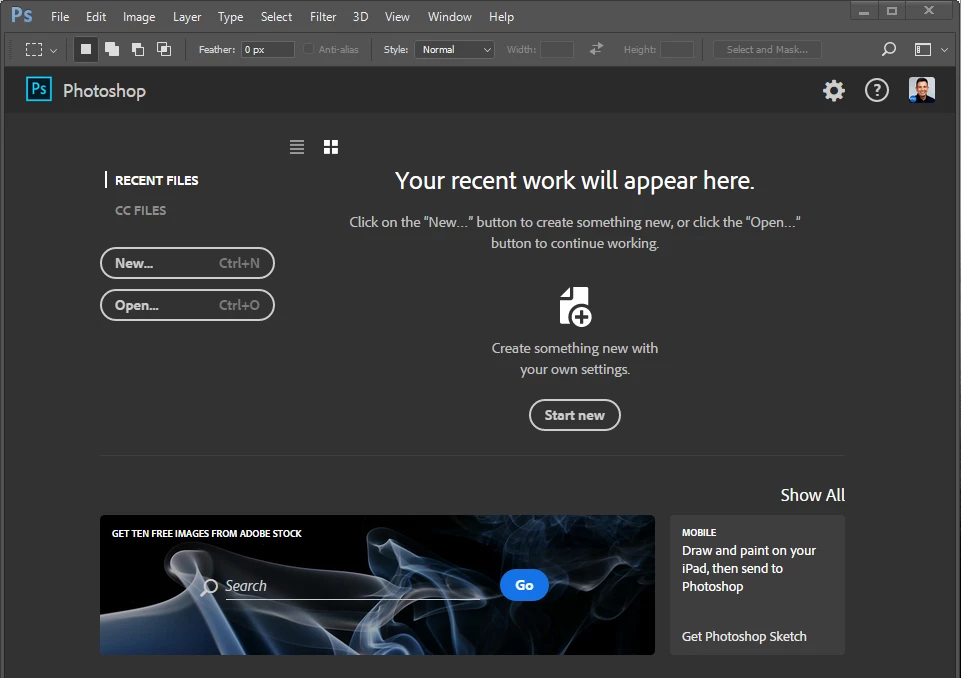
It goes to a screen like this instead and will not let me open any new or old files saved on my computer.
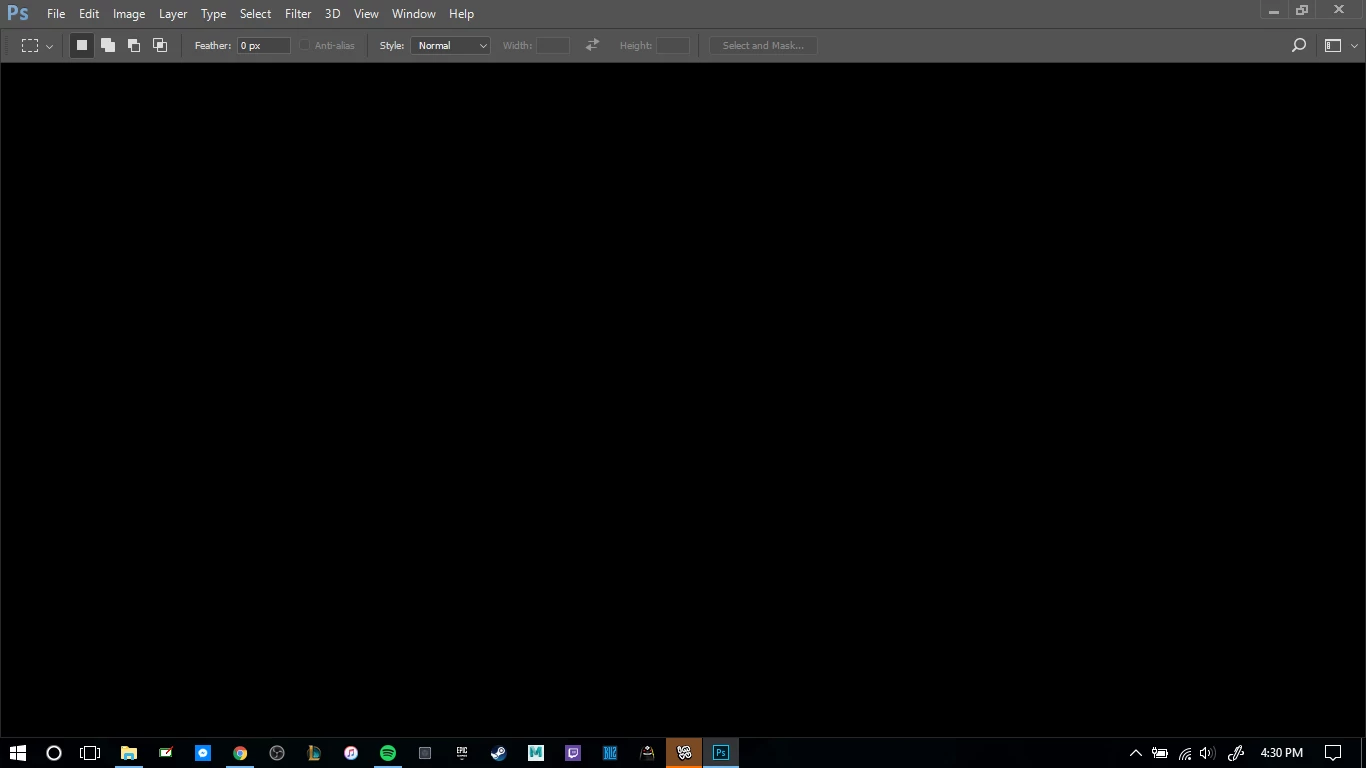
I've tried everything I've found to try and fix it and it doesn't do anything. So if this is a new issue that is because of an update I would love to have it fixed Asap. I need photoshop for my portfolio work. If anyone knows whats going on please, let me know.

    This topic has been closed for replies.
    Correct answer Trevor.Dennis

    Looks like you have broken something.  It _might_ be a GPU issue, but I'm thinking probably not. So:

    1. Uninstall Photoshop and run the Cleaner tool.
    2. Restart your computer.
    3. Open the Application Manager in Admin mode (by right clicking).
    4. Reinstall Photoshop.

    If you still have the problem after this:

    1. Open a Command Prompt in Admin mode.
    2. Type  sfc /scannow

    How to Use SFC Scannow to Repair Windows System Files

    2 replies

    November 15, 2017

    I has the same issue (PS CC 2017 on Win7 x64) and fixed it by installing latest MS' vc_redist_x86

    Trevor.Dennis
    Community Expert
    Trevor.DennisCommunity ExpertCorrect answer
    Community Expert
    August 20, 2017

    Looks like you have broken something.  It _might_ be a GPU issue, but I'm thinking probably not. So:

    1. Uninstall Photoshop and run the Cleaner tool.
    2. Restart your computer.
    3. Open the Application Manager in Admin mode (by right clicking).
    4. Reinstall Photoshop.

    If you still have the problem after this:

    1. Open a Command Prompt in Admin mode.
    2. Type  sfc /scannow

    How to Use SFC Scannow to Repair Windows System Files