
Participant
September 30, 2017
Question

Photoshop cc 2017 black screen/ won't open or load files

  • September 30, 2017
  • 3 replies
  • 1698 views

For some weird reason when my photoshop starts up it's like this
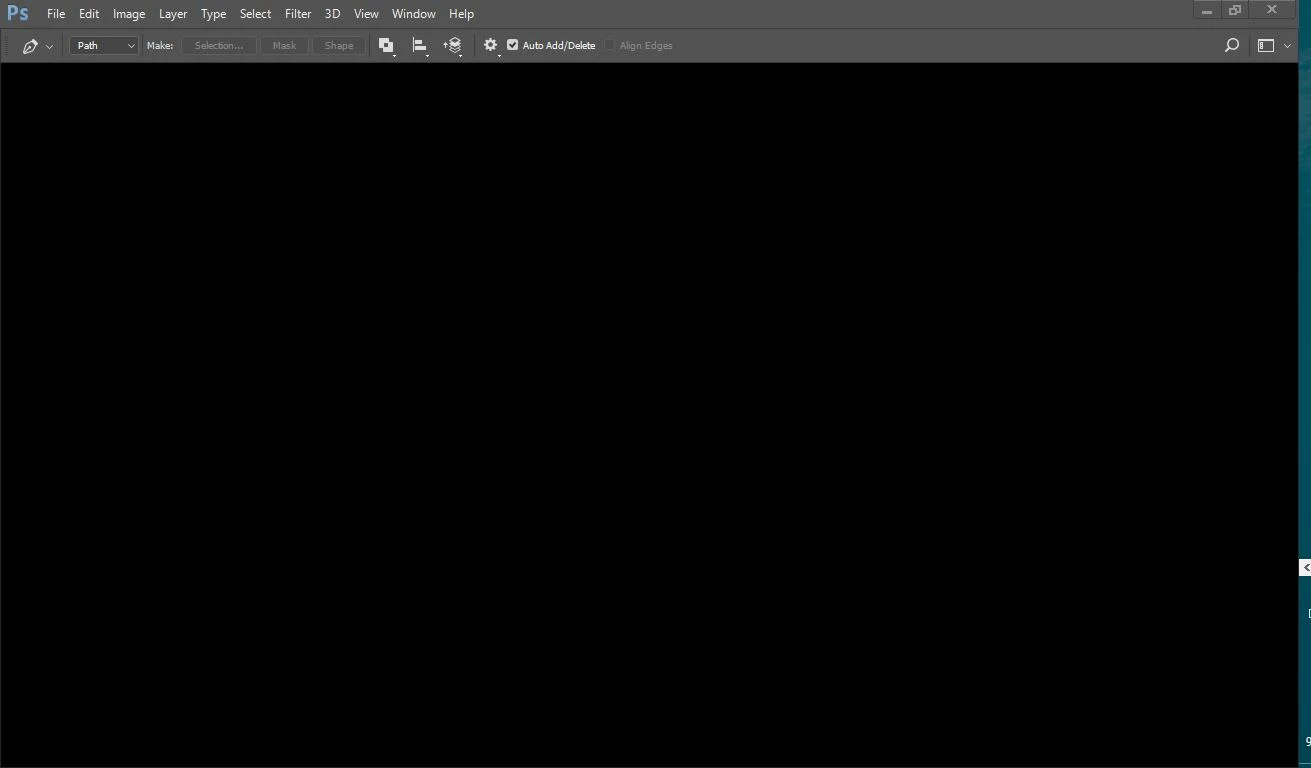
Then when I try to click on new file it does this

I've tried many suggestions, from adobe creative cloud cleaner to disabling intel graphic processor. It's just not working.

This topic has been closed for replies.

3 replies

greless
Inspiring
August 13, 2019

It's the same as your picture,the system:win7,ps:CC2017(18.1.1),When I keep clicking on the file menu, new and open menu sometimes it's black, but mostly it's gray.Of course, photoshop is always active

JJMack
Community Expert
Community Expert
August 13, 2019

My Picture does not have your Photoshop system information how could it.

Supply pertinent information for quicker answers

  • The more information you supply about your situation, the better equipped other community members will be to answer. Consider including the following in your question:
  • Adobe product and version number
  • Operating system and version number
  • The full text of any error message(s)
  • What you were doing when the problem occurred
  • Screenshots of the problem
  • Computer hardware, such as CPU; GPU; amount of RAM;
  • Photoshop menu Help>System Info
  • Crash reports
  • your information
  • etc
JJMack
greless
Inspiring
August 12, 2019

I have the same problem, I want to know what to do?Why are “new” and “open” menu always gray?

JJMack
Community Expert
Community Expert
August 12, 2019

Can you post a screen capture so we can see what stated Photoshop seems to be in. Is your screen Black and the menu File>New  grayed out and you have the latest Display Driver installed installed into your Operating System. Can you confirm this with a screen capture and posting your Photoshop version menu Help>System Info.

JJMack
JJMack
Community Expert
Community Expert
September 30, 2017

I find thing like that happen when you first start CC 2017.   CC 2017 displays it UI before  Photoshop is prepared for use. When you open menus like the File menu there are Items grayed out unavailable the should be available.  I find if I close and reopen the file menu perhaps more than once that Photoshop is then fully initializes and is ready for work. Photoshop startup sequence is not a thing of beauty. Sometime Photoshop UI does not even get focus and shortcuts  do not work to  you get Photoshop to get system focus.  CC 2014 startup is better.

JJMack
reg12Author
Participant
September 30, 2017

Okay, thanks. I'll just install the 2014 version, I've heard 2015+ versions has all sorts of problems like this tbh.