Inspiring
March 17, 2017
Answered

Photoshop CC 2017 Shape cutouts

  • March 17, 2017
  • 1 reply
  • 1849 views

I have discovered that the directions for creating cookie cutter cutouts from the shape tool have changed in version 2017.  Can someone explain how I can cutout a shape, like a heart, from an image and save it as a new document?

Thanks.

Mary Lou
This topic has been closed for replies.
Correct answer Trevor.Dennis

How are you making your shape?  It's the same as it was essentually

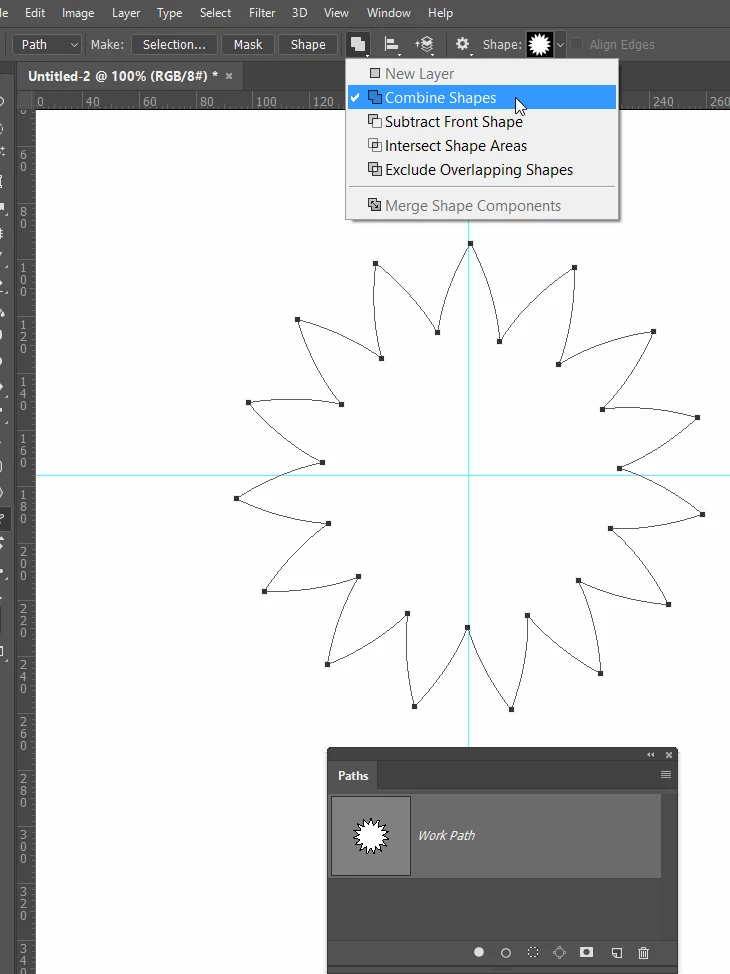
Start with path options set to Combine Shapes and make your first path

Hit the Escape key to end that process

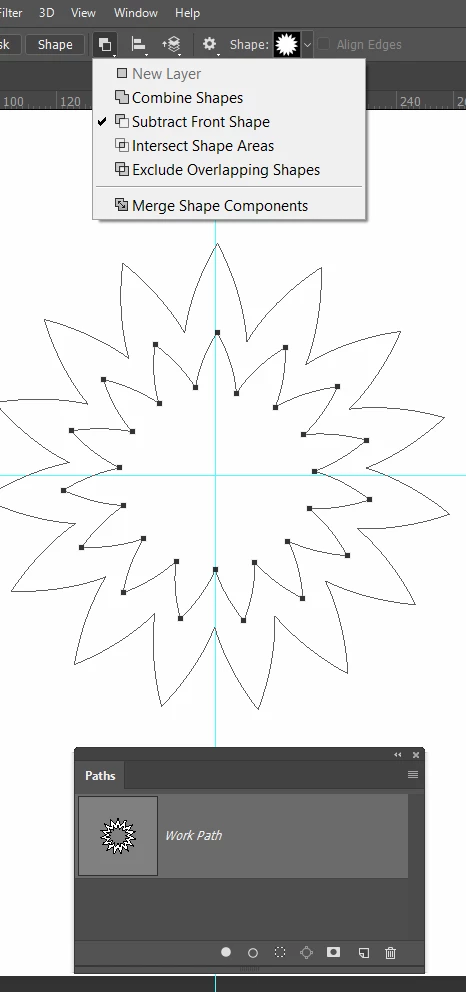
Change Path Options to Subtract, and make the hole.

1 reply

Trevor.Dennis
Community Expert
Trevor.DennisCommunity ExpertCorrect answer
Community Expert
March 17, 2017

How are you making your shape?  It's the same as it was essentually

Start with path options set to Combine Shapes and make your first path

Hit the Escape key to end that process

Change Path Options to Subtract, and make the hole.