Participant
April 20, 2017
Question

Photoshop CC 2017 Version 2017 1.0 Black window conundrum!

  • April 20, 2017
  • 2 replies
  • 495 views

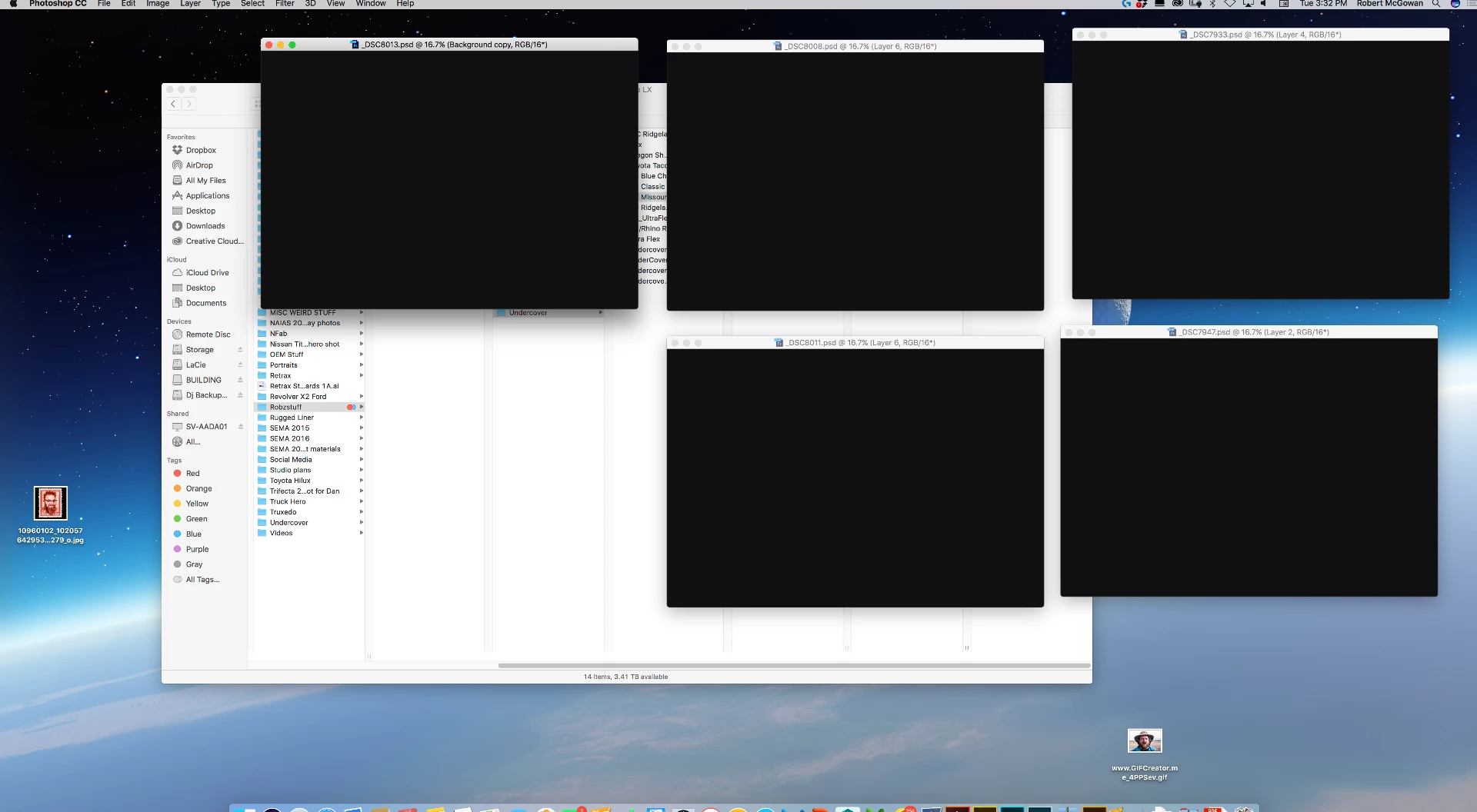
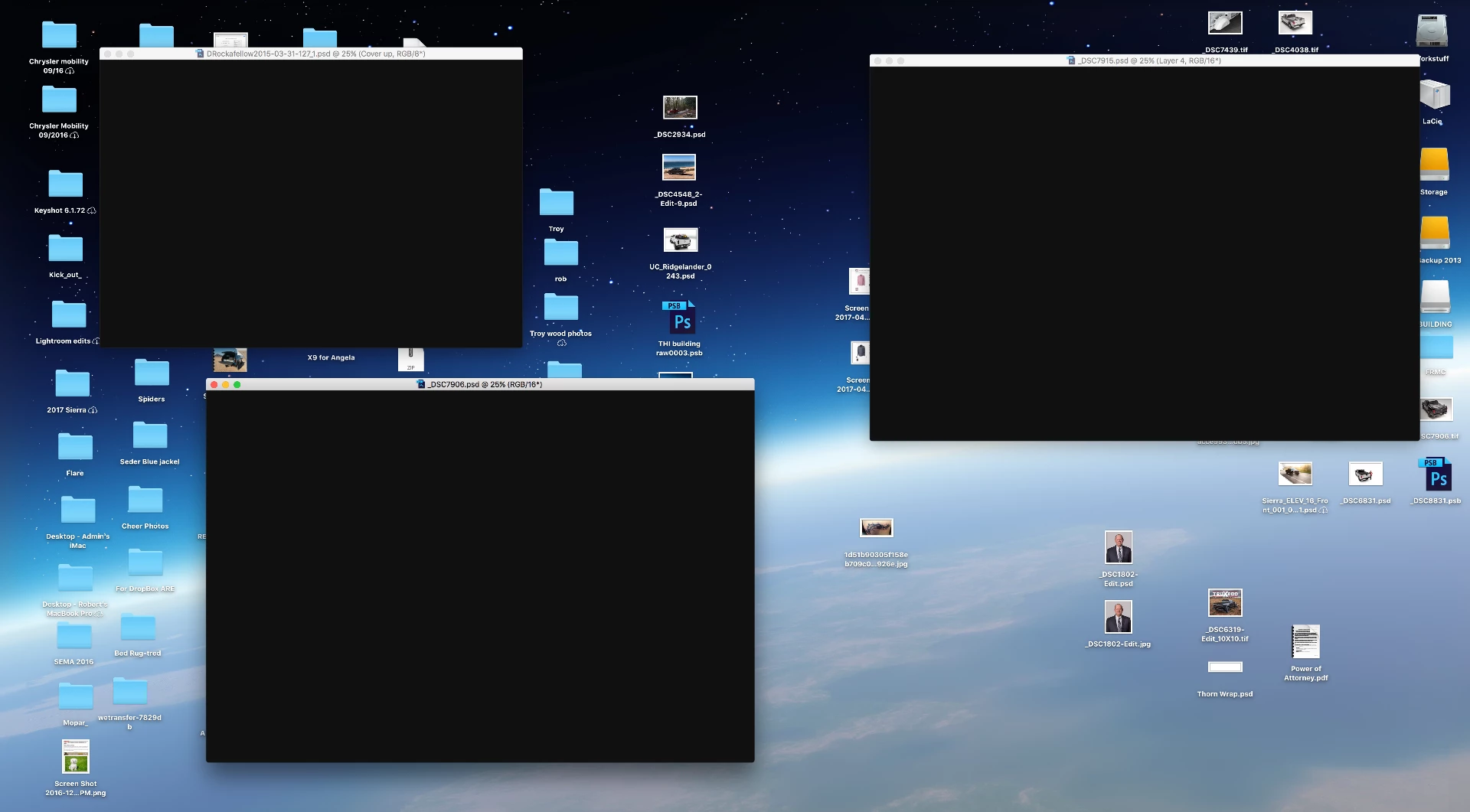
Ok I have upgraded my Photoshop CC 2017 version 2017 1.0    I am operating the latest Mac OS on my iMac.  Now every now and again. At least twice a day. When i jump over to Lightroom or any other program then return to Photoshop. All my working windows are Black, All the Pallettes are gone and the Menu bar is gone. Nothing i do brings it back to normal. Opening a new file results in a Black window, Nothing fixes this except closing the program and restarting it.   Interestingly, i can still save an image but can't see it tor the progress bar.   PLEASE HELP!

Below are screen captures of my problem. 
    This topic has been closed for replies.

    2 replies

    robzstuffAuthor
    Participant
    May 2, 2017

    Not correct The Photoshop CC 2017 0.1 is not working correctly. I had the Graphics card changed and it still happened. I reverted back to Photoshop CC 2017 0.0 and its working fine.  This in my opinion equals a Photoshop comparability problem. 

    Sahil.Chawla
    Adobe Employee
    Adobe Employee
    May 2, 2017

    Thank you for providing the information, Could you please try updating Photoshop to version CC 2017.1.1

    Please let us know if it helps.

    Sahil.Chawla
    Adobe Employee
    Adobe Employee
    April 20, 2017

    Hi robzstuff,

    As you are facing an issue with black screen it indicates that issue might be occurring due to the GPU, Please follow this article and let us know if it helps Troubleshoot Photoshop graphics processor (GPU) and graphics driver issues

    And please let us know which graphics card are you using? You can check the link below to see if your graphics card is compatible with Photoshop or not.

    Photoshop graphics processor (GPU) card FAQ

    Regards,

    Sahil