smurf004
Participant
January 14, 2018
Answered

Photoshop cc 2018 crop tool does not work

  • January 14, 2018
  • 1 reply
  • 5651 views

Hi there,

After I updated Photoshop CC to the 2018 version, the crop tool seemes to have problems.

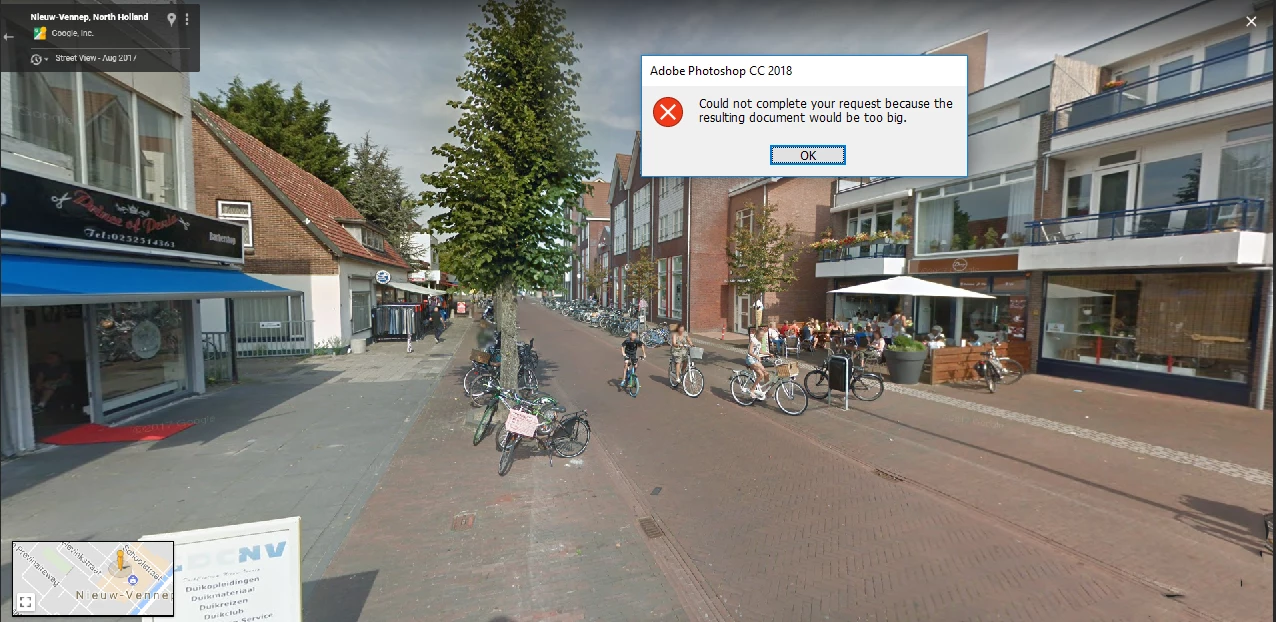
Imagine, I make the picture smaller and the following message appears:

Could not complete you request because the resulting document would be to big.
This topic has been closed for replies.
Correct answer Jon-M-Spear

Chris Cox's reply to a similar question:

Check the options for the crop tool -- you left a resolution value in there, so it the crop tool is trying to create a very, very big document based on the size and resolution you specified.

1 reply

Jon-M-Spear
Jon-M-SpearCorrect answer
Legend
January 14, 2018

Chris Cox's reply to a similar question:

Check the options for the crop tool -- you left a resolution value in there, so it the crop tool is trying to create a very, very big document based on the size and resolution you specified.

smurf004
smurf004Author
Participant
January 14, 2018

Hi Chris,

Amazing, it works well now. Thank you very much!

Best regards, Koen Royackers.

Sent from Mail for Windows 10