francealot
Inspiring
April 3, 2019
Answered

Photoshop CC 2019 crashing after update today

  • April 3, 2019
  • 1 reply
  • 3583 views

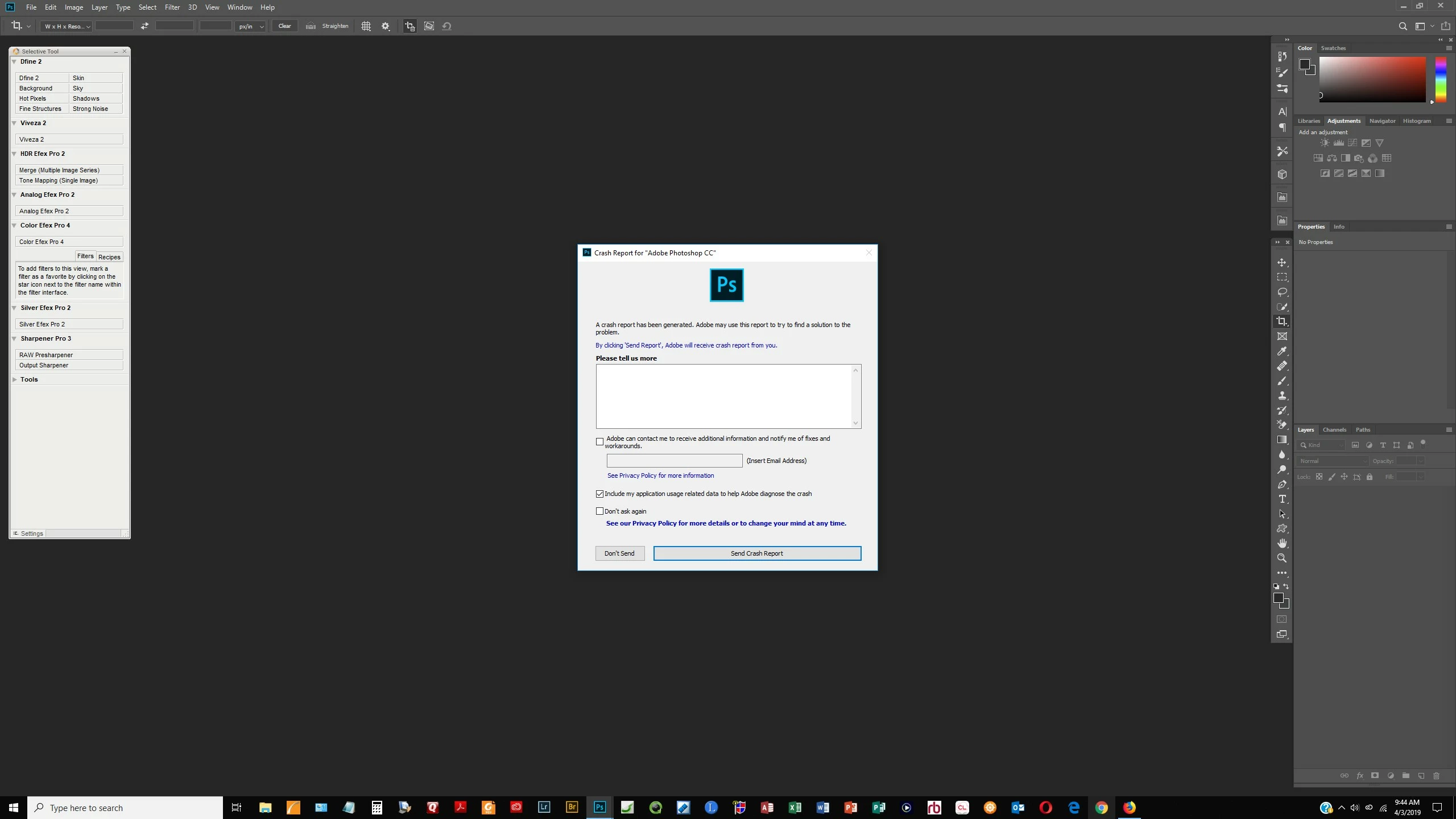
After updating Photoshop CC today through CC app as prompted to do, I opened Lightroom to send an image to Photoshop (Edit in Photoshop CC 2019) and although the image opened in PS, Photoshop crashed with an error.

I then tried opening PS and using File|Open..  to open an image.  Same crash.

My third attempt was to simply open PS CC, but  without any image open... and it crashed again.

Here's a screen shot of the crash error.
This topic has been closed for replies.
Correct answer francealot

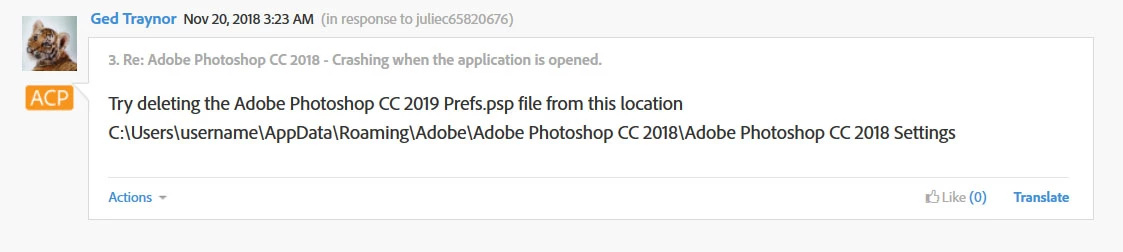
This didn't help, but a previous suggestion you had in 2018 did the trick. So, thank you.  I post the screen shot again.

@

1 reply

April 3, 2019

Hi

Have you checked Windows event viewer for crash reports in the application log

Open event viewer and click on application and on the right click on filter current log, put a check mark in error and click OK, then look for errors relating to Photoshop.exe

francealot
francealotAuthorCorrect answer
Inspiring
April 3, 2019

This didn't help, but a previous suggestion you had in 2018 did the trick. So, thank you.  I post the screen shot again.

@

Participant
April 28, 2019

I had the same issue, found this resolution and THANK YOU. It worked.