
Participant
November 14, 2019
Pregunta

Photoshop CC 2020 closes seconds after starting

  • November 14, 2019
  • 1 respuesta
  • 7044 visualizaciones

Hello community,


my Photoshop (current Version 21.0.1) is closing automatically after launching. It takes a few seconds for the program to check that it is not logged in and closes without any further information.


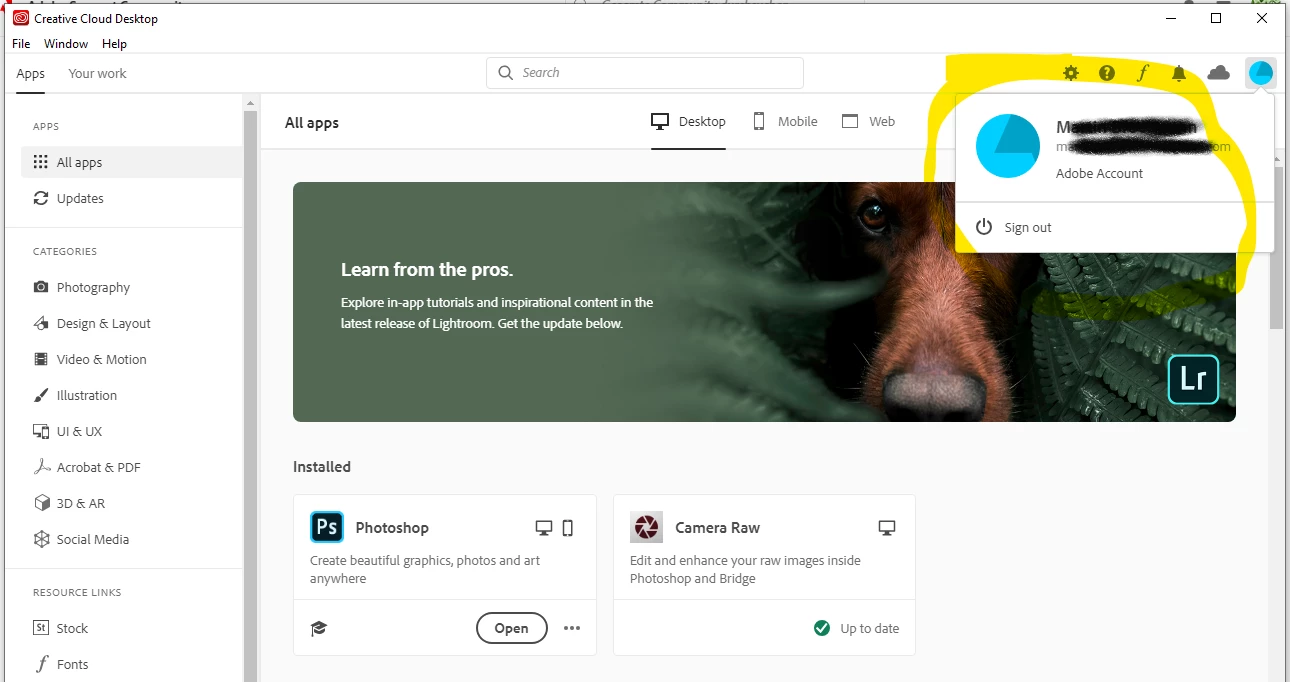
My Creative Cloud application is logged in and I can manage anything:
 

When I open Photoshop nothing happens and I can see that it is not signed in:
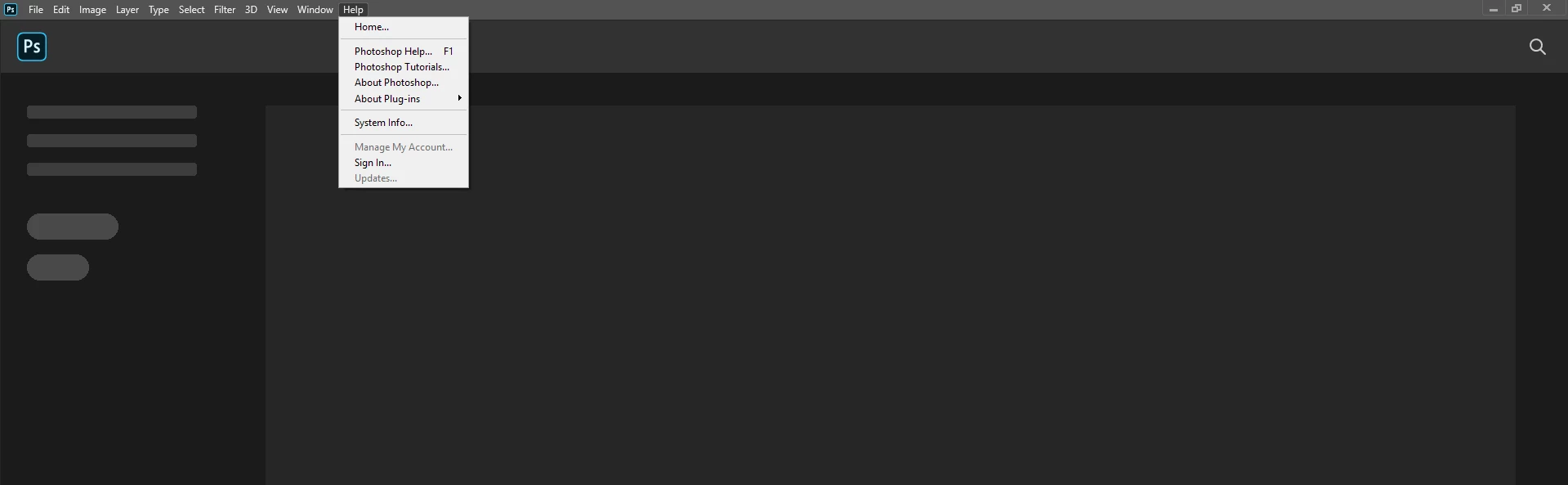
 

When I click on "Sign In" a new Adobe windows opens but nothing happens (kind of a loop):
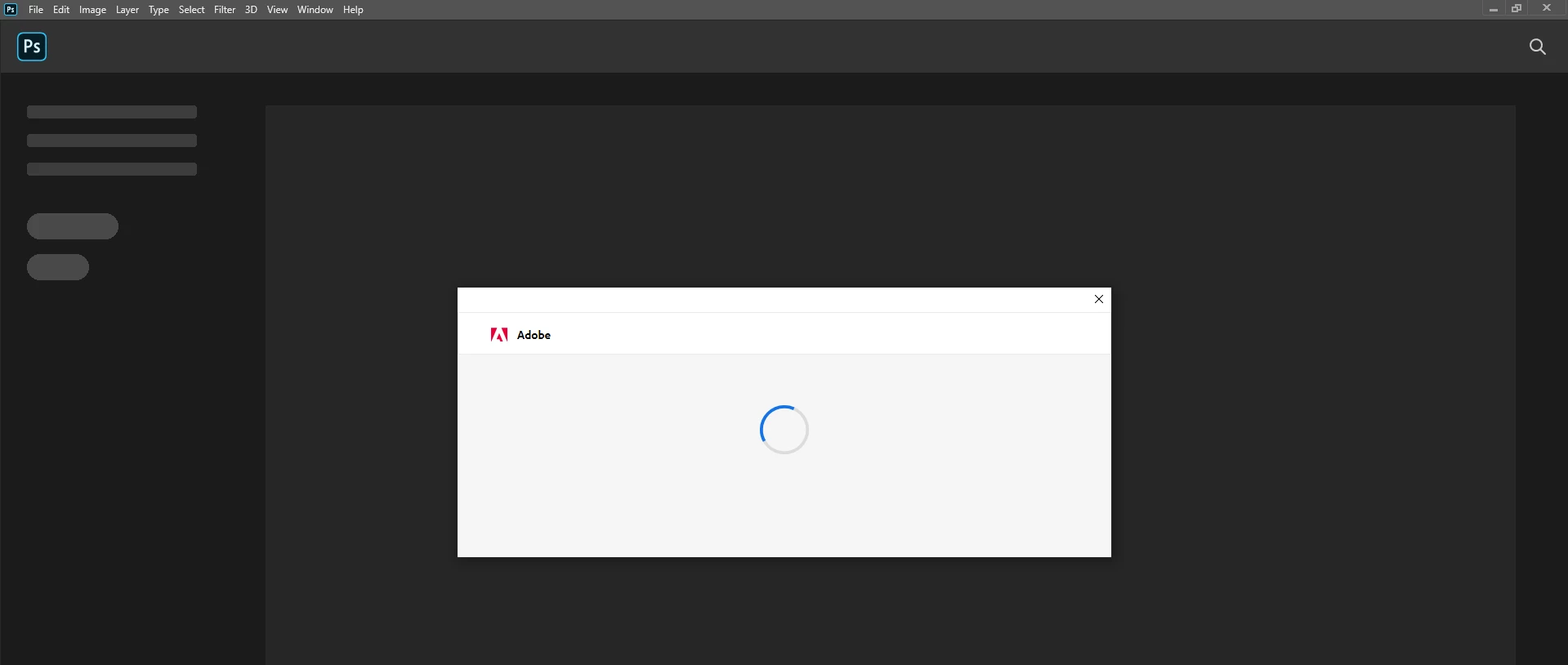
 

Afterwards the Photoshop application closes automatically and I cannot do anything. It also closes if I skip the step with Sign In and wait for a few seconds.


The strange thing is: Photoshop worked with the older version 20.0.1 until last monday. Photoshop first checked the Sign In status (this took up to a minute) and launched the application afterwards. Then I accidentally updated to version 21.0.1, and now I cannot go back because version 20.0.1 is no longer available. Now I cannot use Photoshop any longer. Adobe support was not able to help.


Information: this is my work PC and I cannot change the Windows user account. But I have administrator access.


I hope that someone is able to help.


Cheers!

Este tema ha sido cerrado para respuestas.

1 respuesta

Derek Cross
Community Expert
Community Expert
November 14, 2019

Try resetting your Photoshop prefrences which you can do under the General Tab in Photoshop preferences.


If you can't open the application to do that use this technique:

1) Close Photoshop
2) Double click on Adobe Photoshop icon to launch it
3) QUICKLY hold down Ctrl+Alt+Shift. (for Windows) or CTL+OPT+CMD+Shift (for Mac OS X)
4) When a dialog appears, ask you “Delete Photoshop Preference Files?” Click Yes.

(If you don't see the question do the routine again.)


If that doesn't help, come back here for more suggestions.


Participant
November 14, 2019

Thanks for your answer, Derek. Unfortunately this did not change anything, Photoshop still closes a few seconds later.


Re-installing Photoshop and/or the Creative Cloud does not work as well. I tried this, even with removing the Adobe files manually from my hard drive.


I think for some reasons that Photoshop (the newer Lightroom application as well) cannot connect to my Creative Cloud account and validate that I am allowed to use it, therefore it closes. As mentioned, I did not have these problems with version 20.0.1 when it first checked my Creative Cloud account before starting the Photoshop application. 


This is frustrating.

Participant
November 14, 2019

Now I found the Version 20.0.1 installation files and installed it again. I don't know why, but it does not work any longer. I don't get it.


Version 19.0, which I have downloaded from Adobe website, is working as expected!