
Photoshop CC 2020 Keeps freezing upon launch - Can't click 'What's New' Screen away on Windows 10
Good evening,
Currently i'm riddled with this problem i'm experiencing since today. Upon today everything was working just fine, but i can't get Photoshop working anymore on my Windows 10, Dell XPS15.
Whenever i start up Photoshop, this is the screen i'm getting.
No error message, just a 'What's New' screen i can't click away and that won't load. it just freezes here.
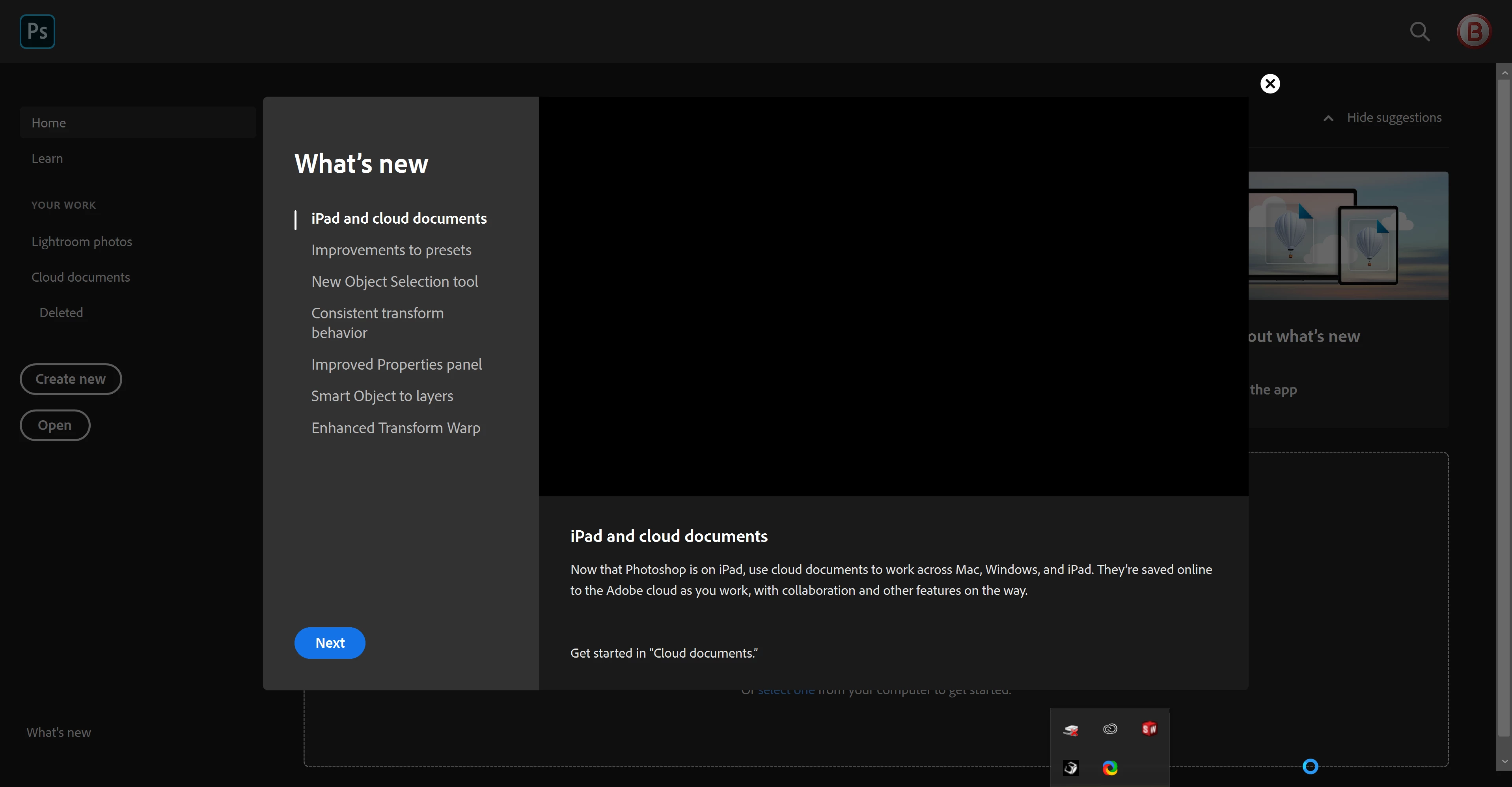
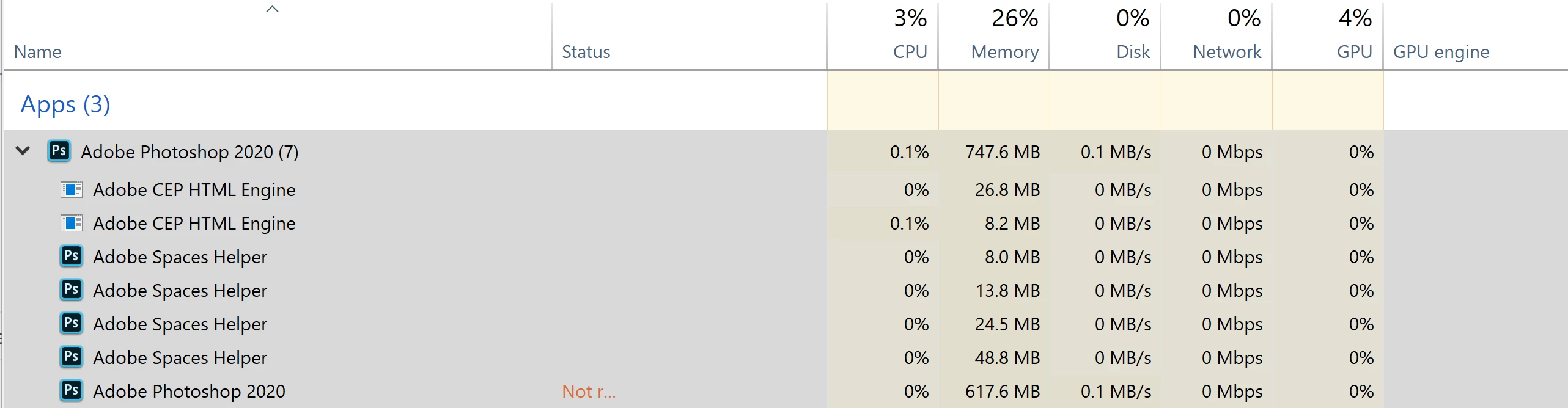
Whenever i switch program, i can't open Photoshop again. For it to close, i've got to go into the taskmanager and end the task. When i open the tasks, it says it's running 7 photoshop processes.
I've just switched to a new laptop (Dell XPS 15 with i7, 32gb Ram, 4k screen and 1tb memory) so it's not the hardware that's not up for the task.
I've tried the Alt + Control + Shift keys upon starting photoshop, but that doesn't do anything.
I've tried uninstalling it, and installing a previous version, which doesn't do anything.
I've tried running illustrator and Indesign, which both work great.
Anyone on here that know's the next step for me to check/fix?
I'm kind of desperate, since i've got so much work to do and a program that's not helping the situation 😛 😛
With kind regards,
R.
{Thread renamed by moderator}
 AdChoices