

Answered
Photoshop CC Work space too big
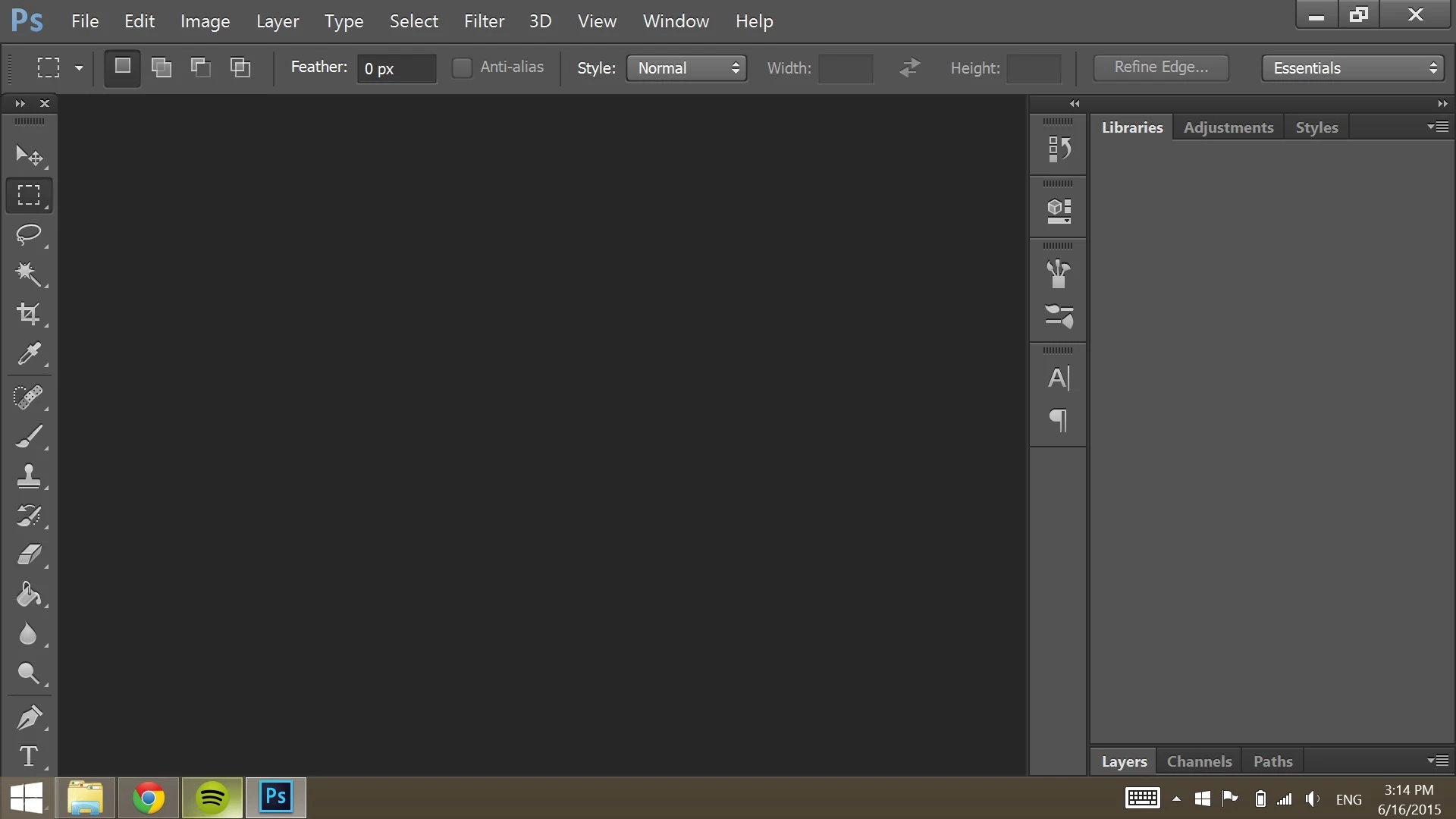
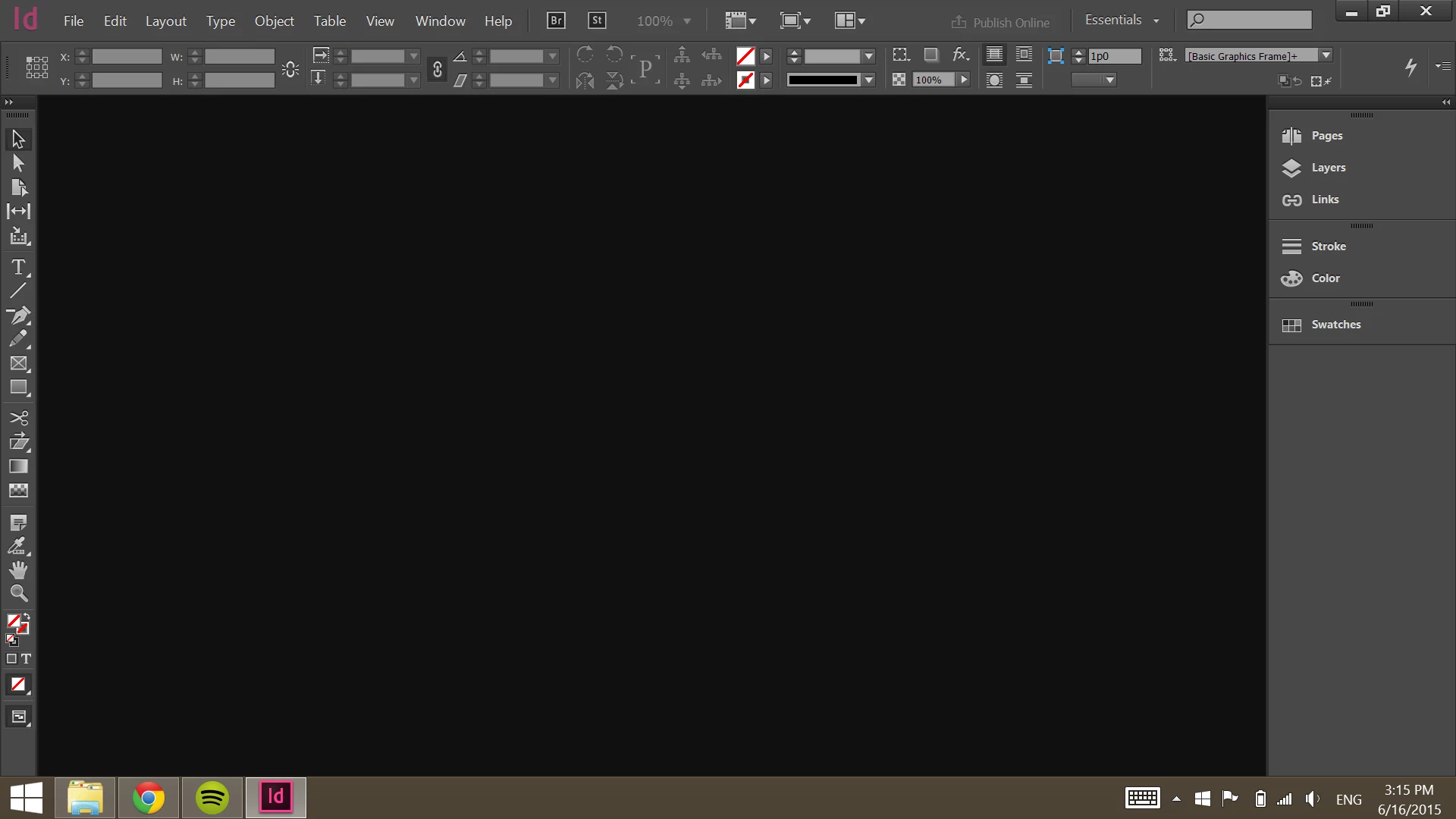
For some reason, my Photoshop work space is huge. All the buttons are way out of proportion, to the point where I cannot see the bottom of the screen. I have tried General Preferences, looking in Work Space, and just about anything I can find online. The only thing I have found that works is changing the screen resolution on my laptop, but if I do that, it screws up the other programs in CC. All the other programs are a normal size. Is there anything I can do to fix the size of Photoshop without changing my laptop's resolution?
Below are images of what it looks like. Photoshop is the top, InDesign is the bottom for comparison.
 AdChoices