Question
Photoshop CC2020 brush lag
Hi, I have been having a problem with my Photoshop CC 2020 brush since this morning. All is well until this morning when I needed to edit an illustration. I notice the brush store was so lagging I couldn't even make decent edit. I have looked around the net about what to do with a lagging brush (and surprised to see so many have the same problem). But all the tricks I saw online does not seem to work at all.
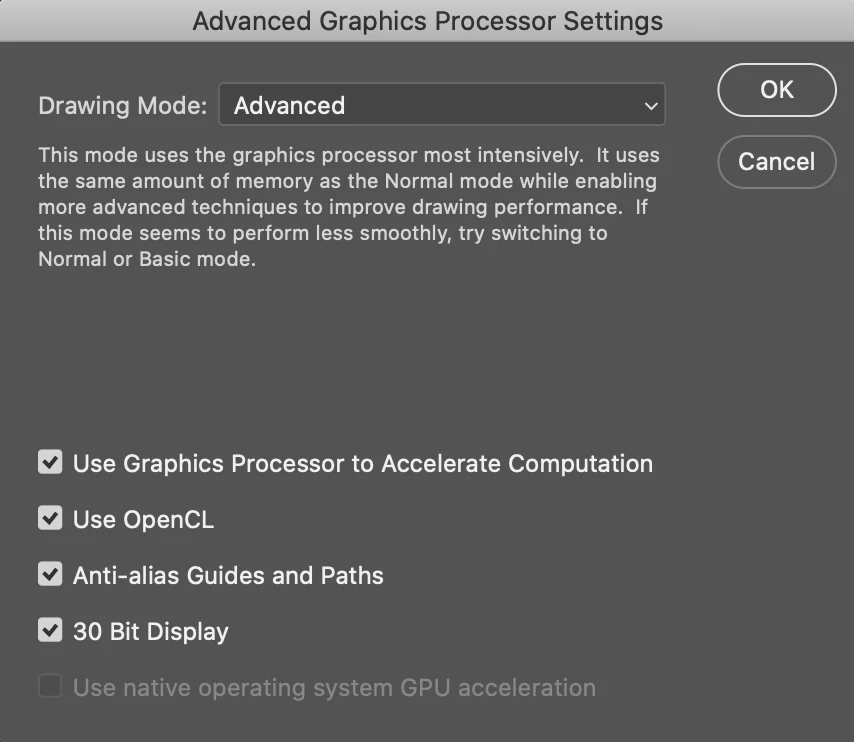
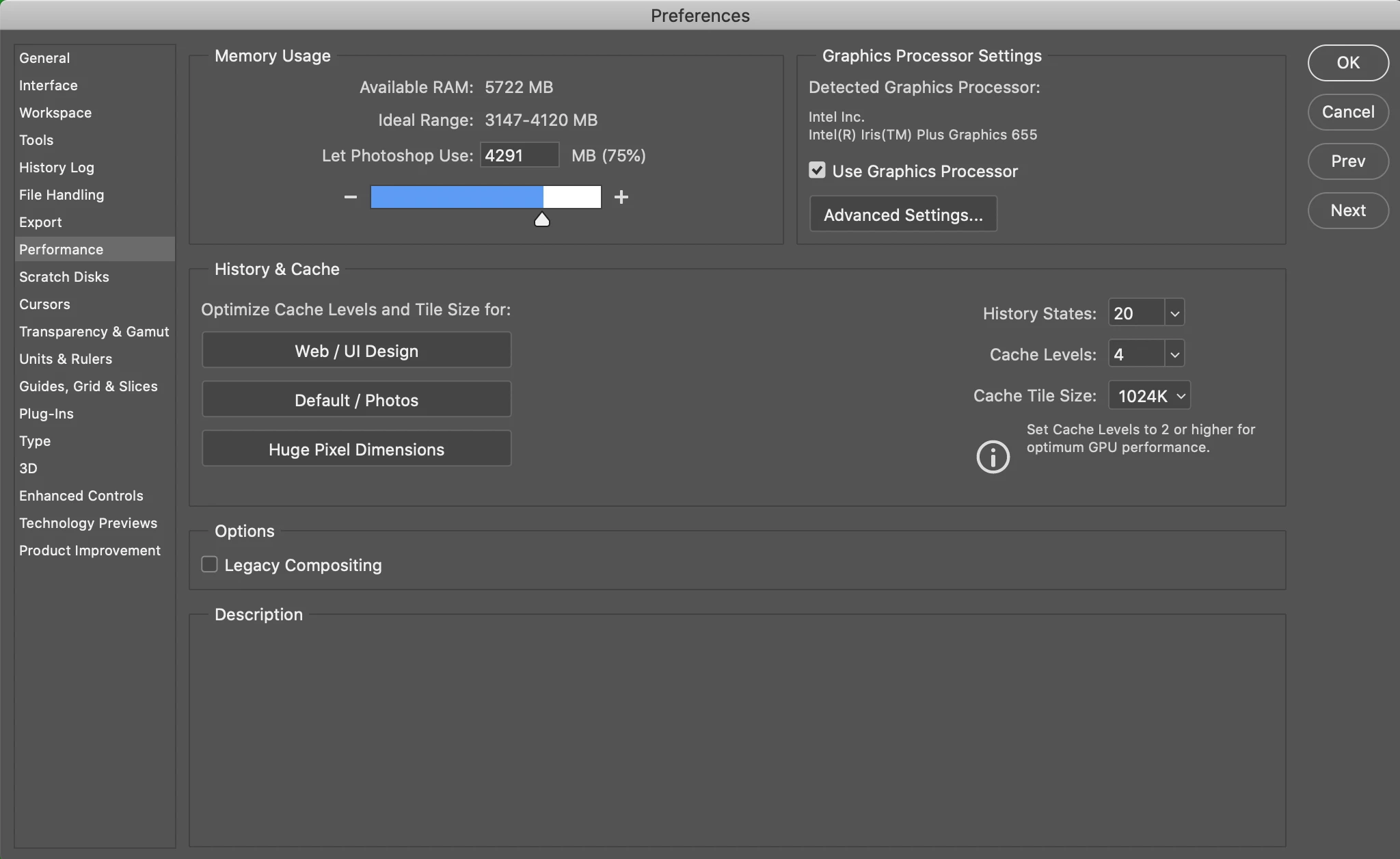
The only brush that lagged is just the paintbrush. Stamps, erasers, smoothing, blur, everything else works fine. I don't understand what's going on.
I'm on Mac OS Catalina 10.15.5 (19F101) & 8GB memory, Photoshop V21.2. I'm been monitoring my CPU usage as well since this thing happens, it didn't look abnormal either.
 AdChoices